Fashion photography
AI fashion photography, one face across the collection
Same model. Every look.
Cast an AI fashion model once and dress them in the whole collection. Front, back, detail, street and studio, with the same face, the same hair and the same build in every frame.
01
Why the face matters more than the garment
AI fashion photography only works for a brand when the model stays the same person from shot to shot. A product page with a different face on the front view and the back view reads as two products. A lookbook with drifting faces reads as a mood board.
Misu solves this with Character Lock. A model's identity is fixed once, and it carries into every image and video you generate with them, whichever generation model the shot is routed to. The garment changes. The person does not.
02
An AI fashion model generator with a cast you keep
A generated model is only useful to a brand if the same model can come back for the next shoot. Misu gives you three ways to cast, and all three stay consistent under Character Lock.
Originals
Born-digital models with no person behind them. Pick one and generate straight away, with no licensing step.
Main Board
AI twins of real models who consented to AI training. Book one by request; they earn royalties each time they are cast.
A model of your own
Train a persona from at least 15 photos of a person who gave written consent. It stays private to your brand. Training is on Studio Pro and above.
Body type and measurements
Set a persona's body type, from Slim and Athletic to Curvy and Plus-Size, and its measurements. They are used on every reference plate Misu builds for the persona, so proportions stay true.
03
From garment to lookbook
A campaign is a shoot briefed once and produced as one consistent set.
01
Add the clothing
Upload garment photos or import them from a product URL or Shopify. Set each item's category, such as Outerwear, Tops or Bottoms, so it appears in the right Wardrobe slot.
02
Cast the model
Pick an Original and generate straight away, train a persona of your own, or request a licensed face from the Main Board.
03
Brief the shoot
Choose a preset, select the products and add one line of direction. Character Lock is on by default. Your brand guidelines and style references apply without being repeated.
04
Edit the shot list
Misu writes a prompt for every shot in your brand's voice. Change the framing, format, lens or light on any card, add shots or remove them. The token estimate sits next to Generate.
05
Approve the set
Results land in your Library and in a Board named after the shoot. Pick a variant, approve it or redo it. Hand the shoot to Misu's team at any point.
04
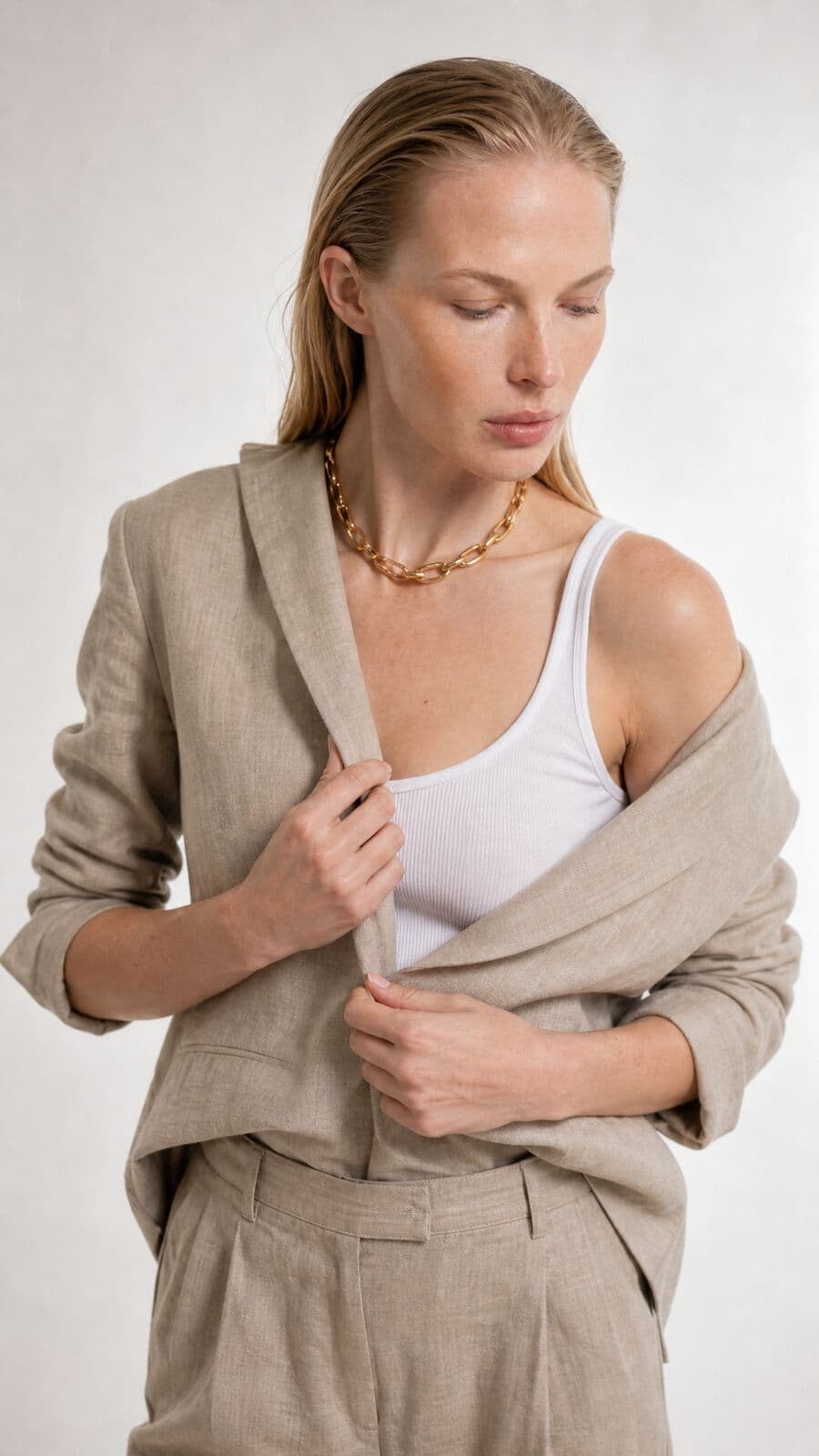
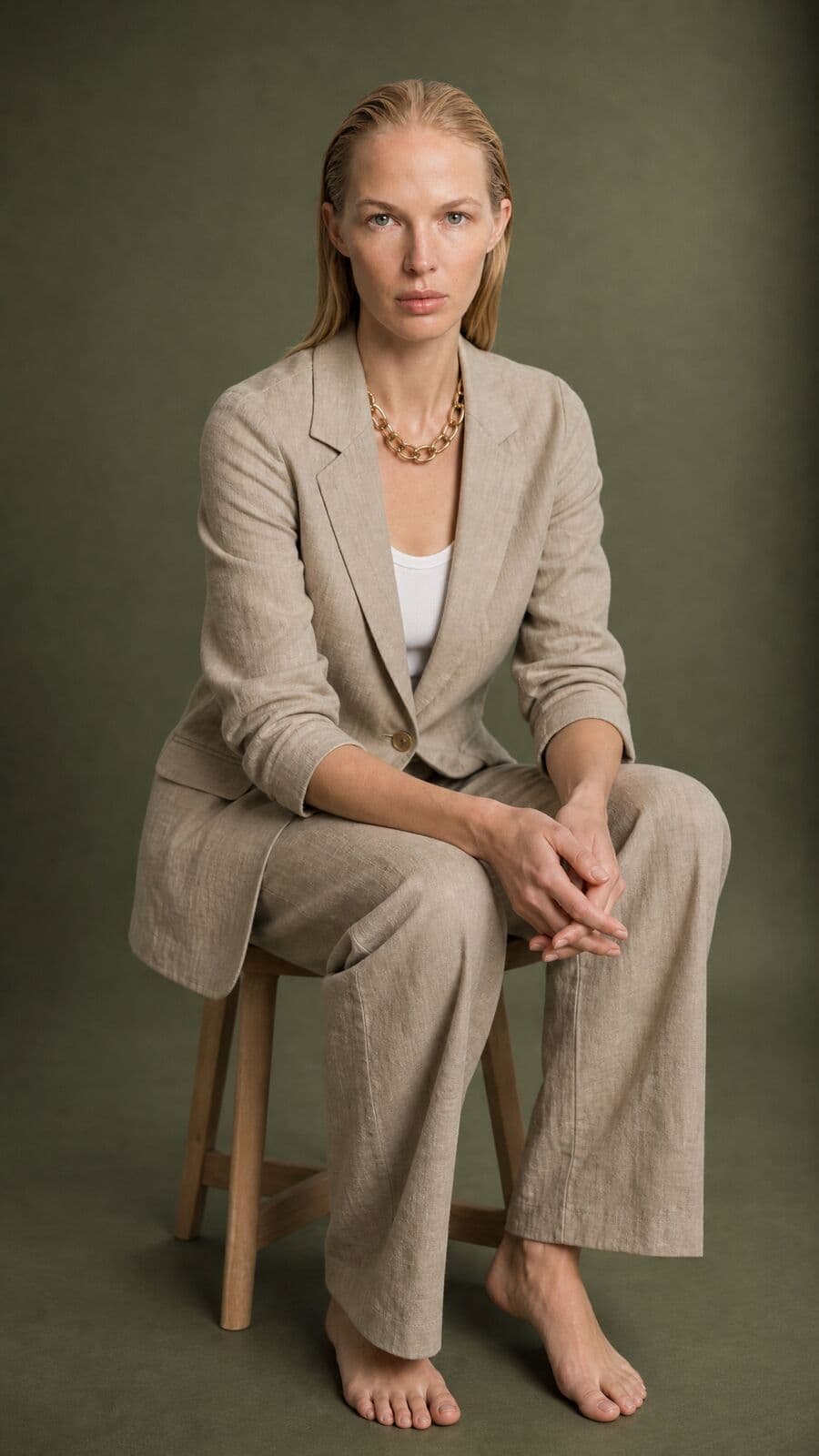
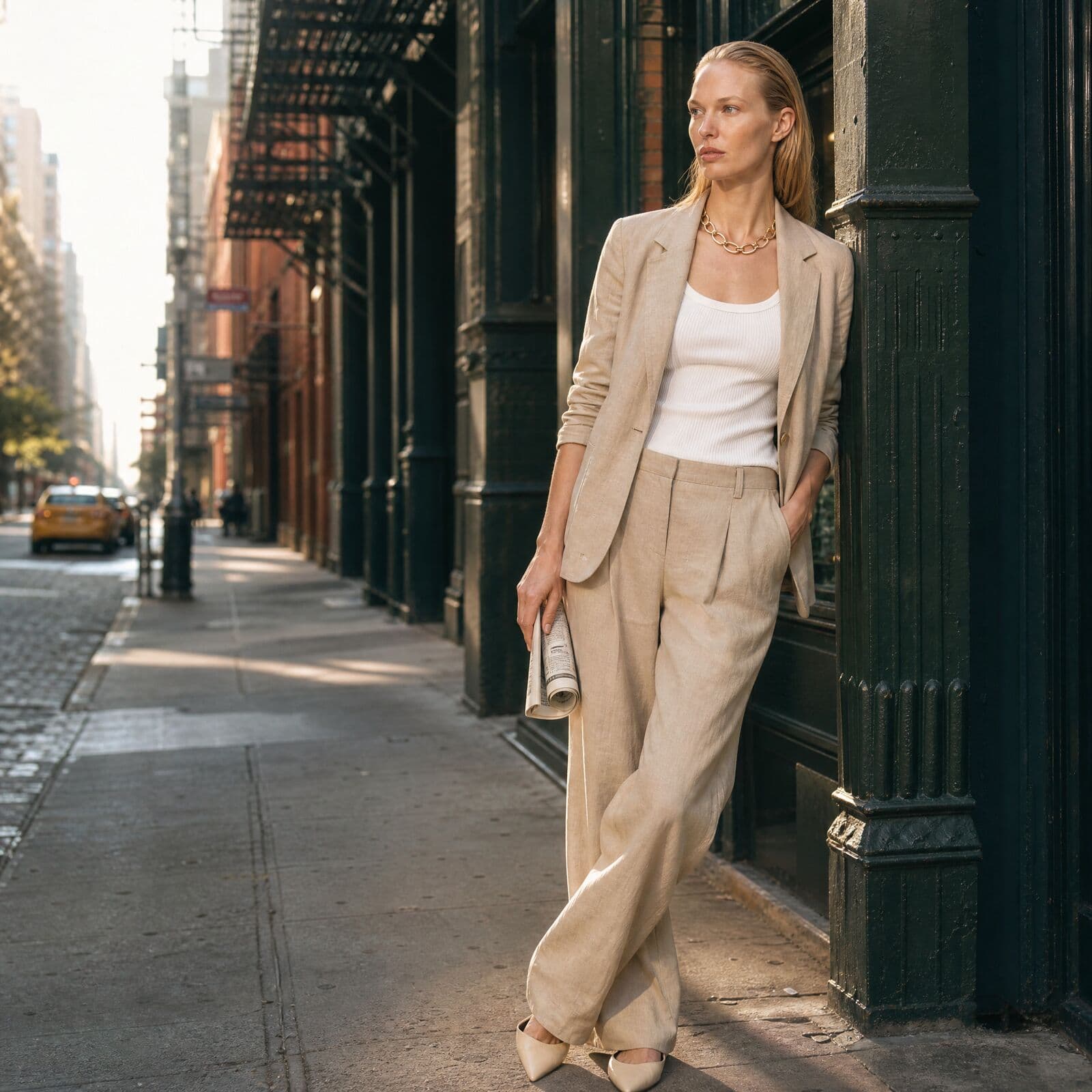
One model. Six frames.
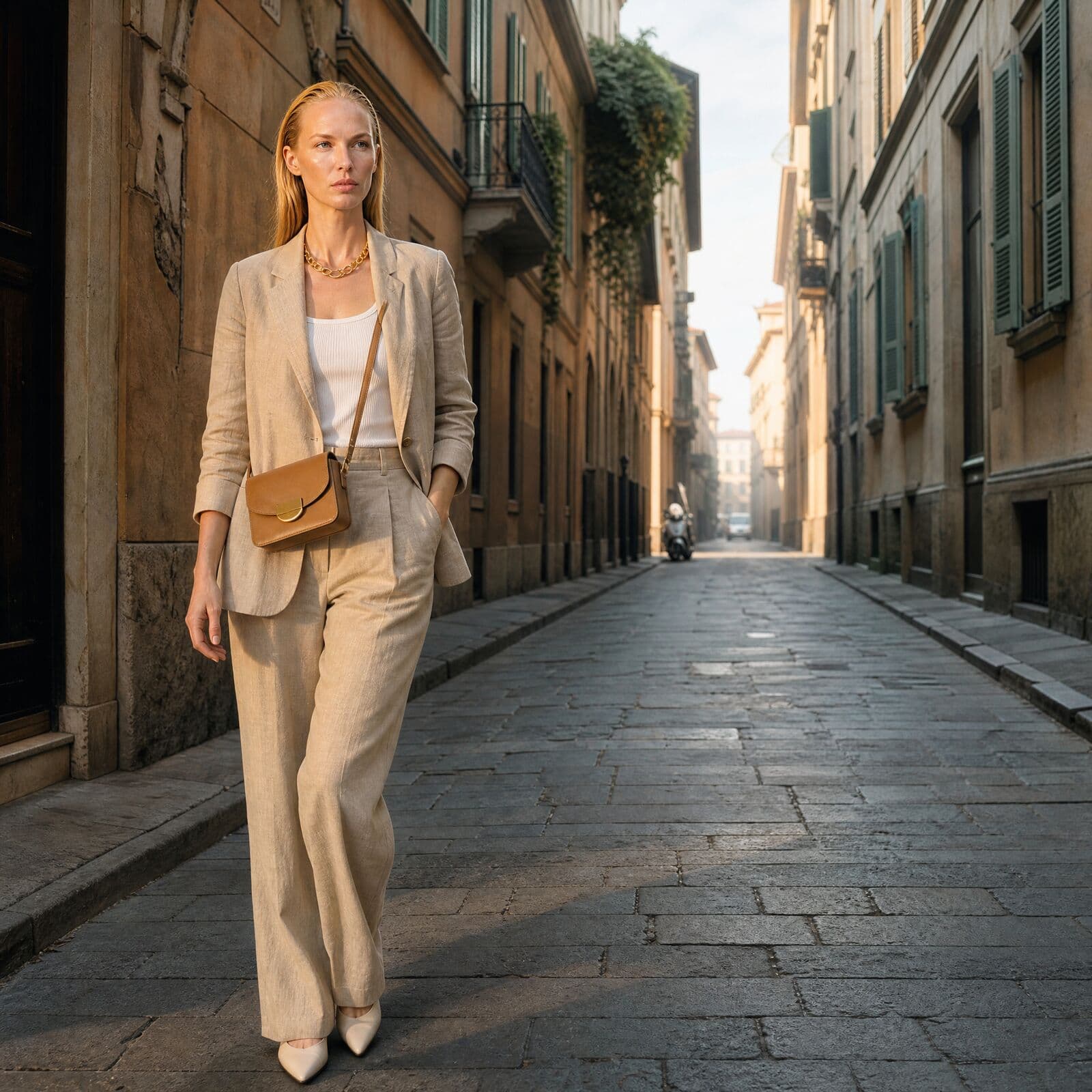
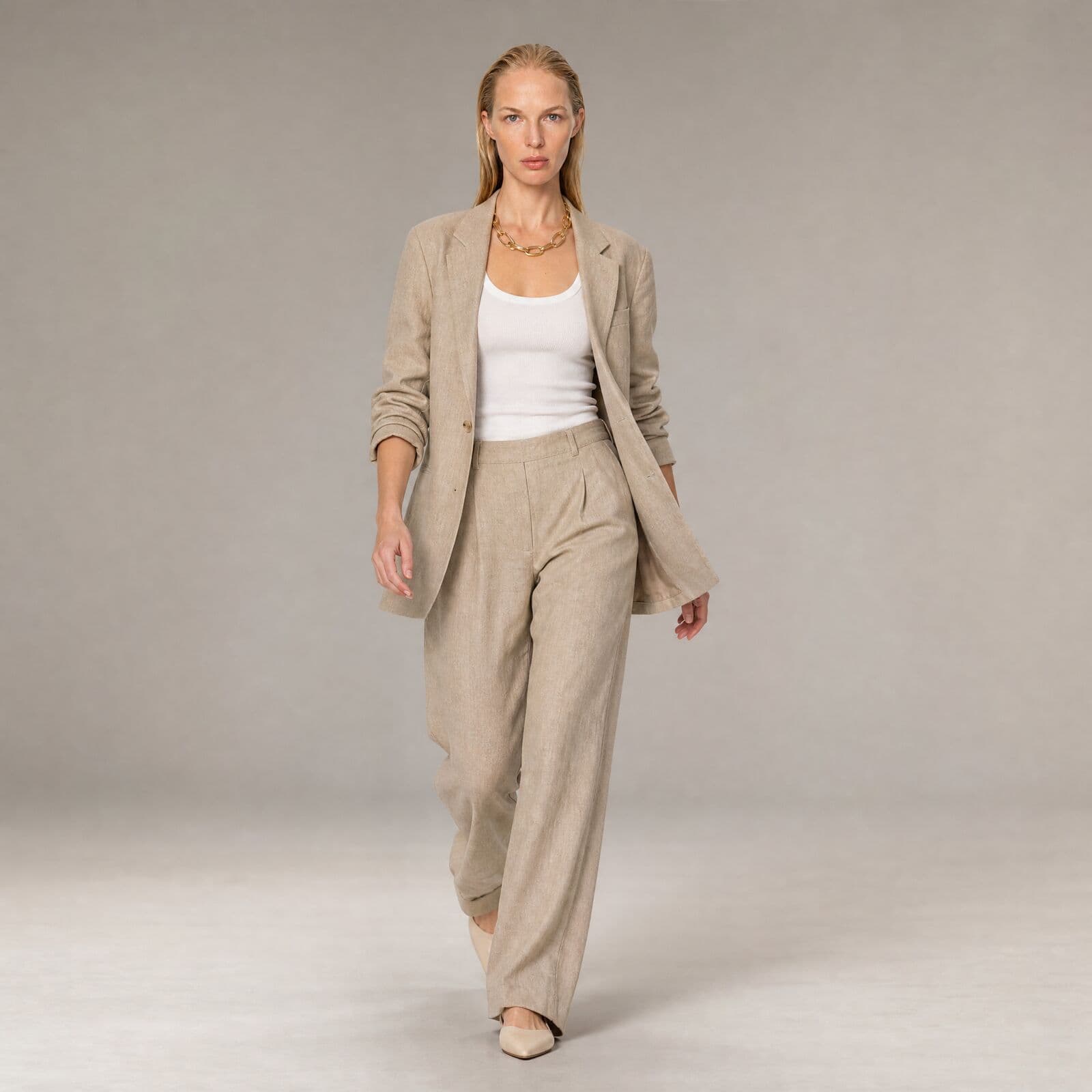
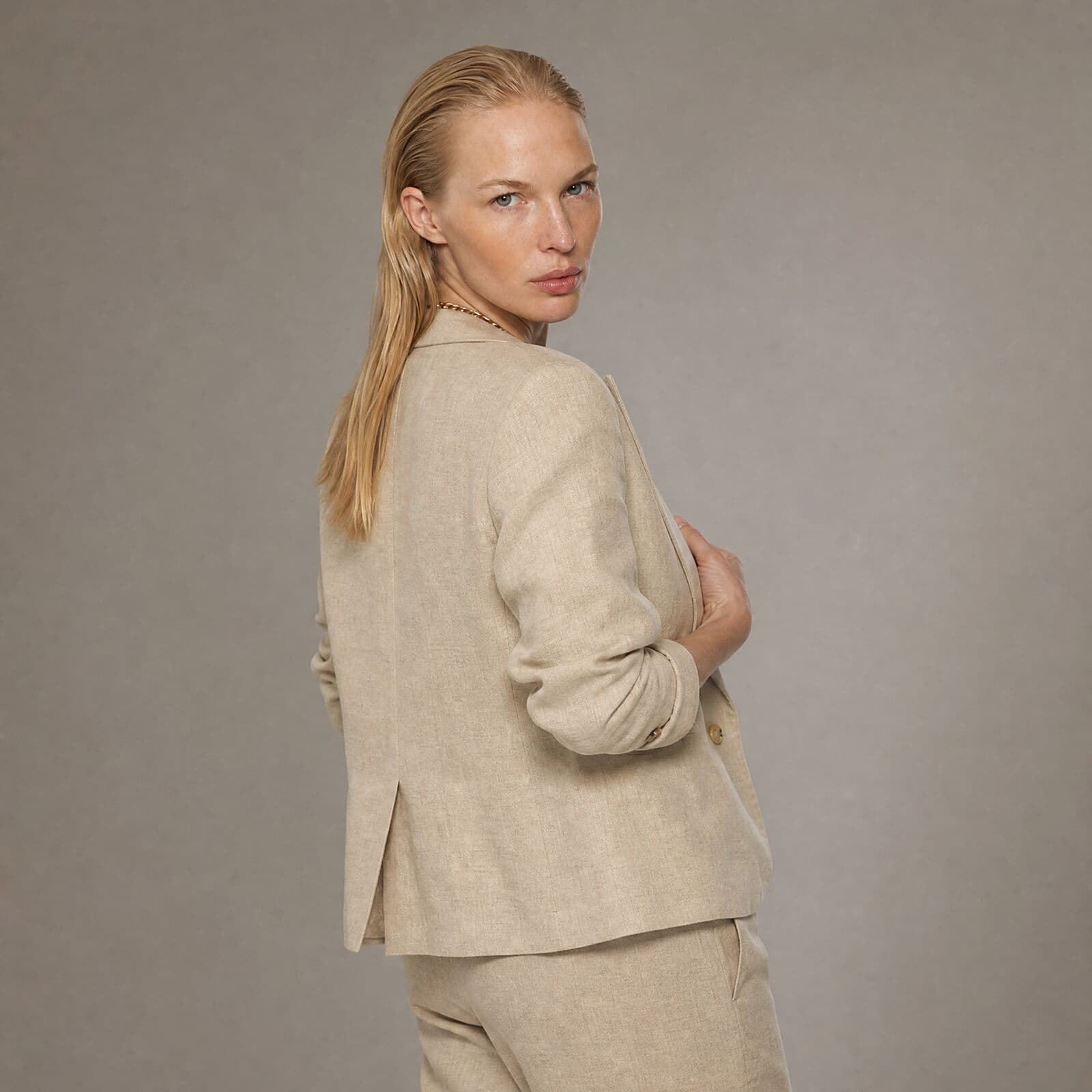
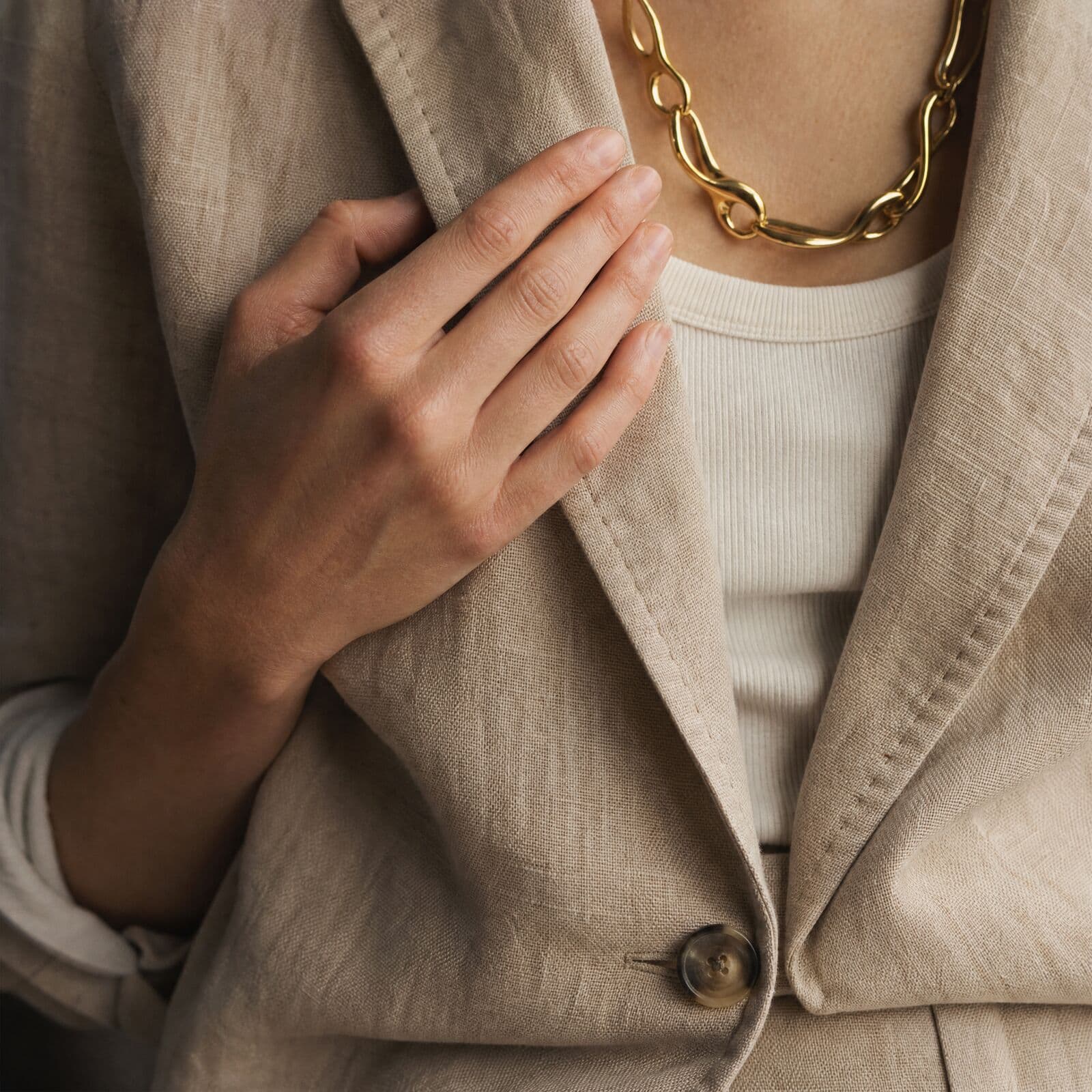
A single linen suit on the same model, from studio to street. Generated in Misu with Character Lock.
05
AI model photos for clothing
The campaign presets map to the image sets a fashion brand actually ships.
E-com PDP set
Front, back, three-quarter and detail for every product, with the same model, the same set and the same light. Four shots per product by default.
Lookbook
A seasonal story of twelve frames: a hero cover, full looks, details, movement and mood.
Social drop
A 4:5 feed hero and a 9:16 story frame for each product in the drop.
Flat-lay to model
Apply to Model puts a flat-lay garment onto a generated model, so a photo on a table becomes an on-model image.
Wardrobe and try-on
Build an outfit across eight garment categories, then choose a background such as White Studio or Urban Street and a pose such as Walking or Leaning.
Motion
Turn any approved still into a short clip, a walk or a turntable, with the same face. Video runs on every plan.
06
Getting clothing to read right
Write the prompt for what the reference cannot show. The trained model already carries the face, hair, build and skin tone, so describing them again competes with the identity. Spend the words on pose, camera angle, location, light and wardrobe changes.
For garments that must hold exact colour and construction, lock the product as well as the model. Product Lock trains on 5 to 20 photos of the piece. With both locked, a campaign keeps the person and the garment fixed while the scene moves.
Give movement a reason. A walk, a hand at the lapel or a blazer slipping off one shoulder shows how linen creases and how a trouser falls, which a static front view cannot.
07
Questions people ask
What is AI fashion photography?
AI fashion photography generates campaign and catalogue images of a model wearing real garments, without booking a photographer, a studio or a shoot day. In Misu, a model is cast from a licensed board or trained as your own character, Character Lock keeps their face identical across every shot, and Wardrobe puts your actual garment — not a lookalike — on them from a flat-lay or product photo.
Can AI keep the same model across a whole collection?
Yes. Character Lock keeps one identity across every shot in a campaign and across image and video. Campaigns also run on one seed, so light and framing stay consistent through the set.
Can I use my own model?
Yes. Train a persona from at least 15 reference photos with consistent lighting and a mix of angles. The person must give explicit written consent to AI training and commercial use. Trained personas are private to your brand. Training needs Studio Pro or above.
Which AI models can wear my clothes?
Originals are born-digital and free to generate with, with no licensing step. Main Board models are AI twins of real people, booked by request, who earn royalties when cast. You can also train a persona of your own.
Do I need a photo of the garment on a person?
No. A flat-lay, a hanger shot or a product page photo works. Apply to Model and Wardrobe put the garment on a generated model.
Will the clothing look like the real piece?
A garment photo rides along as a reference in every shot. For exact stitching, colour and shape, lock the product: Misu trains on its photos and only locks it once validation shots pass a check against the originals.
Can I use AI fashion photos commercially?
Yes. Every plan includes full commercial rights to generated assets, worldwide. Licensed Main Board faces are used within the scope confirmed in the booking.
How much does AI fashion photography cost?
Starter is €29 a month with Character Lock, images and video. Studio Pro at €149 is a bigger allowance and adds persona training. Studio Unlimited is €299. An image at Studio’s default settings is about 30 tokens, at €0.005 a token.
Can Misu's team produce the shoot?
Yes. Brief the team from your workspace and a creative director scopes it and quotes before anything is charged, from €1,200 per shoot. Retainers start at €2,000 a month with 48-hour delivery.
Get started
Your product.
The same face in every shot.
Full commercial rights · Licensed models · Stockholm
Misu is in beta and open to brands, agencies, freelancers and designers. We review every request and email your invite once it's approved, and every new studio starts with welcome credits.
BETA · REVIEWED BY HAND · FOUNDING PRICING LOCKED