Wardrobe
Virtual try-on AI for fashion brands
Any garment. Any model.
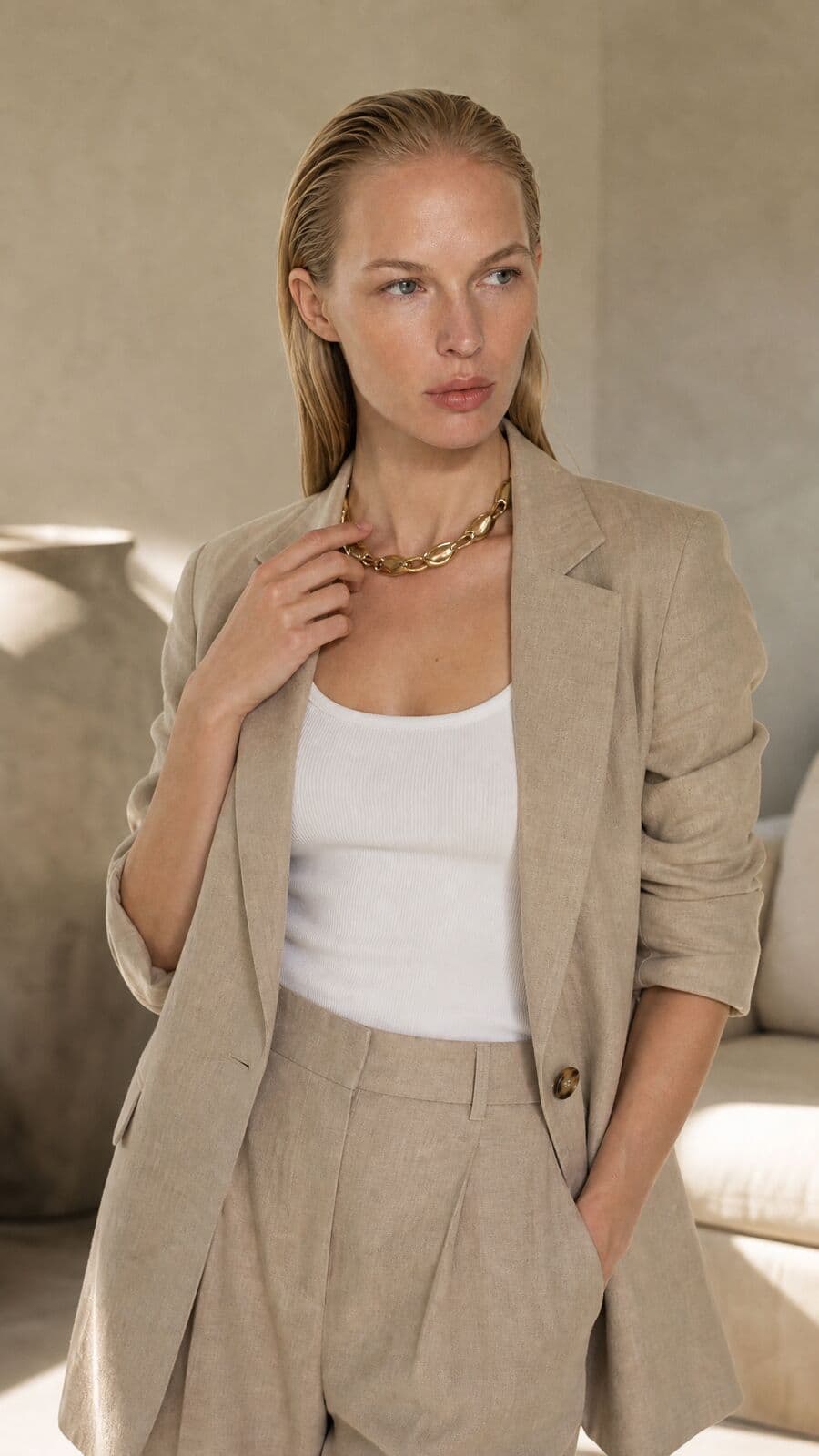
Wardrobe dresses a model from your own catalogue. Pick the talent, add the pieces, set the pose and the backdrop, and the whole look renders as one photograph.
01
What virtual try-on means for a brand
Virtual try-on for shoppers lets a customer see a garment on themselves. Virtual try-on for brands does the opposite job: it puts your garments on a model, so you get on-model photography without booking a shoot. Misu's Wardrobe is the second kind.
You start from products already in your catalogue, photographed however you have them: flat, on a hanger, or as a packshot. Choose a model, add the pieces, and Misu composites the whole outfit onto that person in a single render. Identity, facial structure, body and skin tone stay as they were. Only the clothes change, plus whatever you asked to change about the pose, the backdrop, the hair or the makeup.
It suits the work between shoots: a new colourway, a late sample, a collection that needs one consistent face before the photographer is booked. The render is a photograph of how that garment sits on that body, lit and posed, ready for a product page or a lookbook.
02
How to try clothes on a model
Wardrobe lives in the Studio. A look takes a few minutes to set up and one render to see.
01
Categorise your products
Wardrobe fills its slots from your Products page, filtered by category. A garment without a category won't appear in any slot, so set it on the product first.
02
Pick a model
Open the model library, filter by gender, and choose who wears the look. The same model can wear every look in a collection.
03
Build the outfit
Eight slots: Outfit, Outerwear, Tops, Sets, Bottoms, Socks, Shoes and Accessories. Accessories take several items; every other slot takes one.
04
Style and render
Pick a pose, a backdrop, a hairstyle and a makeup look, or keep the model's own. Render, then save the look to your Library and reopen it later.
03
Built for real outfits
A full look in one render
Every garment is applied together, so layers sit correctly and the new pieces replace what they cover. No stacking one garment per pass.
Shoes and accessories
Shoes are worn on the feet. A bag is carried or on the shoulder, a belt sits at the waist, jewellery goes on the neck, wrist or ears.
Six poses, six backdrops
Standing, Walking, Sitting, Leaning, Arms Crossed or Casual. White Studio, Light Grey, Outdoor Natural, Urban Street, Minimal Interior or Abstract Gradient.
Hair and makeup
Change the hairstyle or apply a makeup look while the person stays recognisably the same, so one model can front both a day and an evening edit.
A styling chat
Describe the look you're after in a sentence. The chat panel suggests combinations, recommends a backdrop and adjusts the pose.
Leather, fur, fitted cuts
If a safety filter flags ordinary garment material, the render retries on a second model automatically, instead of failing on a leather jacket.
04
Wardrobe or the flat-lay tool
Misu has two ways to put a garment on a person. They answer different briefs.
- Garment comes from
- WardrobeProducts in your catalogue
- Flat-lay to modelA garment photo you connect
- Who wears it
- WardrobeA model from the wardrobe library
- Flat-lay to modelThe person in a second photo you supply
- Pieces per render
- WardrobeA full look, shoes and accessories included
- Flat-lay to modelOne garment
- Pose and backdrop
- WardrobeChosen from six of each, plus hair and makeup
- Flat-lay to modelKept from the person photo
- Where it lives
- WardrobeStudio, under Wardrobe
- Flat-lay to modelCanvas and Techniques
| Criteria | Wardrobe | Flat-lay to model |
|---|---|---|
| Garment comes from | Products in your catalogue | A garment photo you connect |
| Who wears it | A model from the wardrobe library | The person in a second photo you supply |
| Pieces per render | A full look, shoes and accessories included | One garment |
| Pose and backdrop | Chosen from six of each, plus hair and makeup | Kept from the person photo |
| Where it lives | Studio, under Wardrobe | Canvas and Techniques |
05
From the hanger to a model
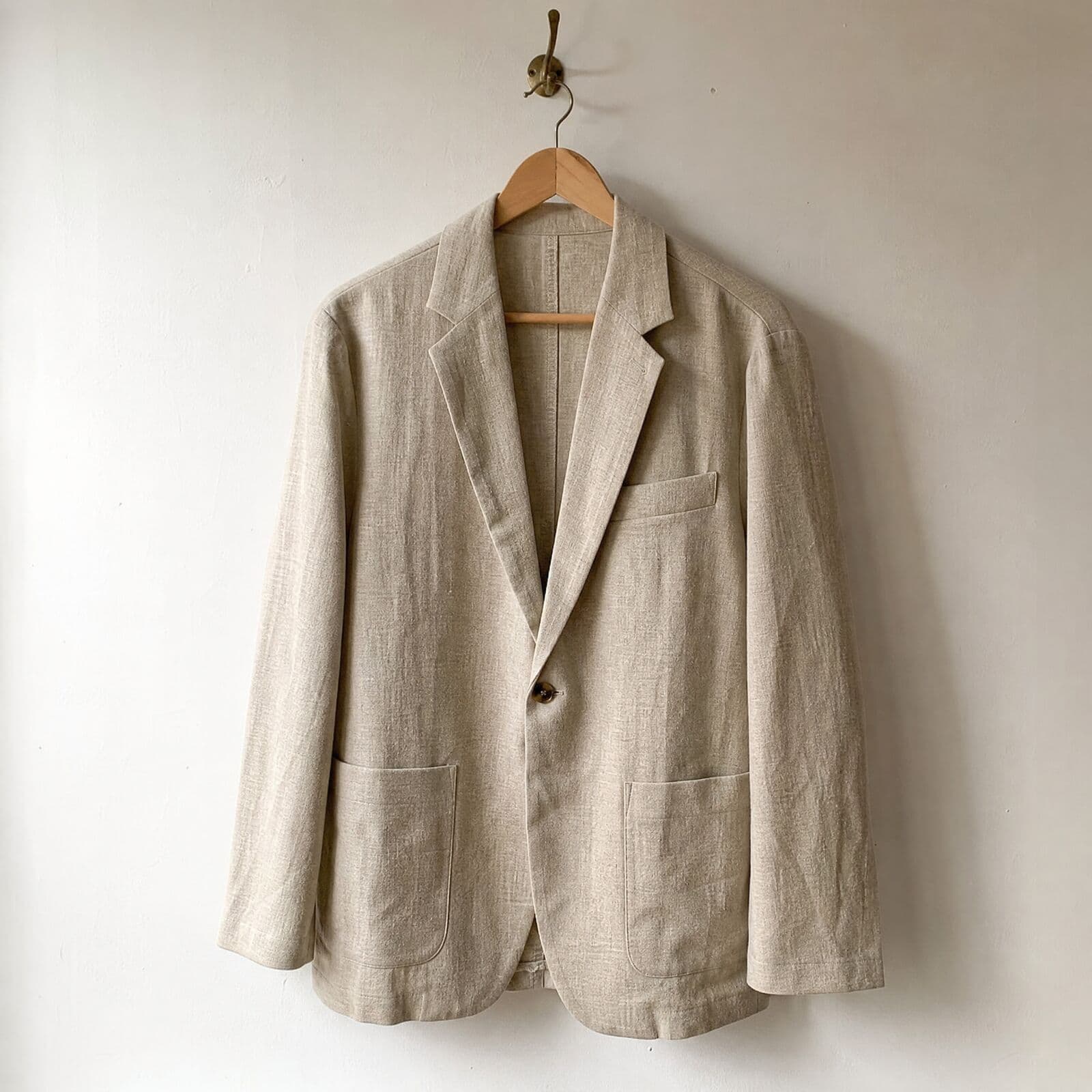
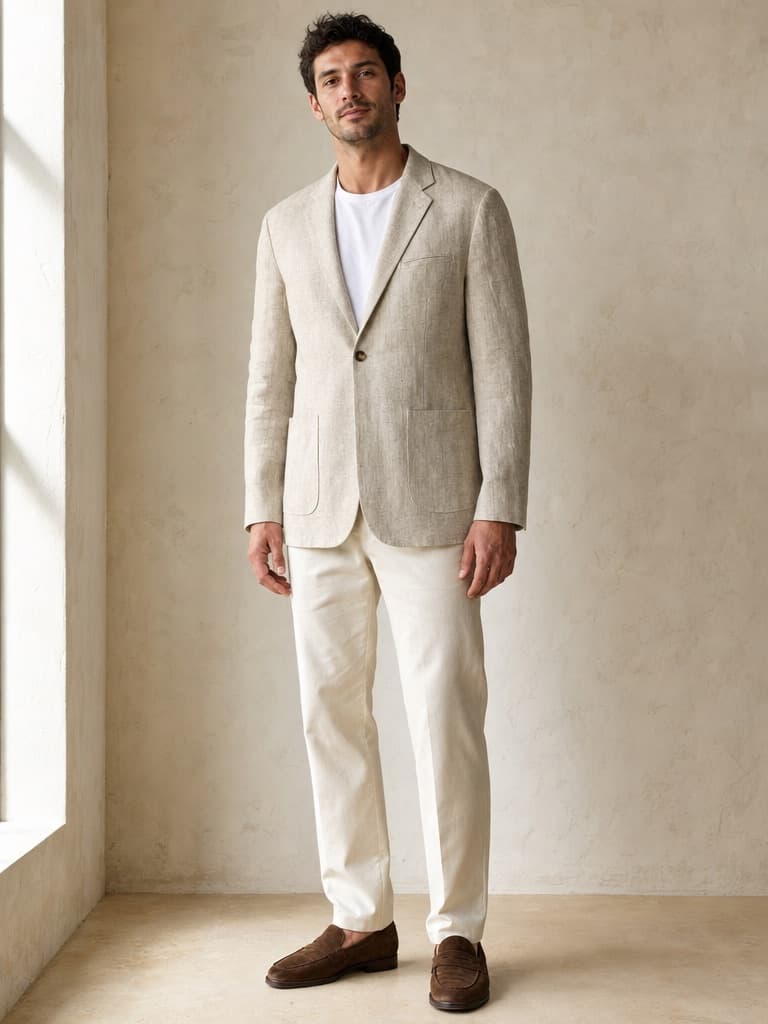
The hanger photo went into Misu with a short written brief for the model and the styling. What came back is the same blazer: one button, a welt chest pocket and rounded patch pockets, in the same slub linen.
In
Out · generated in Misu
06
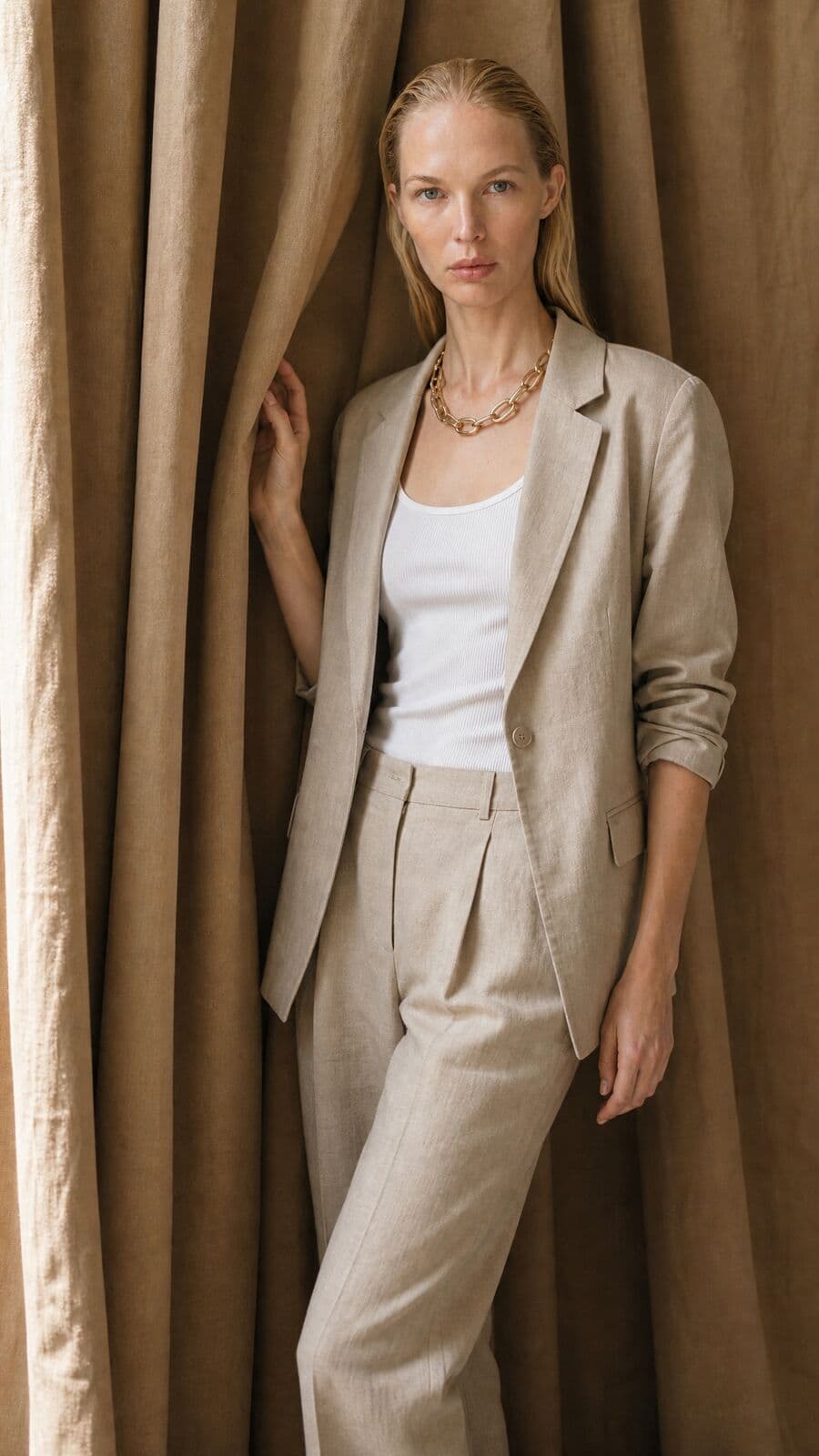
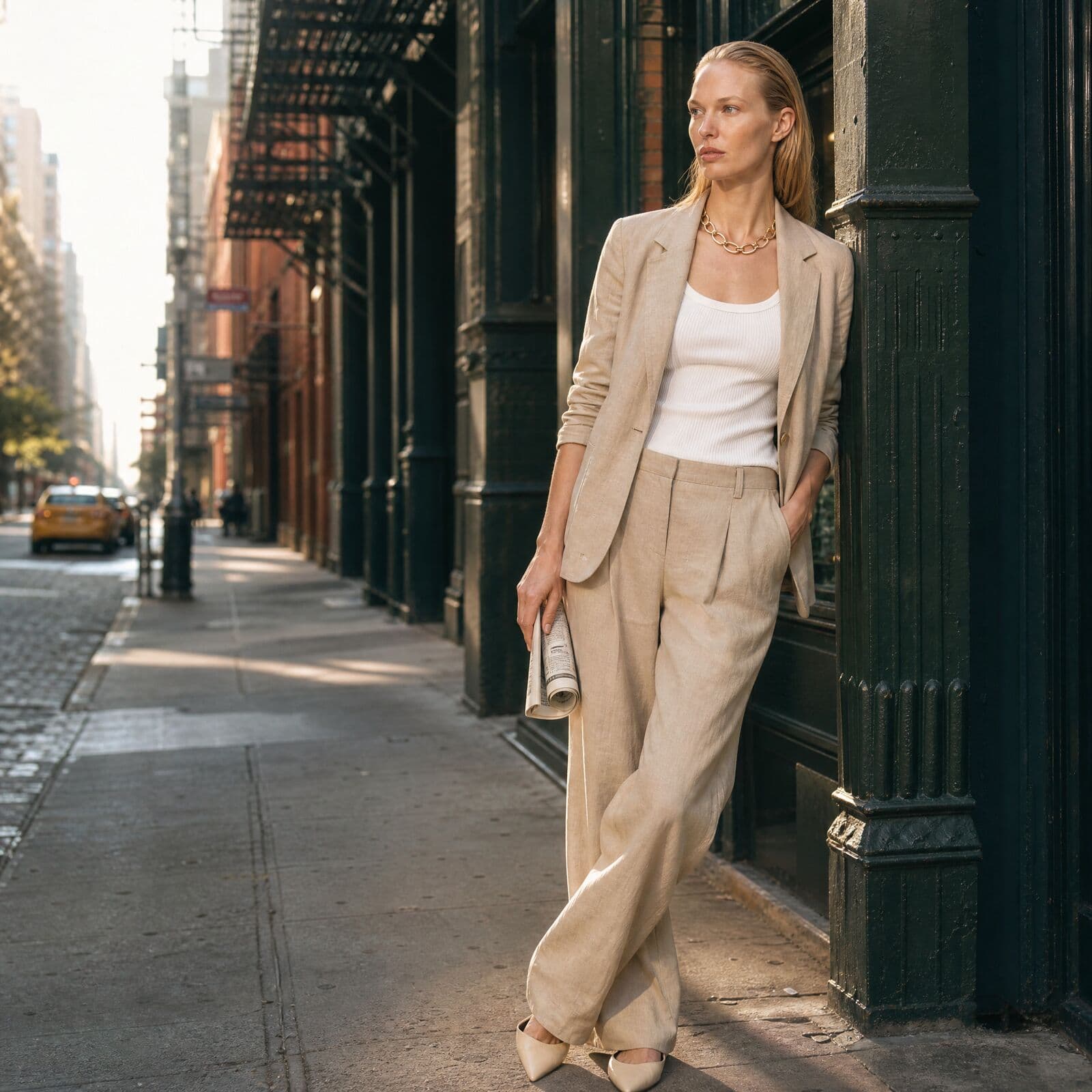
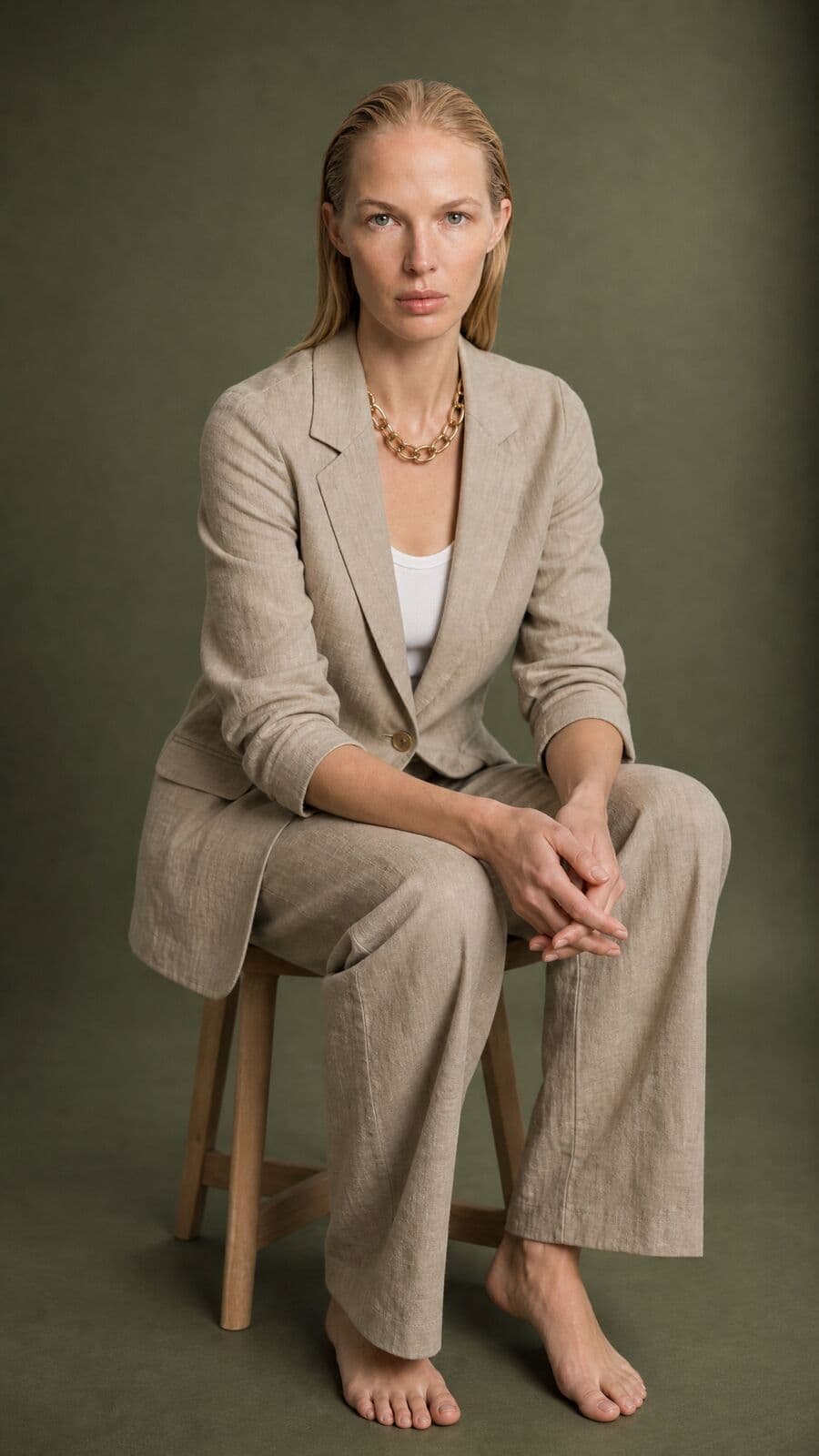
One linen suit, many frames
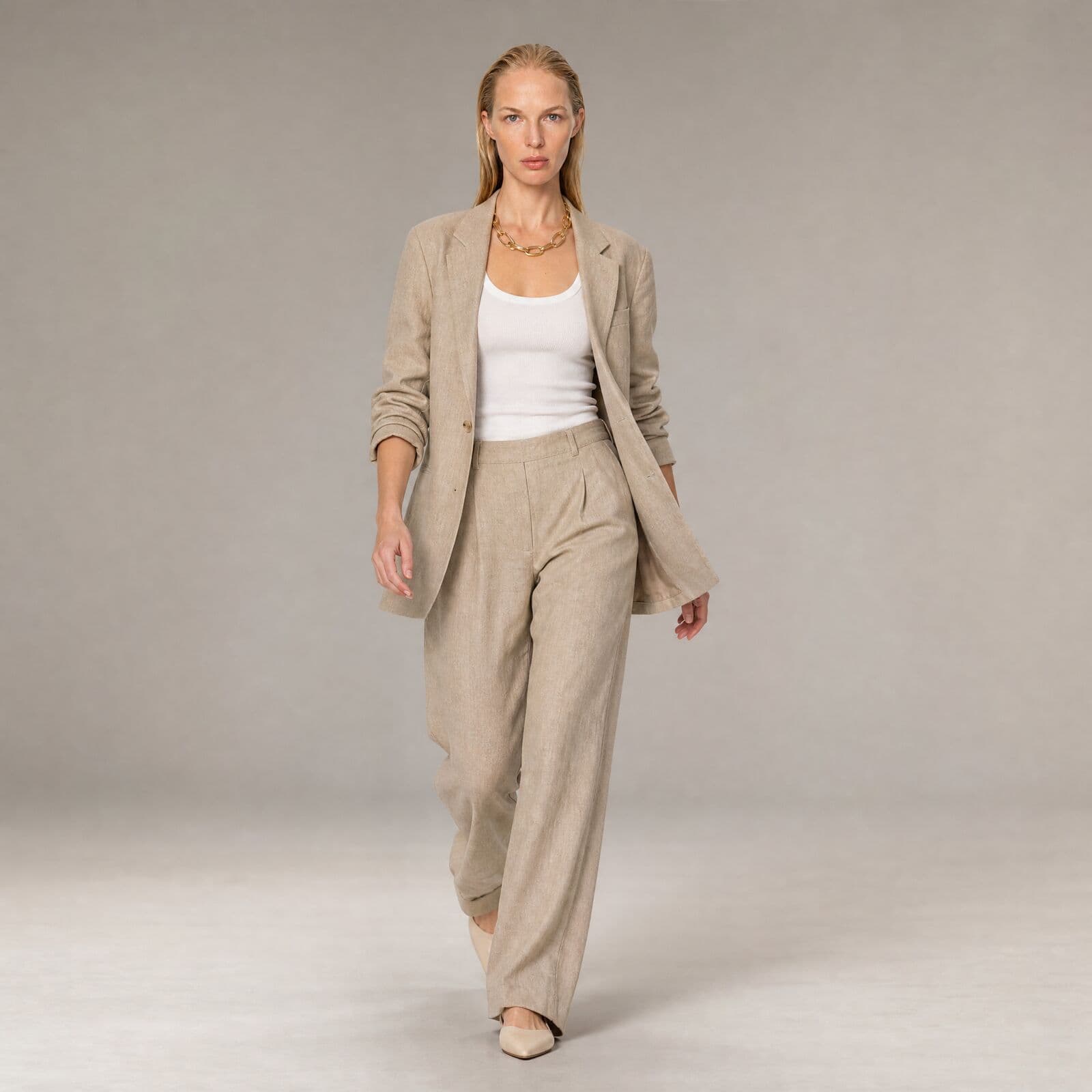
The same garments and the same face, across studio, street and detail shots made in Misu.
07
Questions people ask
What is virtual try-on AI for brands?
It puts a brand's garments on a model digitally, producing on-model photos without a physical shoot. In Misu, Wardrobe takes products from your catalogue and renders them on a model you choose, with the pose, backdrop, hair and makeup you set.
Can I try several garments on at once?
Yes. A look can combine an outfit or separates with outerwear, socks, shoes and several accessories, and every piece is applied in the same render.
What kind of garment photo do I need?
One clear photo of the garment, added as a product. Flat lays, hanger shots and packshots all work. If the product has been locked or has a ghost mannequin render, Wardrobe uses that image instead of the raw photo.
Does the model's face change when the clothes do?
No. The render keeps the person's identity, facial structure, body and skin tone. Hair and makeup only change when you choose a new style.
Can virtual try-on show how a garment fits in a given size?
No. It renders the garment on the chosen model with realistic drape and proportion, but it does not simulate sizing or measurements. Treat it as photography, not a fit tool. Talent profiles list each model's measurements if you need a reference.
Can I use real models, not just digital ones?
Yes. Misu's Main Board is real people with licensed AI twins, available by request. Originals are Misu-made models, free to use. You can also train a persona of your own on Studio Pro and above.
Can I turn a try-on into a campaign?
Saved looks keep the model, garments, pose and backdrop, so you can reopen one and shoot it again. From there, Campaigns plans a consistent set with Character Lock, and Video Studio animates the still.
Who owns the try-on images?
You do. Every plan includes full commercial rights to every generated asset, worldwide.
Get started
Your product.
The same face in every shot.
Full commercial rights · Licensed models · Stockholm
Misu is in beta and open to brands, agencies, freelancers and designers. We review every request and email your invite once it's approved, and every new studio starts with welcome credits.
BETA · REVIEWED BY HAND · FOUNDING PRICING LOCKED