Product edits
AI ghost mannequin for apparel photos
The body gone. The shape kept.
Misu removes the model or mannequin from a garment shot and leaves the clothing filled out, as if worn by someone invisible. No compositing, no second shoot.
01
What the ghost mannequin effect is
A ghost mannequin shot, also called an invisible mannequin or hollow man shot, shows a garment with its three-dimensional shape but no person inside it. Catalogues use it because the shopper sees the cut, the drape and the fit without a model pulling focus. Done by hand it means shooting on a mannequin, removing it, and compositing in the inside of the garment in retouching.
In Misu it is one edit. You give it a photo of the garment on a model or mannequin, and it returns the garment alone, filled out with natural drape, volume and shadow consistent with a body underneath. No head, no limbs, no stand. The background comes back as a clean e-commerce studio with soft, even light and the product centred.
02
How to make a ghost mannequin shot
There are two ways in, depending on where the photo already lives.
01
Add the garment as a product
Upload a photo of the garment worn by a model or on a mannequin, or import it from your store. The first photo is the source; a second, if you have one, is sent as an extra reference.
02
Open the 3D Mannequin tab
On the product's page, generate the ghost mannequin. The cost is shown on the button before you run it.
03
Or run it on the Canvas
Drop the Ghost mannequin tool on a board, connect any on-model image, and add extra direction in words if the garment needs it.
04
Save, download or regenerate
The render is stored on the product. Save it to your Library, download it for your store, or regenerate if the drape isn't right.
03
What happens after the render
A ghost mannequin shot is also a clean garment image, and Misu reuses it where that matters.
A 360° spin view
The same tab turns the render into a square turntable clip. Start and end frame are the same image, so the rotation closes on itself as a loop.
Three spin tiers
Standard is a 5-second turn, Premium a slower 10-second one, and Cinematic renders 10 seconds on Seedance for a hero product.
Better try-ons
When Wardrobe dresses a model in the garment, it uses the ghost mannequin render as the garment image if the product hasn't been locked.
Product page ready
A clean background and even light, so the shot sits next to your existing packshots without a separate retouch.
04
Getting a clean result
The render can only keep what the photo shows. Start from a frame where the whole garment is visible, front-on, with nothing crossing it: no hands at the lapel, no bag strap over the shoulder, no hair falling over the collar. Anything covering the garment has to be invented, and invented detail is where it drifts from the real product.
A second photo helps. On the product page, the second image in the set is sent with the first, so a back view or a close detail of the fabric gives the edit more to hold on to. If the drape comes back flat or the collar looks wrong, regenerate. Each run is charged separately, and the quote is on the button.
05
Ghost mannequin pricing: retouching service vs Misu
Retouching services price ghost mannequin by the image, after the shoot. Misu prices the edit in tokens and shows the exact cost before each run. Retouching range: Fix Any Photo, ghost mannequin editing costs (March 2026), a vendor figure.
- Per image
- Retouching service$2–$12 to edit, on top of the shoot
- MisuAbout 84 tokens, roughly €0.42
- What you supply
- Retouching serviceMannequin shots, often with a separate inside-neck shot for the composite
- MisuOne photo of the garment on a model or mannequin
- A redo
- Retouching serviceA revision round with the retoucher
- MisuRegenerate, charged at the same rate
- A month of catalogue work
- Retouching servicePriced per image, per batch
- MisuStarter at €29 a month holds 6,000 tokens, about 70 runs
| Criteria | Retouching service | Misu |
|---|---|---|
| Per image | $2–$12 to edit, on top of the shoot | About 84 tokens, roughly €0.42 |
| What you supply | Mannequin shots, often with a separate inside-neck shot for the composite | One photo of the garment on a model or mannequin |
| A redo | A revision round with the retoucher | Regenerate, charged at the same rate |
| A month of catalogue work | Priced per image, per batch | Starter at €29 a month holds 6,000 tokens, about 70 runs |
06
One photo in, one packshot out
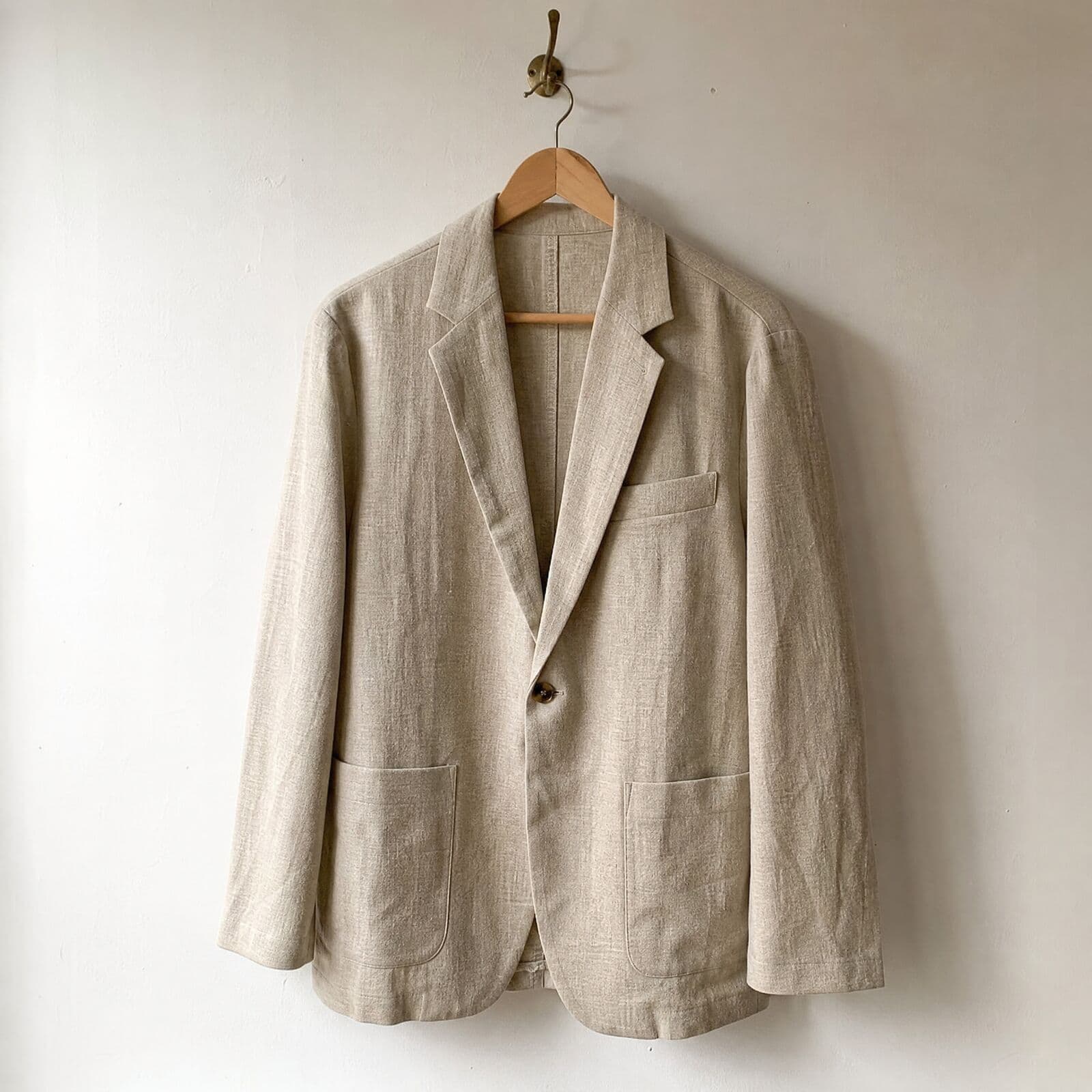
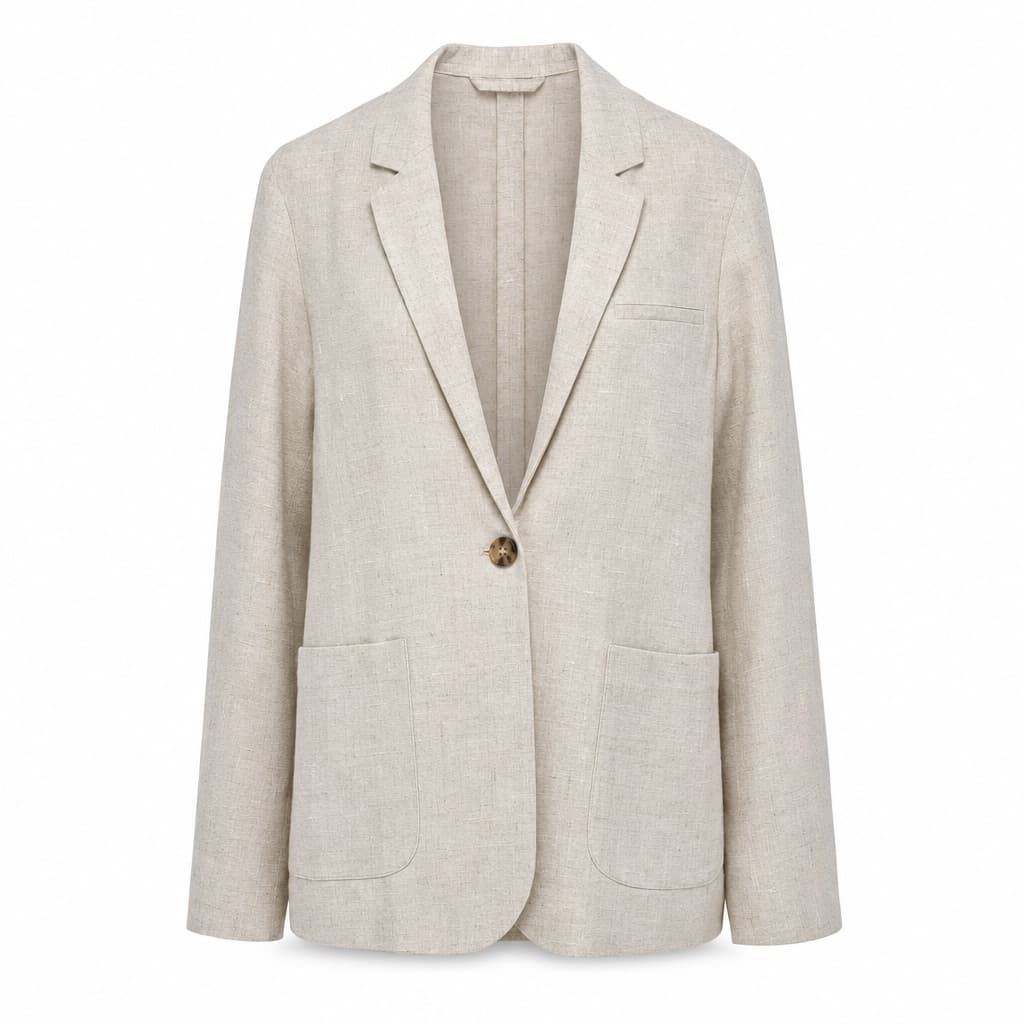
The hanger photo on the left went into Misu as it is. The packshot on the right came back from one edit, with no retouching after. The single button, the welt chest pocket and the rounded patch pockets are all still there.
In
Out · generated in Misu
07
The frames it starts from
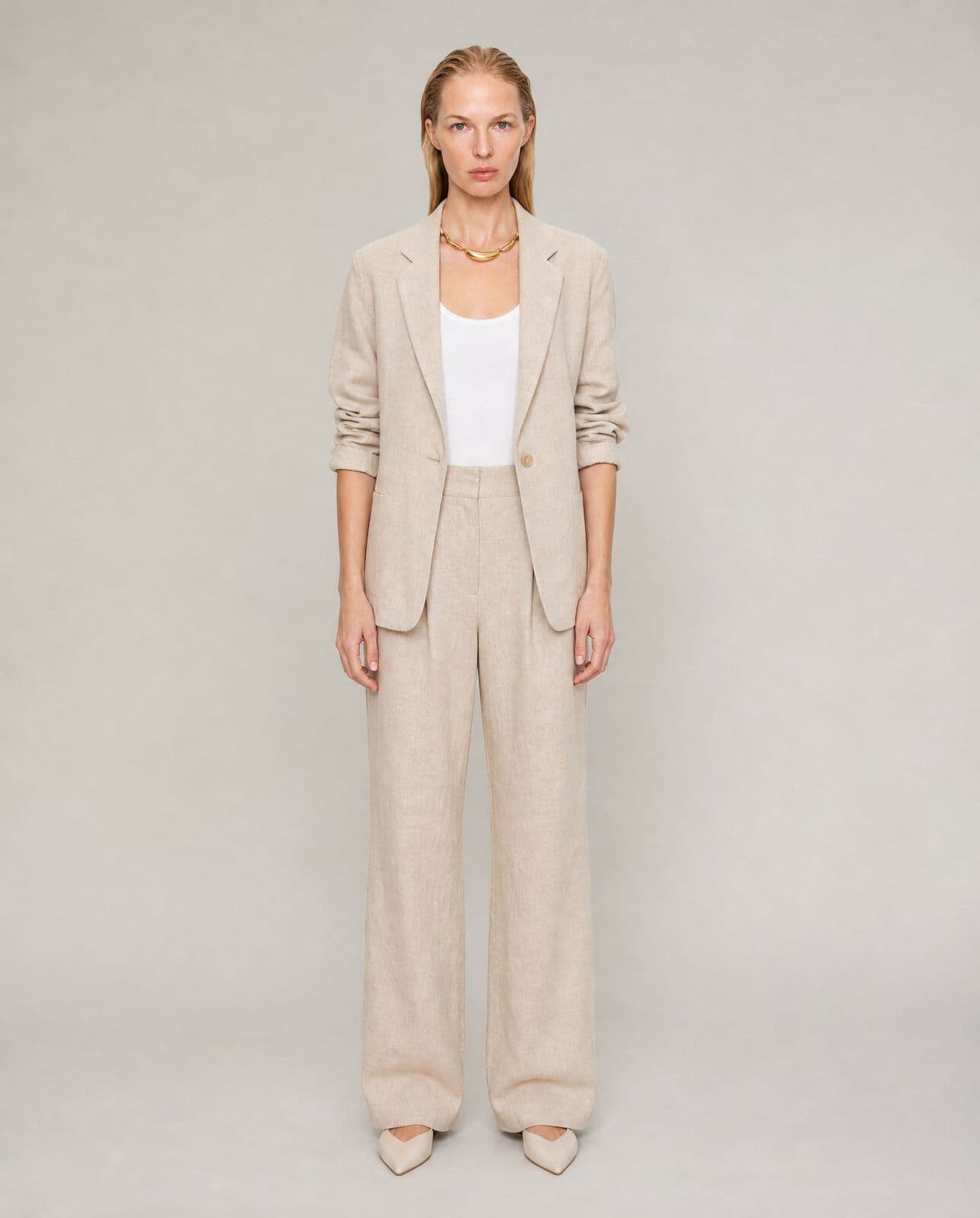
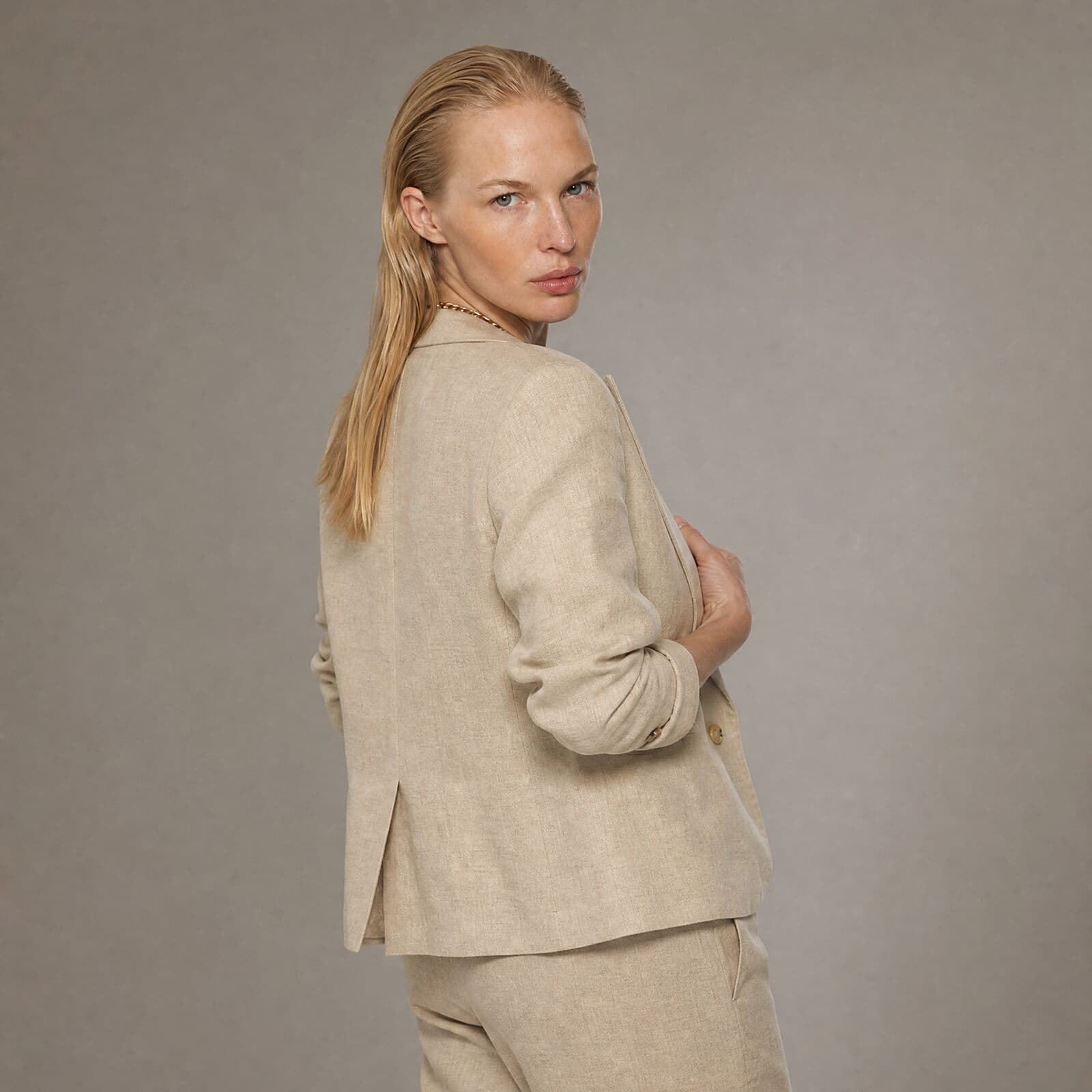
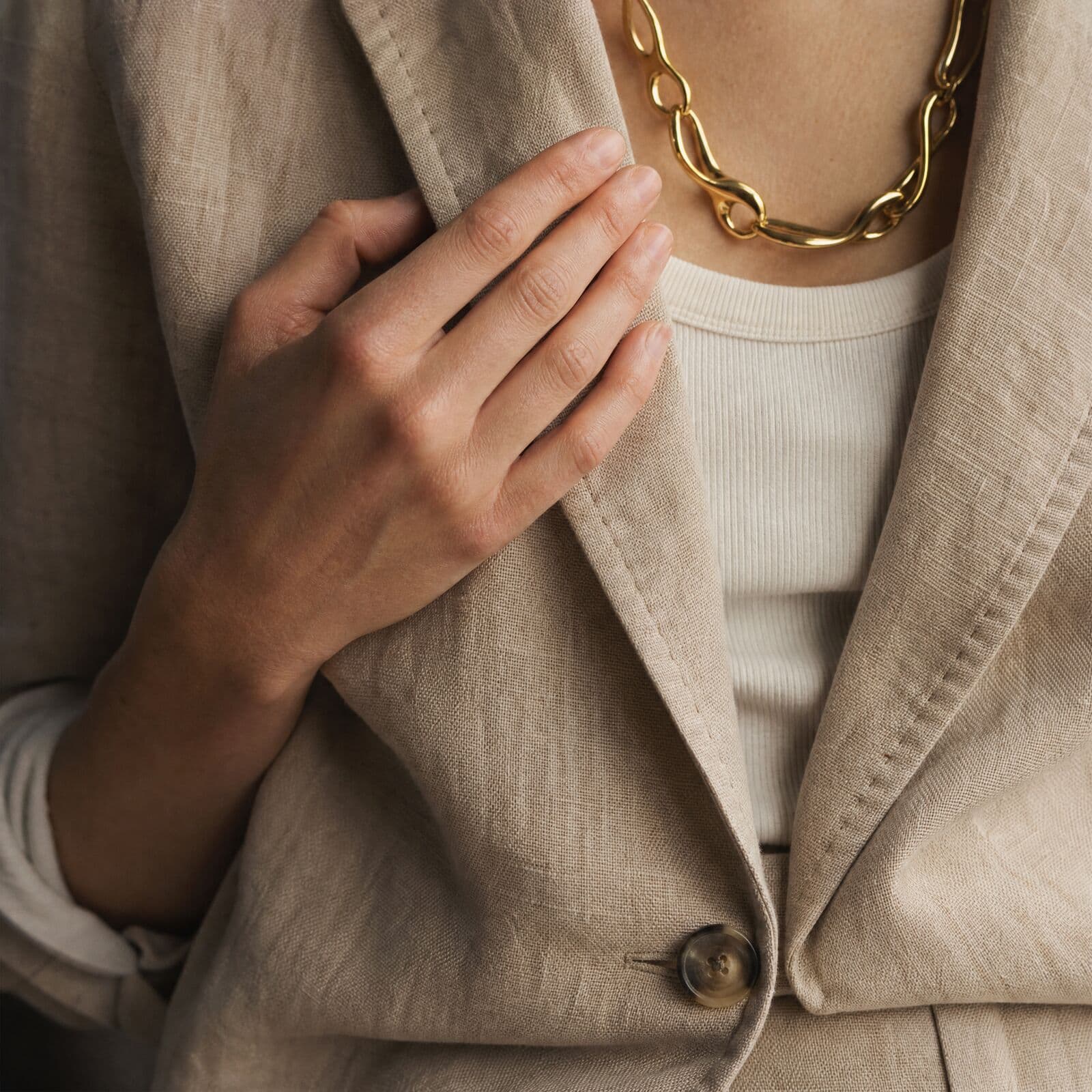
Ghost mannequin works from on-model photography like this, made in Misu. The garment stays; the person is removed.
08
Questions people ask
What is a ghost mannequin photo?
A product photo of a garment that keeps the shape it has when worn, with no visible model or mannequin. It is also called the invisible mannequin or hollow man effect, and it is a standard format for apparel e-commerce.
How does the AI ghost mannequin work in Misu?
You give it a photo of the garment on a model or mannequin. An instruction-following image model removes the body and fills the garment out with natural drape, volume and shadow, on a clean studio background.
What photo do I need?
A clear photo of the garment worn by a model or on a mannequin, with the whole garment in frame. On a product page, the first photo is the source and a second photo is used as an extra reference.
How much does a ghost mannequin shot cost?
It is priced in tokens, and the price is shown before you run it. Today a run is about 84 tokens, roughly €0.42, against $2 to $12 an image for a retouching service. The Starter plan, €29 a month, holds 6,000 tokens: about 70 ghost mannequin runs.
Can I make a 360° product spin from it?
Yes. The 3D Mannequin tab turns the render into a looping turntable video in three tiers: Standard at 5 seconds, Premium at 10, and Cinematic at 10 seconds on Seedance. Video runs on every plan, priced in tokens.
Can I steer the result?
On the Canvas, the Ghost mannequin tool has an extra direction field for notes about the garment. From the product page you can regenerate until the drape looks right.
Who owns the images?
You do. Every plan includes full commercial rights to every generated asset, worldwide.
Get started
Your product.
The same face in every shot.
Full commercial rights · Licensed models · Stockholm
Misu is in beta and open to brands, agencies, freelancers and designers. We review every request and email your invite once it's approved, and every new studio starts with welcome credits.
BETA · REVIEWED BY HAND · FOUNDING PRICING LOCKED