Product photography
AI product photography
One photo in. A catalogue out.
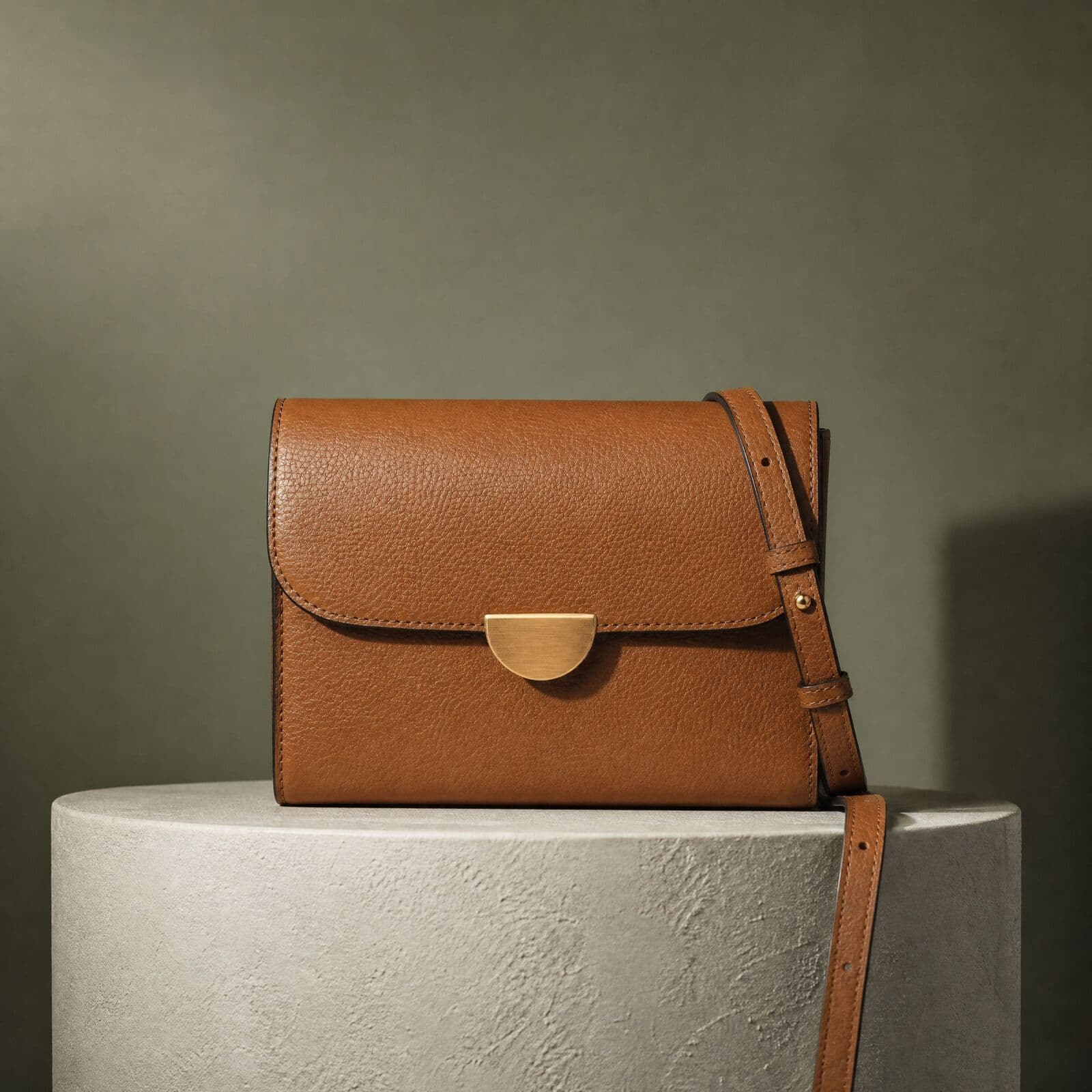
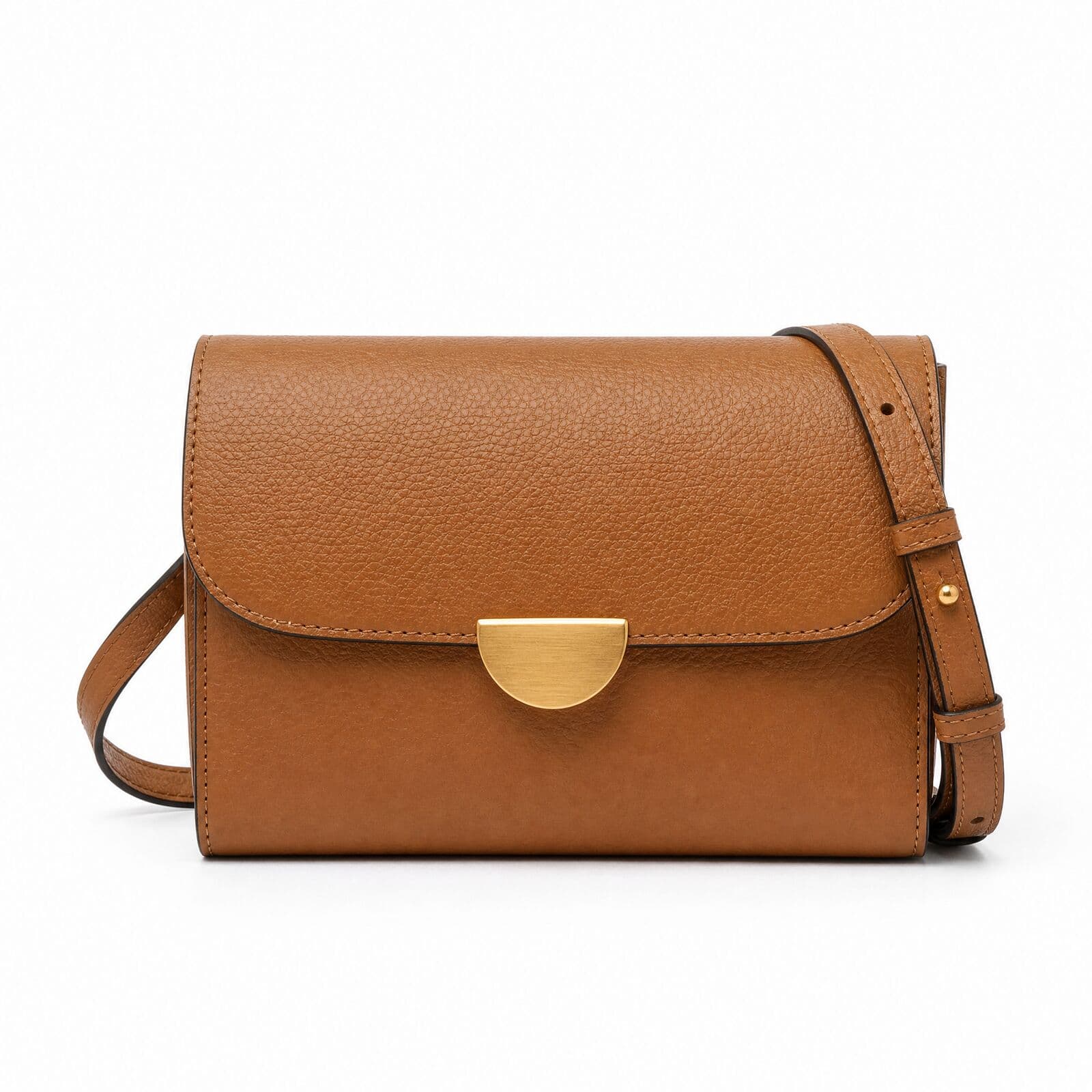
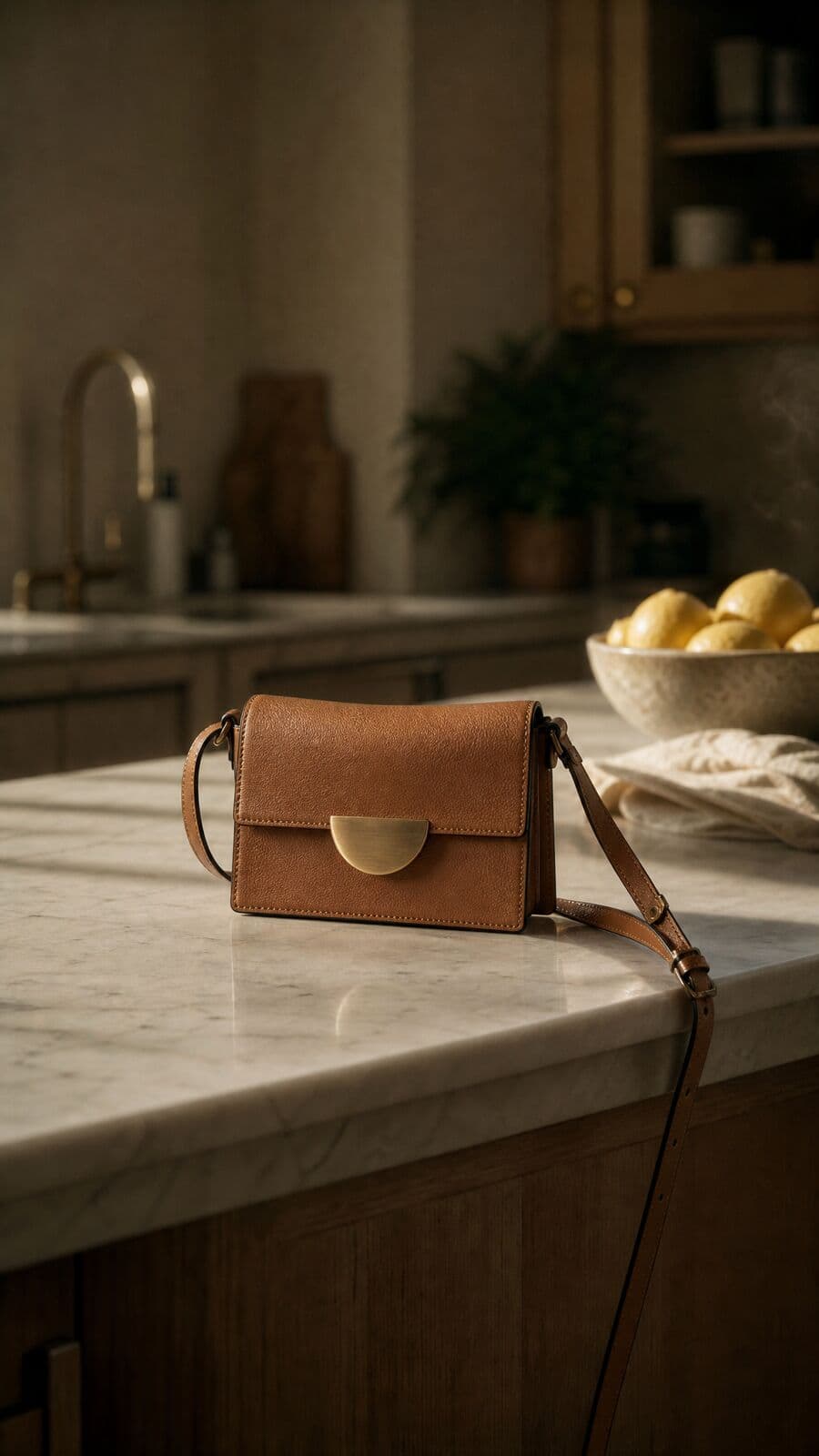
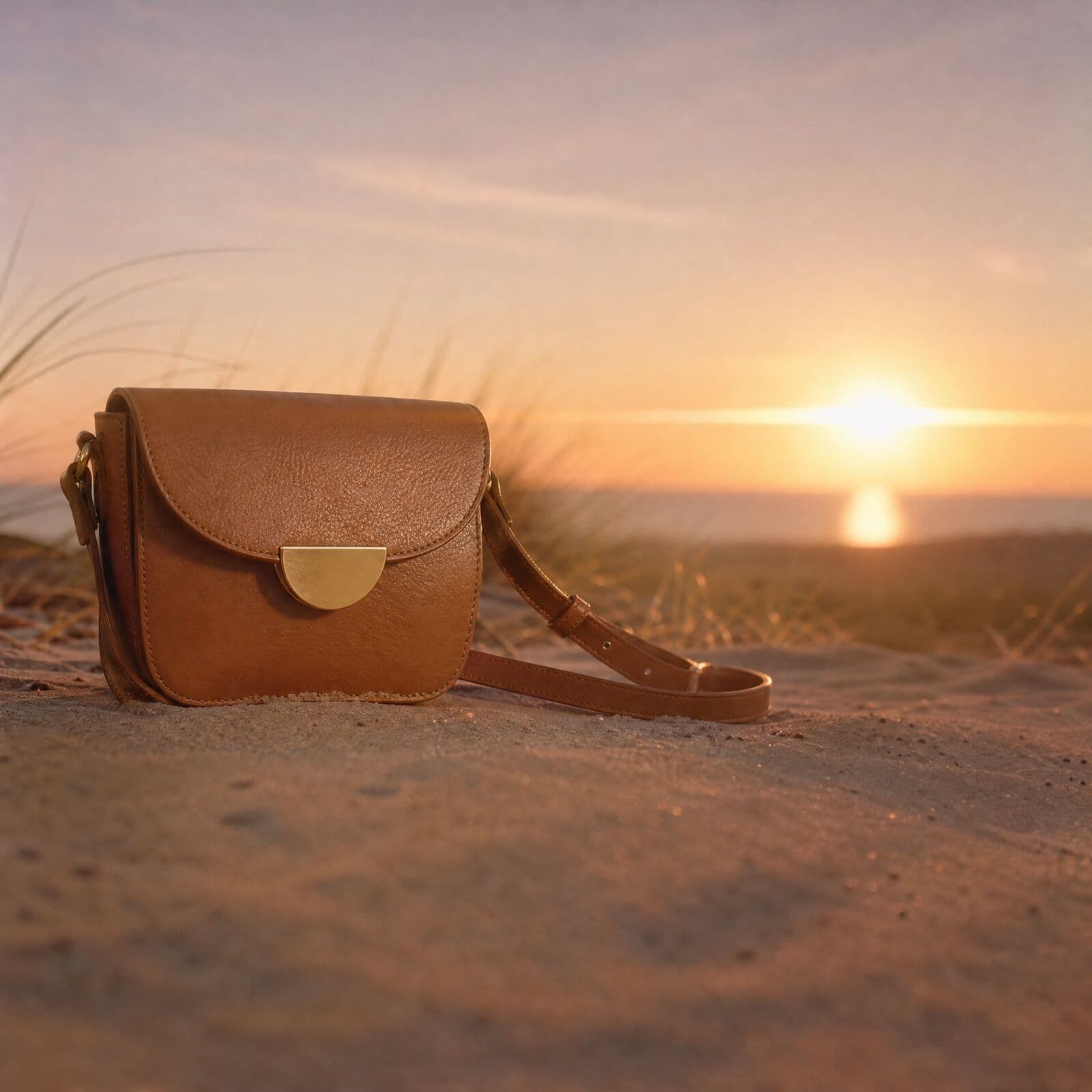
Upload a product photo and Misu renders it as a white-background packshot, on a stone plinth, on a kitchen counter or on sand at sunset. Your product, not a lookalike, in every frame.
01
What AI product photography means in Misu
AI product photography is generating product images from photos you already have, instead of booking a studio. In Misu, the photo of your product rides along with every generation as a reference, so the result shows your item rather than a generic version of it.
That covers the images a store runs on: a clean packshot for the product page, a lifestyle scene for the homepage, a square crop for a marketplace listing and a vertical frame for social. One product record feeds all of them, and every image lands in your Library with the product linked.
02
How it works
Four steps from a phone photo to a finished set.
01
Add the product
Upload photos, paste a product or collection URL, or connect Shopify and sync the catalogue. One clear photo is enough to start. Set a category while you are there.
02
Generate from one photo
Pick the product in Generate, choose a shot type such as Product Hero, Flatlay or Lifestyle, and an environment such as Studio White or Golden Hour. The product photo is sent as a reference with every shot.
03
Lock it for exact fidelity
When a product has to hold up across hundreds of frames, add 5 to 20 photos and turn on Product Lock. Misu trains a model on that product in about 15 to 30 minutes, renders validation shots, and scores them against your photos. The product locks only if the check clears the bar.
04
Build the set
Run a Campaign with the E-com PDP set or Social drop preset, or batch products by SKU. Every shot uses one seed across the set, so the light and framing match from product to product.
03
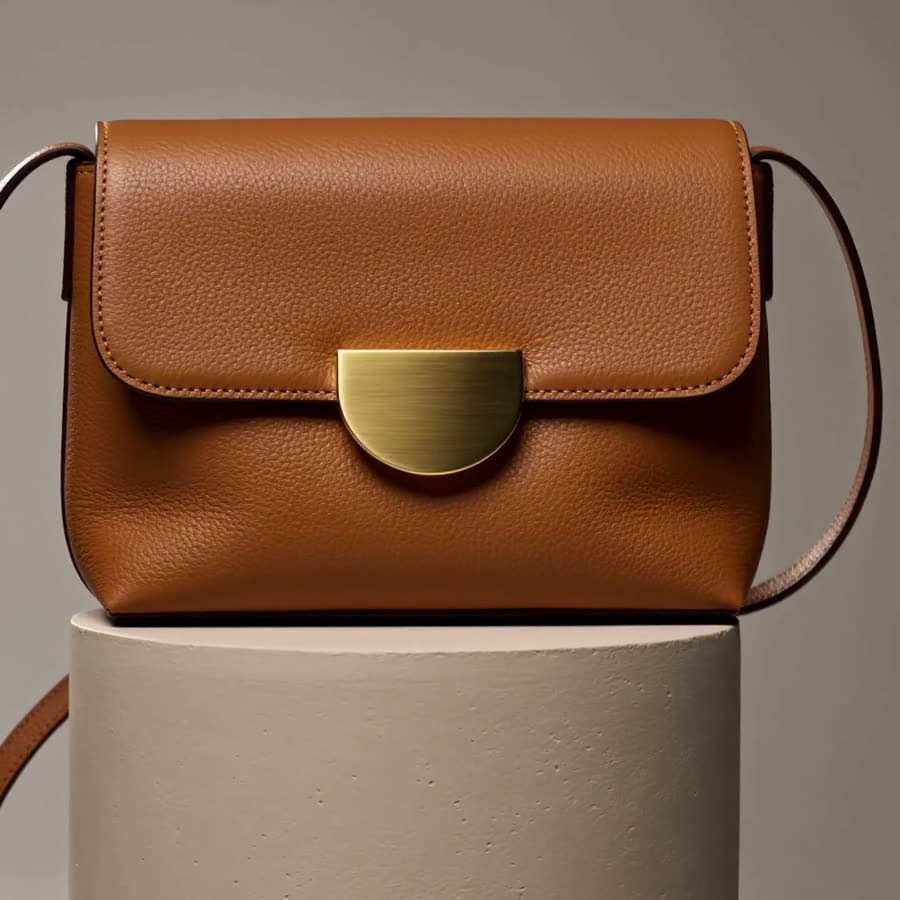
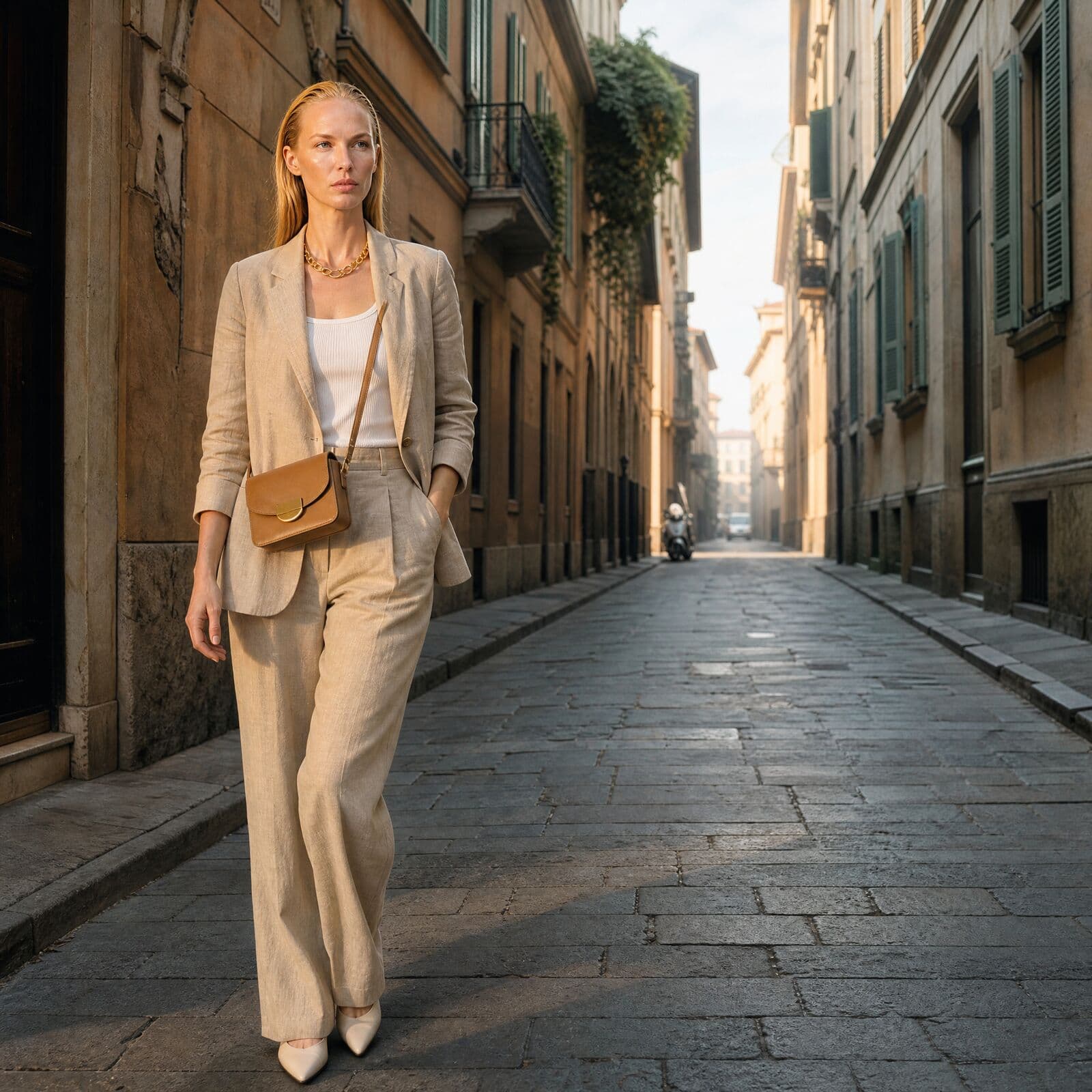
One bag. Five settings.
The same crossbody bag, generated in Misu. The clasp, the stitching and the tan leather hold from frame to frame.
04
The shots a product page needs
Generation gets you the scene. The edit tools finish the file.
Packshots on white
Studio White and Studio Black environments give clean e-commerce product images. Remove BG isolates the product in one click when you need a cutout.
Lifestyle product scenes
Describe the room, the surface and the light. Save a custom environment for your brand and reuse it across the range.
Every angle
The Angles tool rotates the camera around the product, so front, side and three-quarter views come from one generated frame.
Ghost mannequin and 360
Each product page has a 3D Mannequin tab that generates a ghost-mannequin shot and a 360-degree spin view for garments.
Background swap and relight
Replace what is behind the product with a new scene, or change the direction, softness and colour of the light without regenerating.
Upscale for print and zoom
Upscale up to 4x with Topaz models, from a faithful sharpen to generative detail for a soft source.
05
Studio shoot or Misu
Where the time goes, side by side.
- Before the first frame
- Studio shootBook a photographer, a studio and styling. Ship samples.
- MisuUpload a photo, or sync from Shopify.
- A new scene
- Studio shootAnother set, another booking.
- MisuA new prompt or environment.
- A missed angle
- Studio shootA reshoot.
- MisuThe Angles tool, or one more generation.
- A consistent range
- Studio shootDepends on matching light across shoot days.
- MisuOne seed and one direction across the whole set.
- What you pay for
- Studio shootDay rates, studio hire and post-production.
- MisuTokens. Plans from €29 a month; an image at Studio’s default settings is about 30 tokens.
| Criteria | Studio shoot | Misu |
|---|---|---|
| Before the first frame | Book a photographer, a studio and styling. Ship samples. | Upload a photo, or sync from Shopify. |
| A new scene | Another set, another booking. | A new prompt or environment. |
| A missed angle | A reshoot. | The Angles tool, or one more generation. |
| A consistent range | Depends on matching light across shoot days. | One seed and one direction across the whole set. |
| What you pay for | Day rates, studio hire and post-production. | Tokens. Plans from €29 a month; an image at Studio’s default settings is about 30 tokens. |
06
Questions people ask
What is AI product photography?
AI product photography uses a generative model to place a real product into new scenes and lighting from a reference photo, instead of a physical shoot. In Misu, one photo of a product is enough to generate a packshot or a styled scene; adding 5 to 20 photos trains Product Lock, which holds the product's stitching, colour and shape in every frame.
How many photos do I need for AI product photography?
One clear photo is enough to generate. For Product Lock, which trains a dedicated model on the product, add 5 to 20 photos: several angles, a detail shot and a clean background.
Will it look like my real product?
An unlocked product is rendered from its photo as a reference, which is close but can drift on fine detail. A locked product has been trained and checked against your photos before it locks, so stitching, colour and shape hold in every scene.
Can I use the images commercially?
Yes. Every plan includes full commercial rights to every generated asset, worldwide. Models trained on your products stay with your account and are never used for another brand.
How much does it cost?
Plans are Starter at €29, Studio Pro at €149 and Studio Unlimited at €299 a month. One token is €0.005. An image at Studio’s default settings is about 30 tokens, and training a product model is about 1,667 tokens, charged once. Product Lock needs Studio Pro or above.
Does it work with Shopify?
Yes. Connect your store and Sync Products pulls the catalogue in with its photos, ready to generate or train from. Products not on Shopify can be imported from a product page URL.
Can I make product video too?
Yes, on every plan. Any still can be animated into a short clip such as a turntable or a slow push-in, paid in tokens like the stills.
What happens if a generation fails?
The error shows on the tile and the tokens spent on that attempt are refunded. If a Product Lock training run fails to start, those tokens are refunded too.
Can someone else shoot it for me?
Yes. Select products and brief Misu's team from your workspace. A creative director scopes the work and sends a quote before anything is charged, from €1,200 per shoot, with 48-hour delivery on retainers.
Get started
Your product.
The same face in every shot.
Full commercial rights · Licensed models · Stockholm
Misu is in beta and open to brands, agencies, freelancers and designers. We review every request and email your invite once it's approved, and every new studio starts with welcome credits.
BETA · REVIEWED BY HAND · FOUNDING PRICING LOCKED