Garment to model
Flat lay to model AI
Shot flat. Worn by someone.
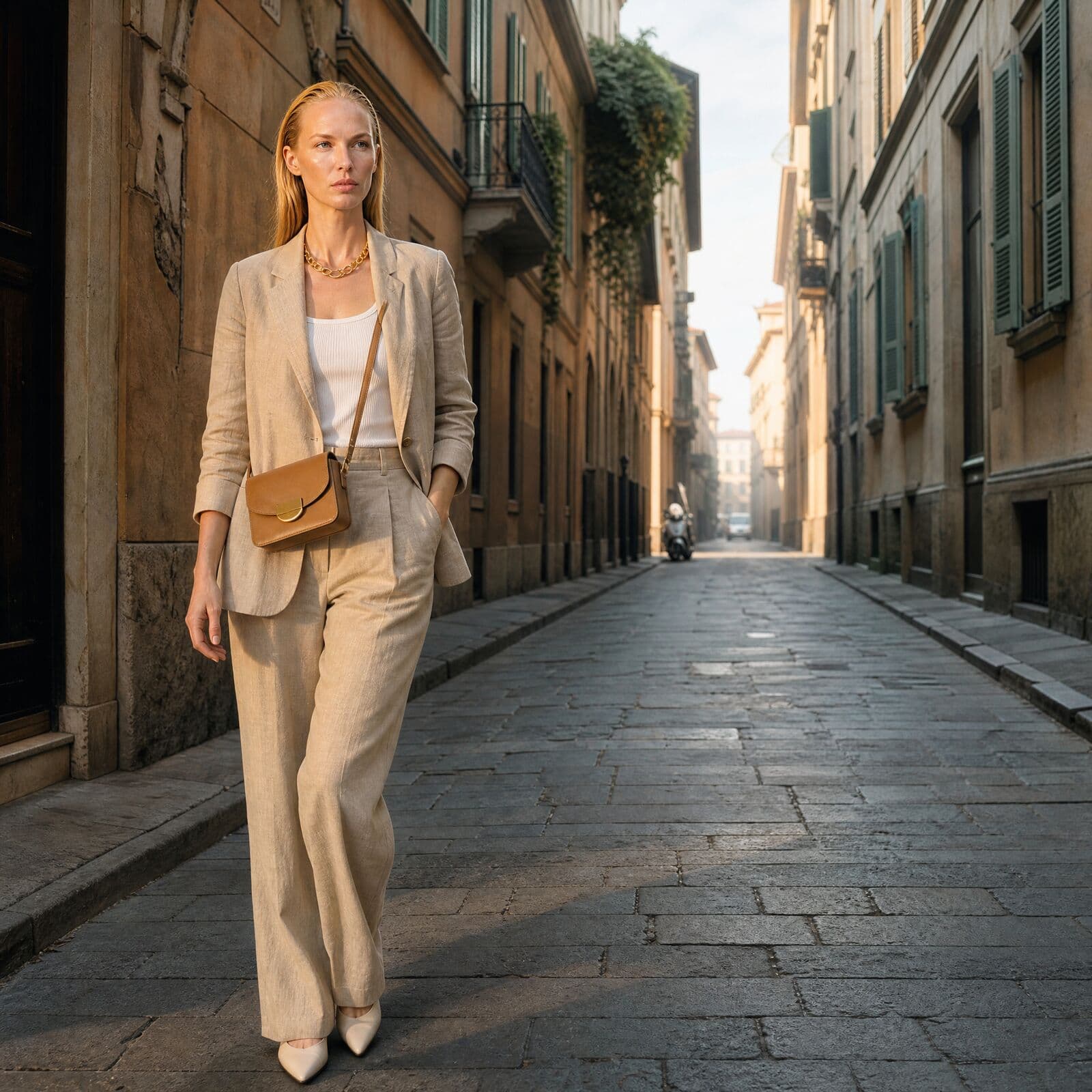
A garment photographed flat on a table becomes a photo of a person wearing it. Misu does it two ways: onto a photo of a real person, or onto a model from the Wardrobe library.
01
From flat lay to on-model, in one run
Flat lay to model means taking a garment photographed flat and rendering it on a body, with the fit, folds and shadows a worn garment has. It is the fastest route from a sample on a table to the on-model image a product page needs.
The Flat-lay to Model technique takes two images: the garment, and a photo of the person who should wear it. It returns that person in the garment, in their original pose and setting. A typical run takes about 15 seconds.
02
How to turn a flat lay into an on-model photo
01
Photograph the garment flat
Lay it out whole, smooth, on a plain surface in even light. Everything the render should reproduce, pockets, buttons, prints, has to be visible.
02
Choose the person
Upload a photo of the person, or pick one from the products, talent and boards already in your workspace. Use a photo of someone who has agreed to it.
03
Run the technique
Connect the garment and the person, check the token quote, and run. Nothing is charged for a run you haven't confirmed.
04
Take it further
Save the result to your Library, change the background, relight it, or animate it in Video Studio.
03
Two routes to a worn garment
Pick by what you start with and what you need back.
Onto a real person
The Flat-lay to Model technique keeps the person photo as it is and changes only what they wear. Right for a model you already shot, or a founder in their own product.
Onto a library model
Wardrobe takes the flat lay from your catalogue and dresses a model from its library, with a pose, backdrop, hair and makeup of your choosing.
A full outfit
Wardrobe applies several pieces in one render, including shoes and accessories. The technique handles one garment at a time.
Open to edit
Open the technique on the Canvas and it expands into its real nodes. Swap a step and publish a private version inside your workspace.
04
When a flat lay is all you have
Most garments exist as a flat lay long before they exist on a model. Samples arrive, a drop is scheduled, and the product page needs a person in the garment before a shoot can be booked. Flat lay to model closes that gap with the photo you already took.
It also helps when a range grows wider than a shoot can cover: the same shirt in more colours, a restock in a new fabric. Shoot the flat lays, keep the person photo the same, and the whole range appears on one face. When the look needs styling, move it into Wardrobe, where pose, backdrop, hair and makeup are yours to set.
05
One garment photo, many frames
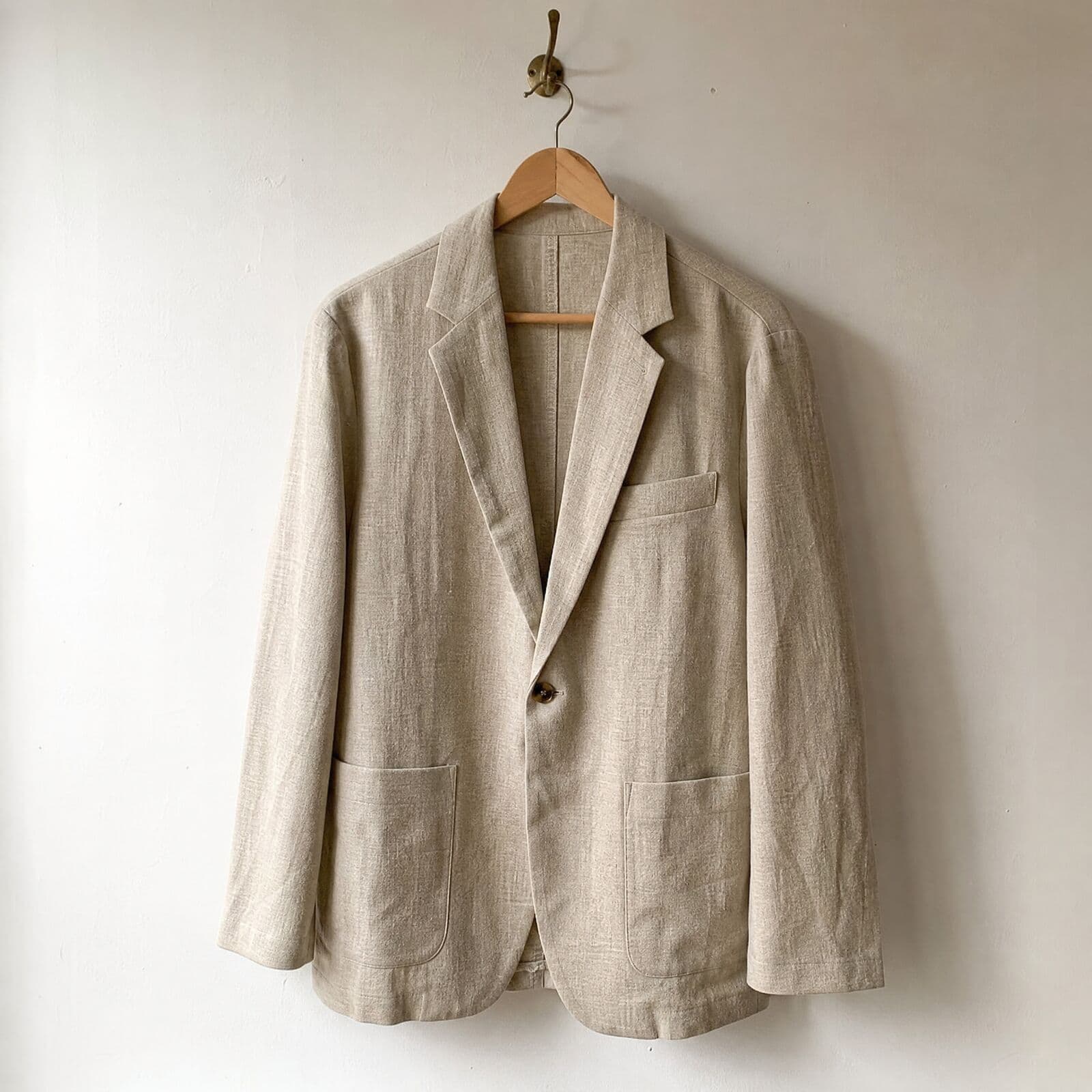
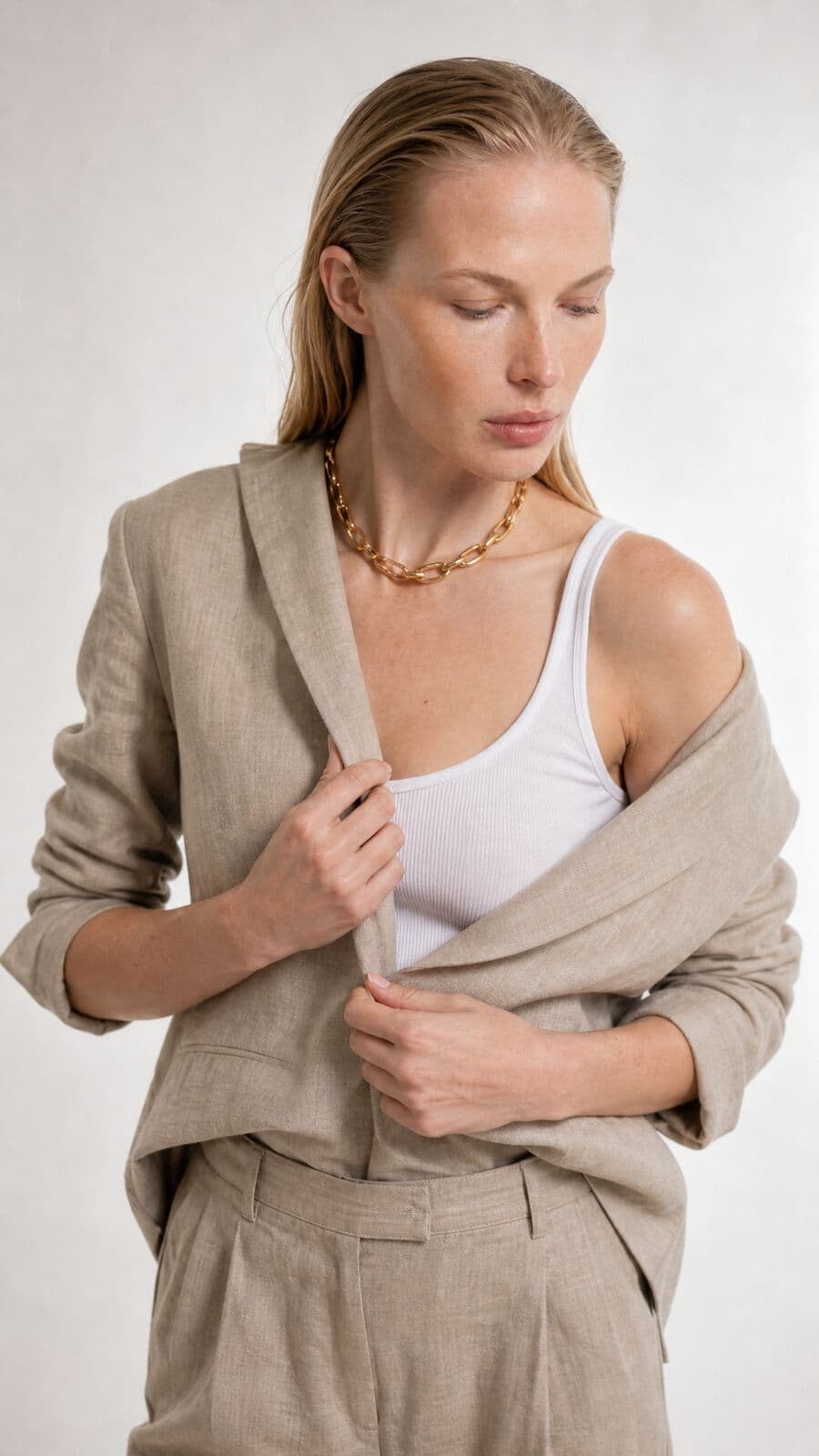
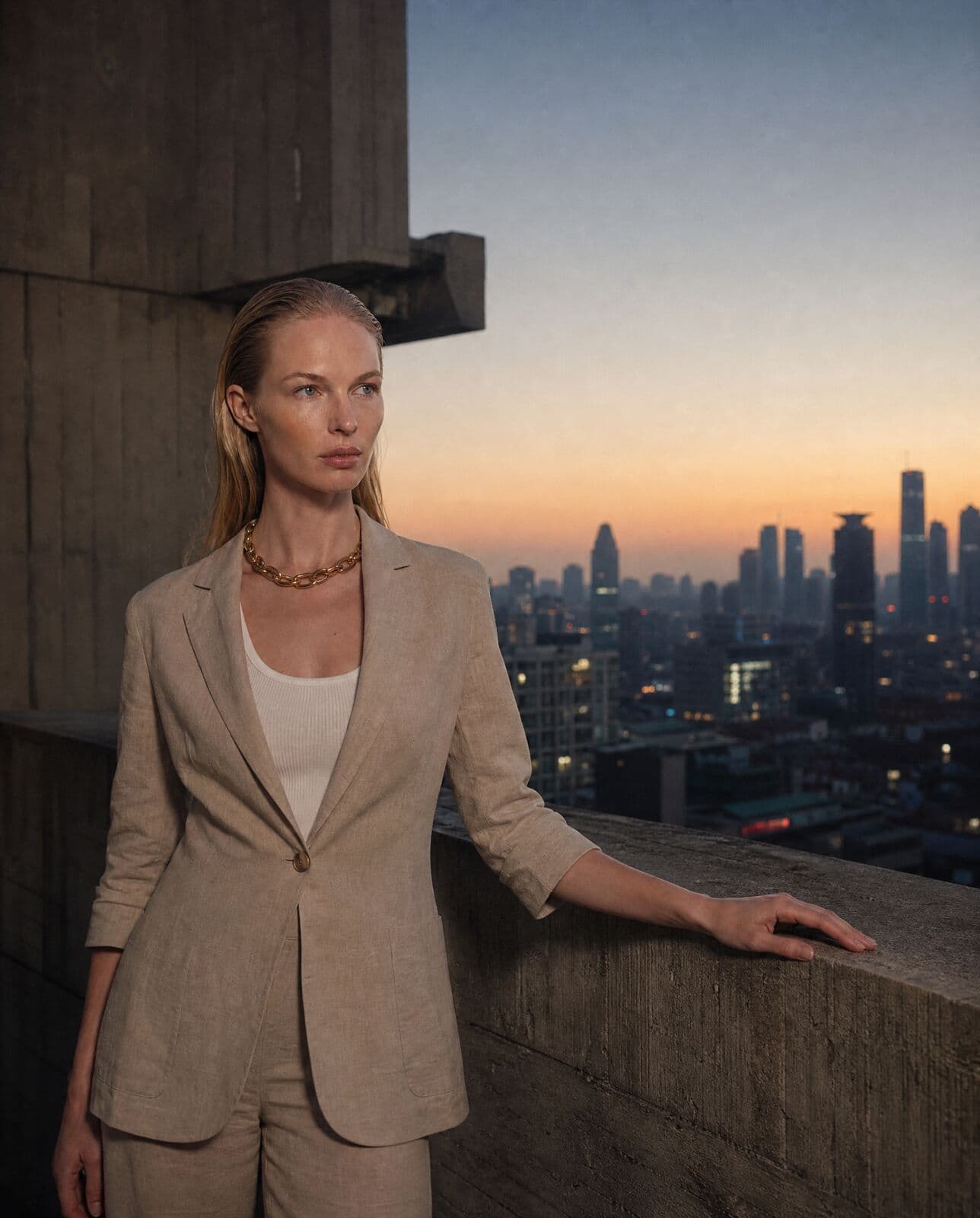
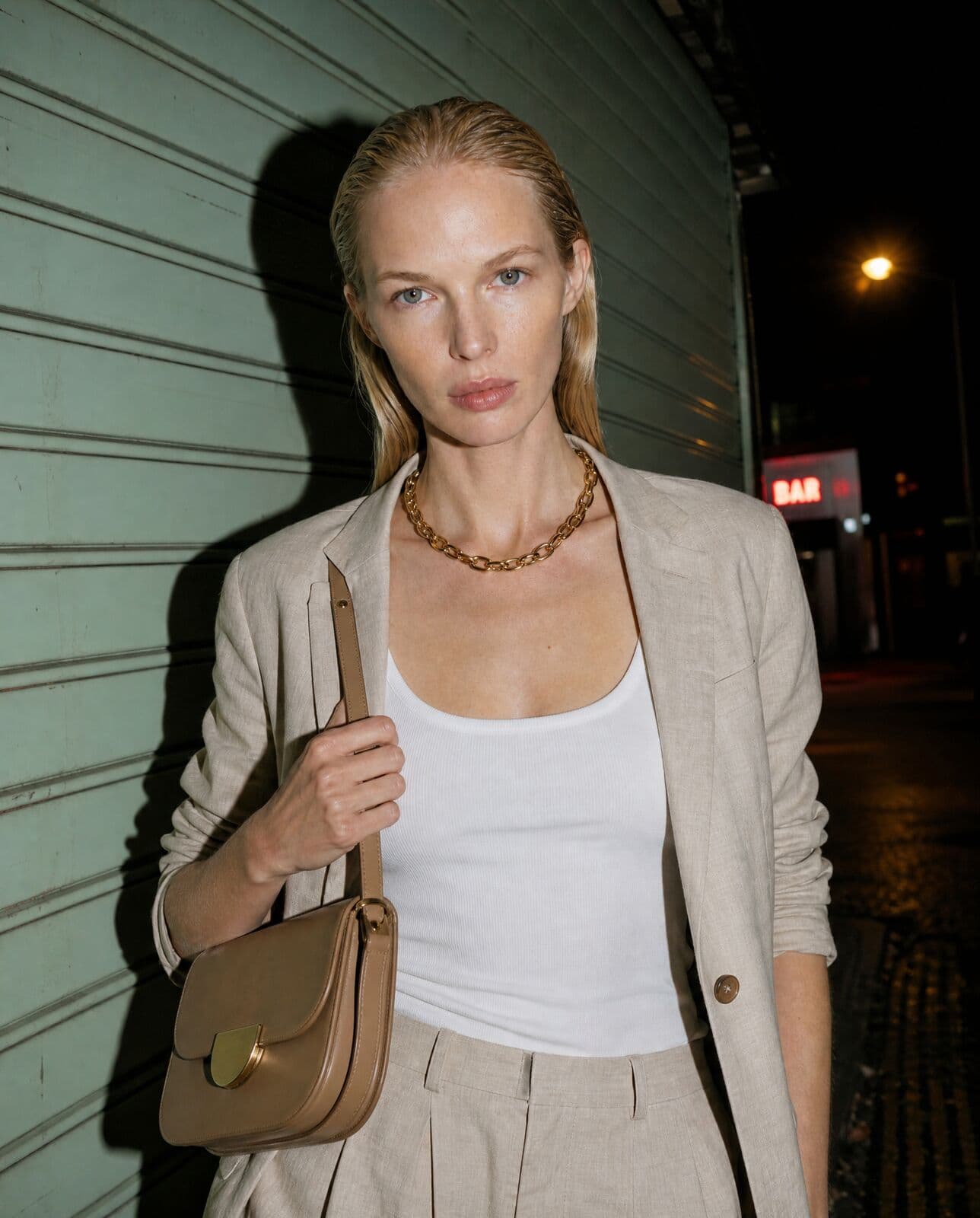
A blazer shot on its own, and the on-model images made from that suit in Misu.
06
Questions people ask
What is flat lay to model AI?
A way to turn a photo of a garment laid flat into a photo of a person wearing it. The garment is rendered onto a body with realistic fit, folds and shadows, so you get on-model imagery without a shoot.
How do I turn a flat lay into an on-model photo?
Run the Flat-lay to Model technique with two images: the flat lay and a photo of the person. Or add the garment as a product and dress a library model in Wardrobe.
What makes a good flat lay for this?
The whole garment in frame, laid smooth, on a plain background, in soft even light. Details hidden under a fold can't be reproduced, because the render only knows what the photo shows.
Can I use a photo of my own model?
Yes. The technique puts the garment on whoever is in the person photo and keeps their pose and setting. Only use photos of people who have agreed to it.
Does it work for shoes and accessories?
The Flat-lay to Model technique is built for clothing. For shoes, bags, belts and jewellery, use Wardrobe, which has slots for them.
How much does it cost?
About 84 tokens a run today, roughly €0.42, with the exact quote shown before you confirm. Generating starts on the Starter plan at €29 a month.
Can I turn the on-model photo into video?
Yes. Open the result in Video Studio and use it as a start frame for a walk, a turn or a detail move. Video runs on every plan, priced in tokens.
Who owns the on-model photos?
You do. Every plan includes full commercial rights to every generated asset, worldwide.
Get started
Your product.
The same face in every shot.
Full commercial rights · Licensed models · Stockholm
Misu is in beta and open to brands, agencies, freelancers and designers. We review every request and email your invite once it's approved, and every new studio starts with welcome credits.
BETA · REVIEWED BY HAND · FOUNDING PRICING LOCKED