01
Your products. Not stock.
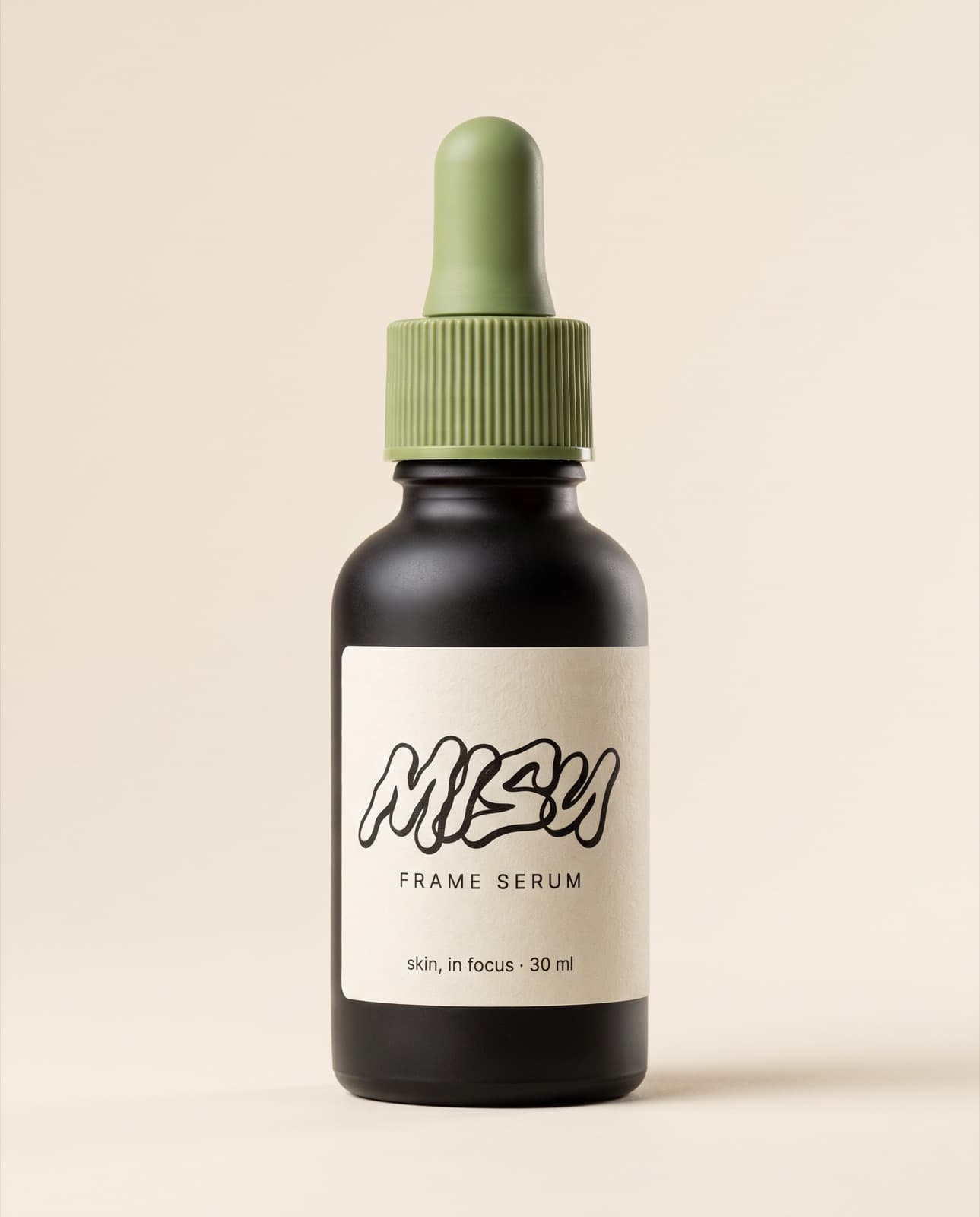
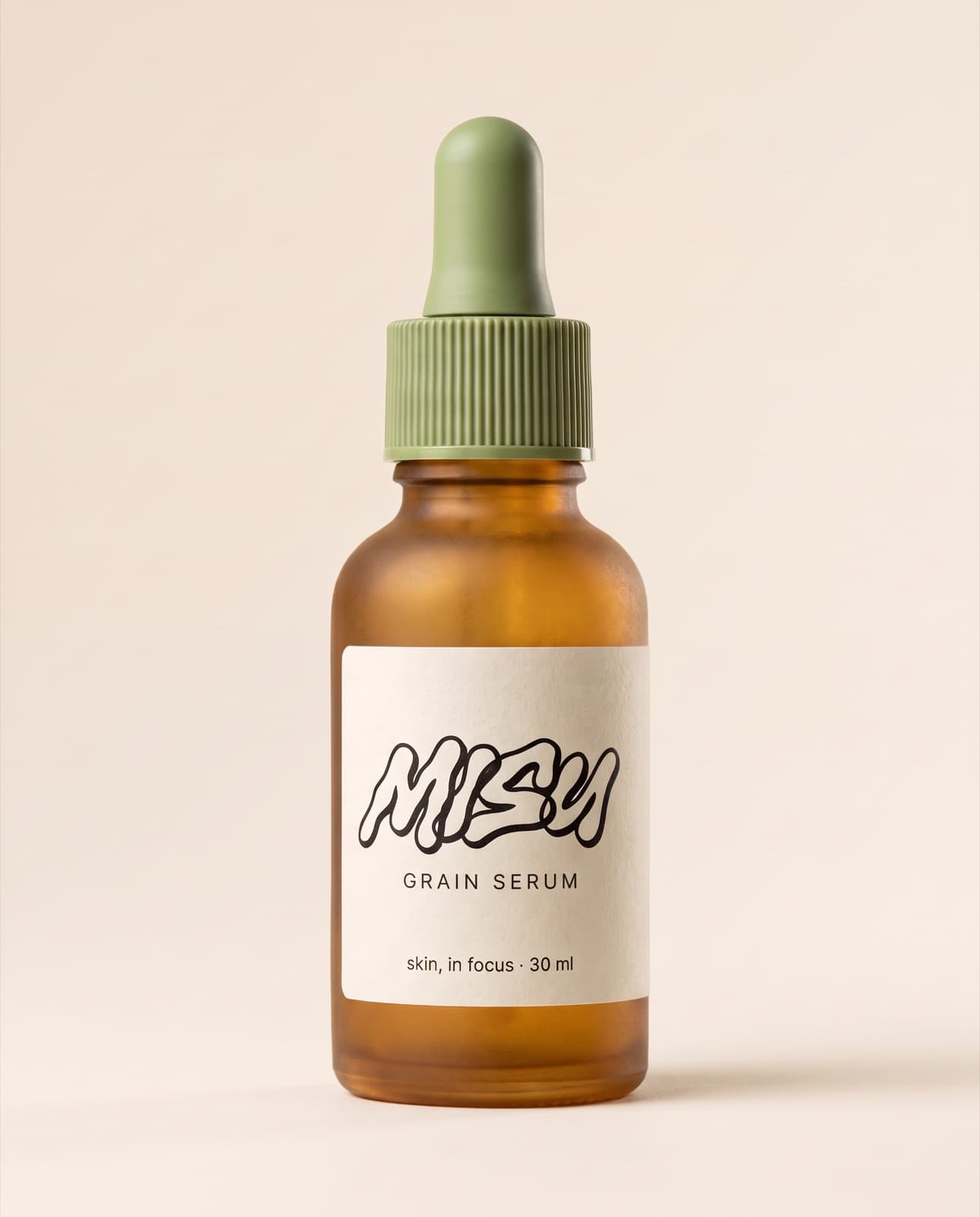
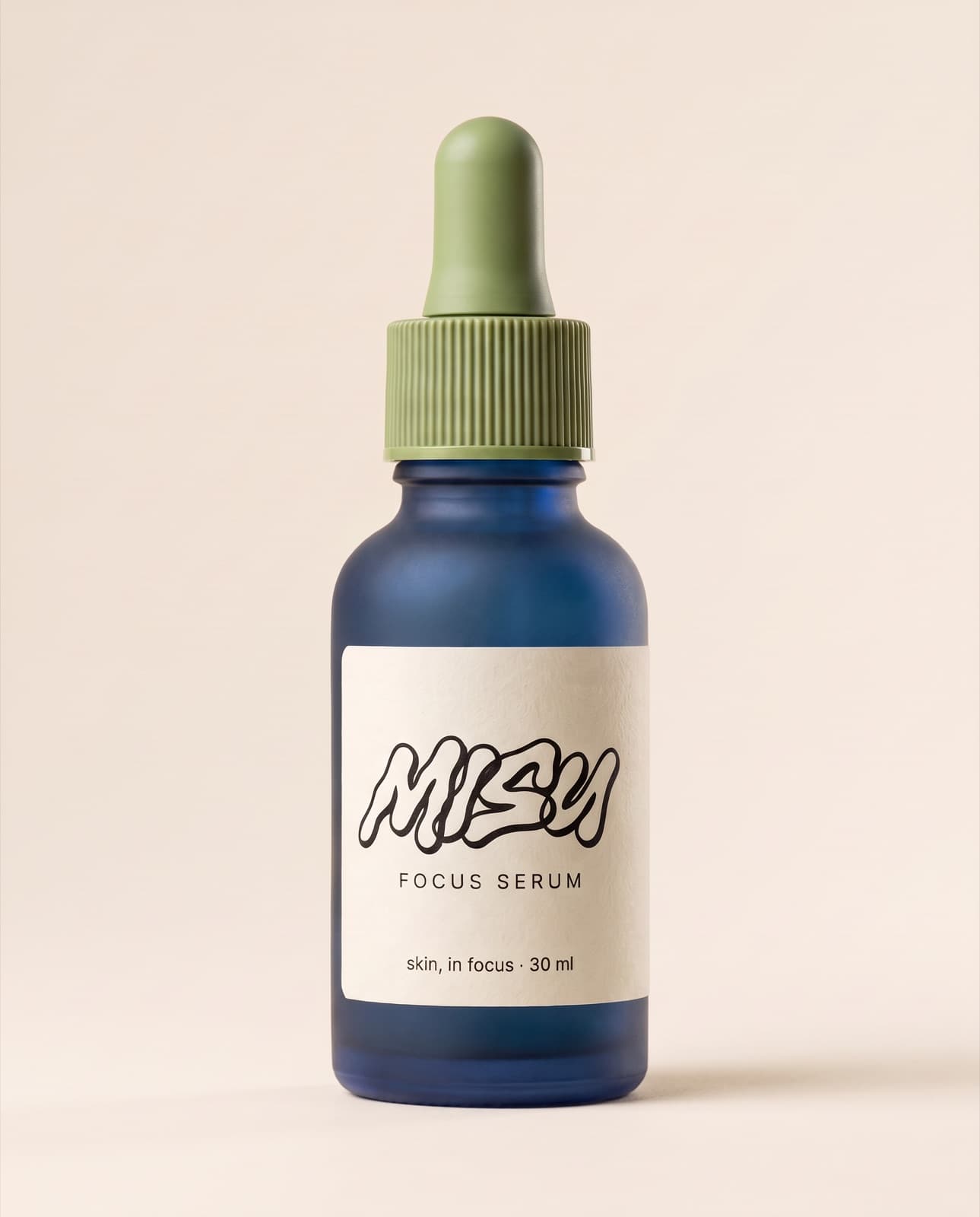
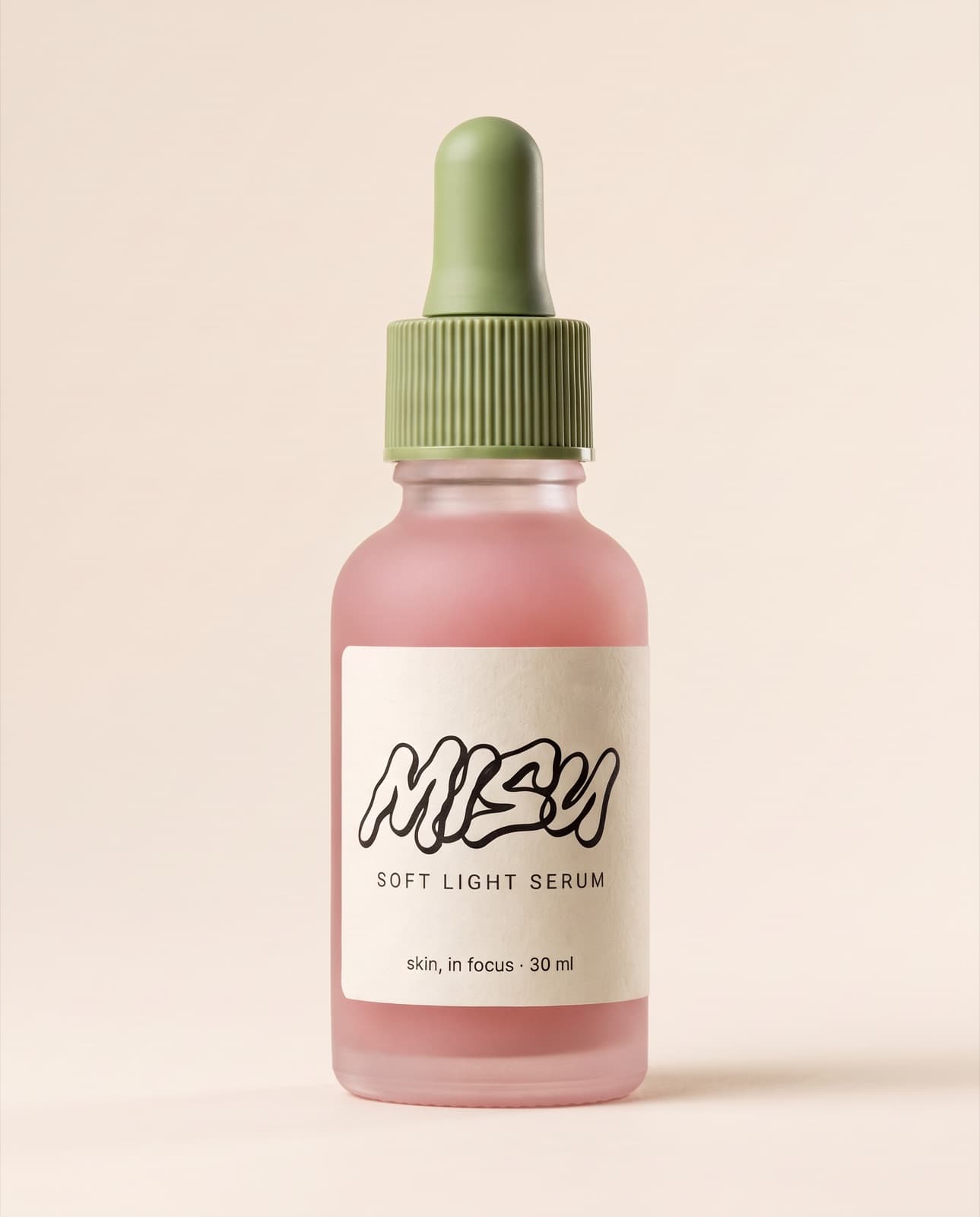
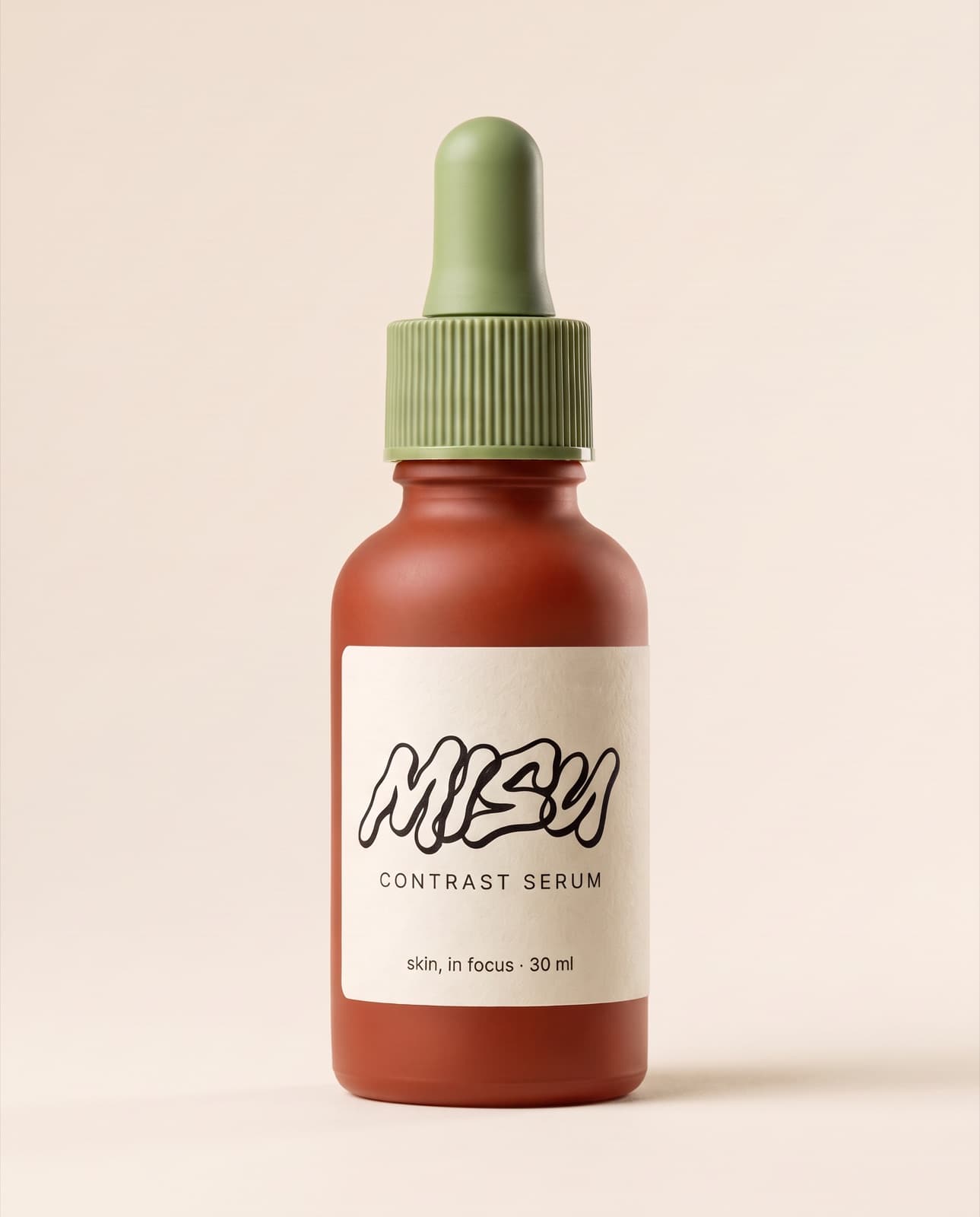
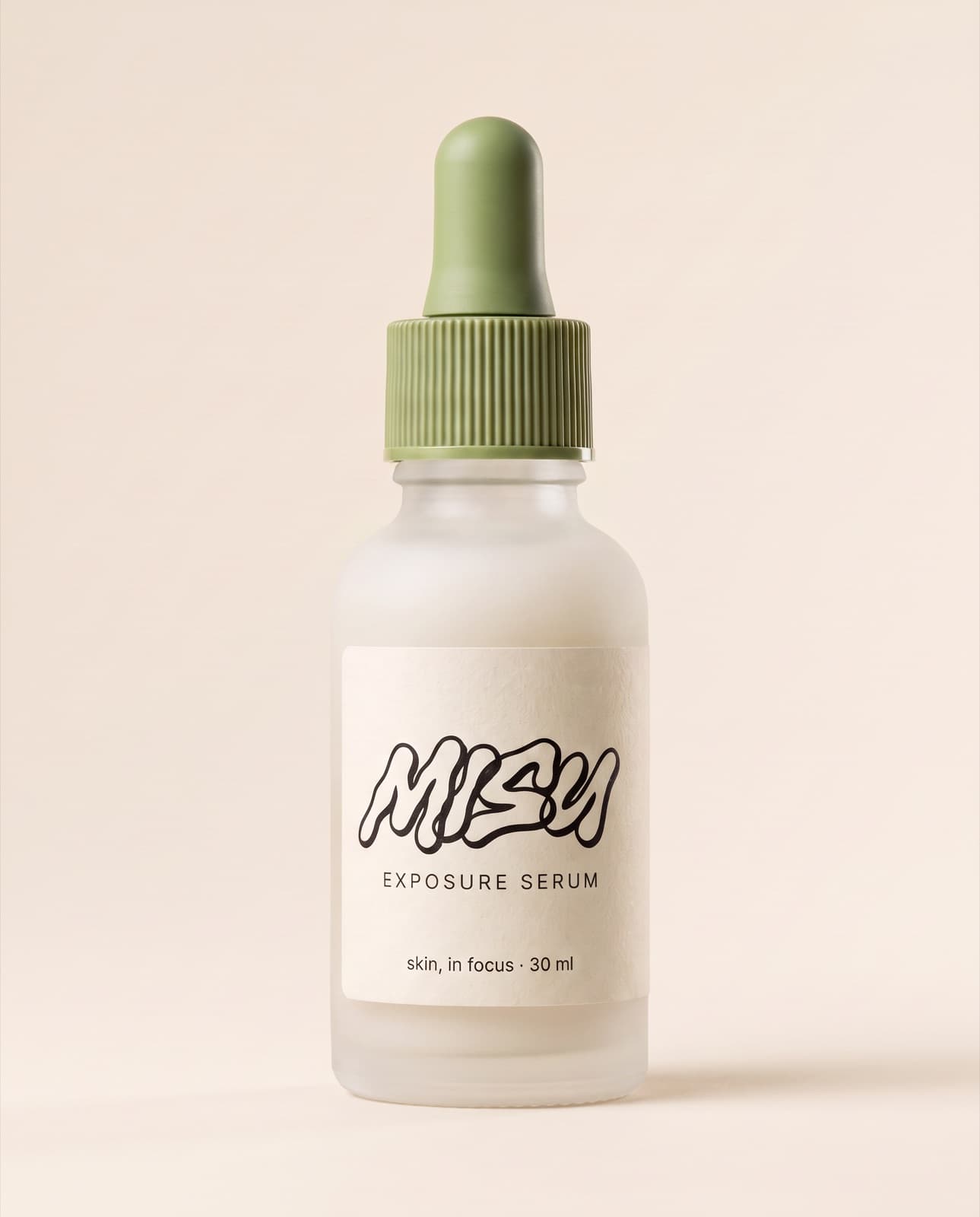
Point at a product in your catalogue and the frame holds the real thing: the cap, the glass, the exact label. One packshot in, five glass colours out. The label was never redrawn.
Connector
Connect Misu to Claude or ChatGPT once. Then ask for a campaign frame and get one back — cast from your own products, holding your own faces, paid from your brand's credits.
01 / The difference
A chat window can already make a picture. It cannot make your bag, in your light, on the face you cast last month. That is the whole job.
01
Point at a product in your catalogue and the frame holds the real thing: the cap, the glass, the exact label. One packshot in, five glass colours out. The label was never redrawn.
02
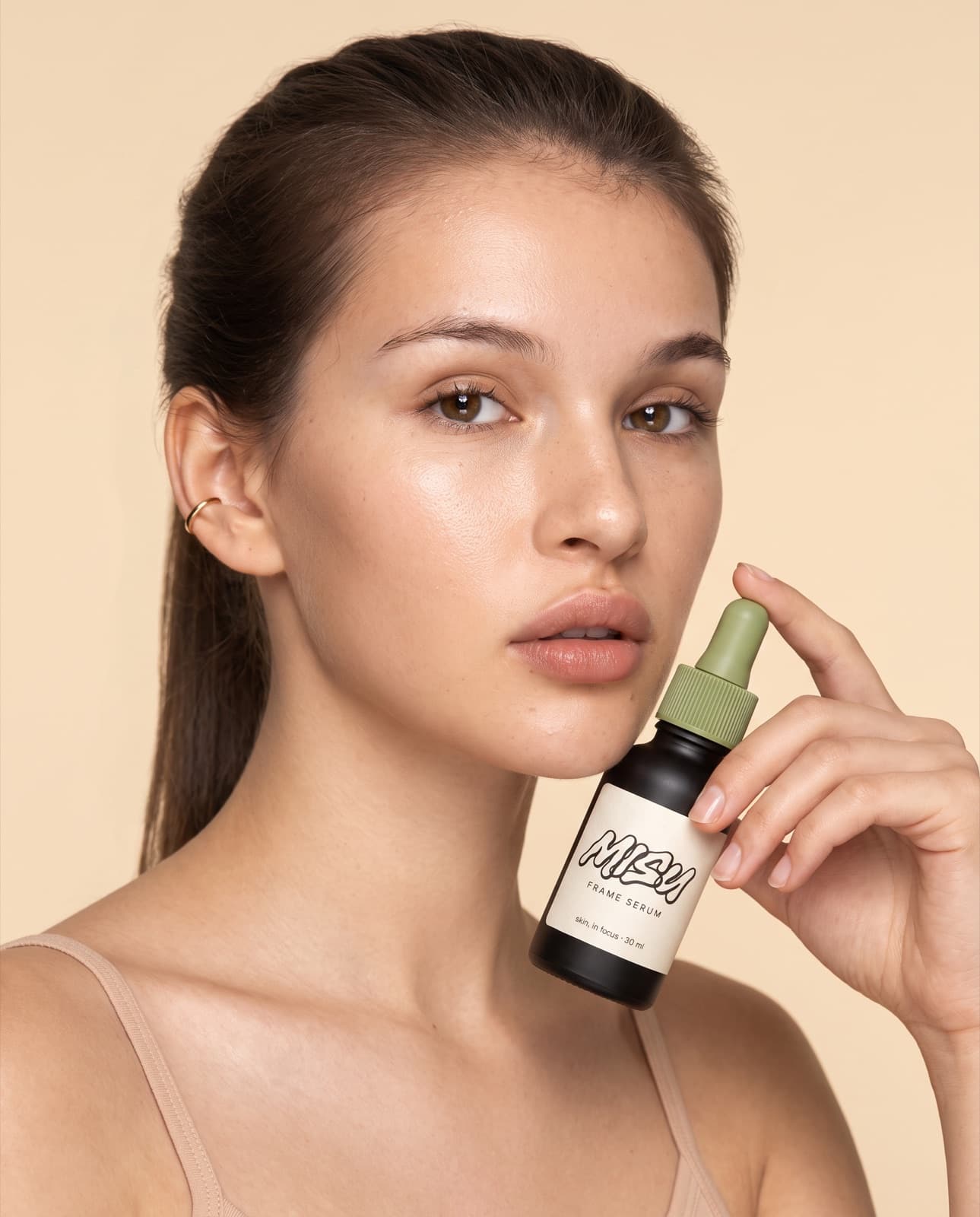
Cast a character you have already trained and pass her id. Lora 2 in a campaign frame, a studio portrait and a phone selfie, from one chat, with one face.
03
The brief as typed, the frame as returned. It shows in the chat and is already in the Library. A clip comes back the same way, as a file.
You say
The bottle from the reference on a moss-covered granite stone in a birch forest. Golden leaves lie around it, low soft sun comes through thin mist, and there is a little dew on the glass. 50mm, f/4. No text in the frame other than the bottle's own label.What comes back
Every frame in this section was briefed in a chat and rendered through the connector. Nothing is a mock-up.
02 / Connect
No API key to manage. You sign in with the Misu account you already have, and the connection carries your brands with it.
Claude
Web, desktop, mobile, Cowork
ChatGPT
Web, Plus and above
03 / In the chat
Reading your catalogue costs nothing. A render spends the same credits as the Studio, at the same rates. There is nothing new to buy.
Everything the agent makes lands in your Library, tagged as agent work. A teammate who cannot spend in the Studio cannot spend from a chat either. Claude Code and Cursor sign in on a local port we do not accept yet — web and desktop today.
A connected chat works better briefed. The playbook is one file — pass ids instead of describing a product, poll a render instead of waiting on it, check credits before a batch, close with a manifest. Drop it into a Claude Project. Get it free with the handbook.
04 / Workflows
Six workflows ship with the connector. Pick one from the prompt menu in Claude, ask for it by name in ChatGPT, or open it here with the first message written for you. Every paid step is quoted before it runs.
E-commerce
One product in, a clean e-commerce set out: front, three-quarter, detail and a lifestyle frame.
“Make a packshot set for one of our products with Misu: white background front and three-quarter, a close detail, and one lifestyle frame.”
E-commerce
Show one product in every colour you sell, with the same light, angle and crop.
“Show our bestseller in five colourways with Misu, same angle and light in every frame.”
Fashion
Your trained model wearing your product across a small campaign, with the same face in every frame.
“Shoot a four-frame campaign with our Misu character wearing our new jacket, same face in every shot.”
Fashion
Start from one outfit photo and get a styled, on-brand campaign set.
“Here's a photo of an outfit. Turn it into a three-frame campaign with Misu.”
Video & motion
Animate a still you already made into a short clip for social.
“Animate my latest Misu image into a five-second clip for Instagram.”
Video & motion
Change one element of a clip you already have, the outfit, the product, the person or the place, and keep the take.
“Change the jacket in my latest Misu video to a long camel coat, keep everything else exactly the same.”
Marketing & brand
Review recent renders against the brand and flag the ones to redo.
“Go through our last ten Misu images and tell me which ones are off-brand.”
05 / Made in the chat
Our own film was cast, lit and rendered through this connector: talent from the board, stills on Nano Banana Pro, motion on Kling 3.0 Pro. The edit was the only step outside it.
Cast: Semona and Lora, Main Board · Bertil, Original · Made in Misu, AI-generated
Music: Vivaldi, Winter, I. Allegro non molto · The Modena Chamber Orchestra, via Musopen, public domain
“Her reflection looks into the lens when she doesn’t.”
01 · The brief
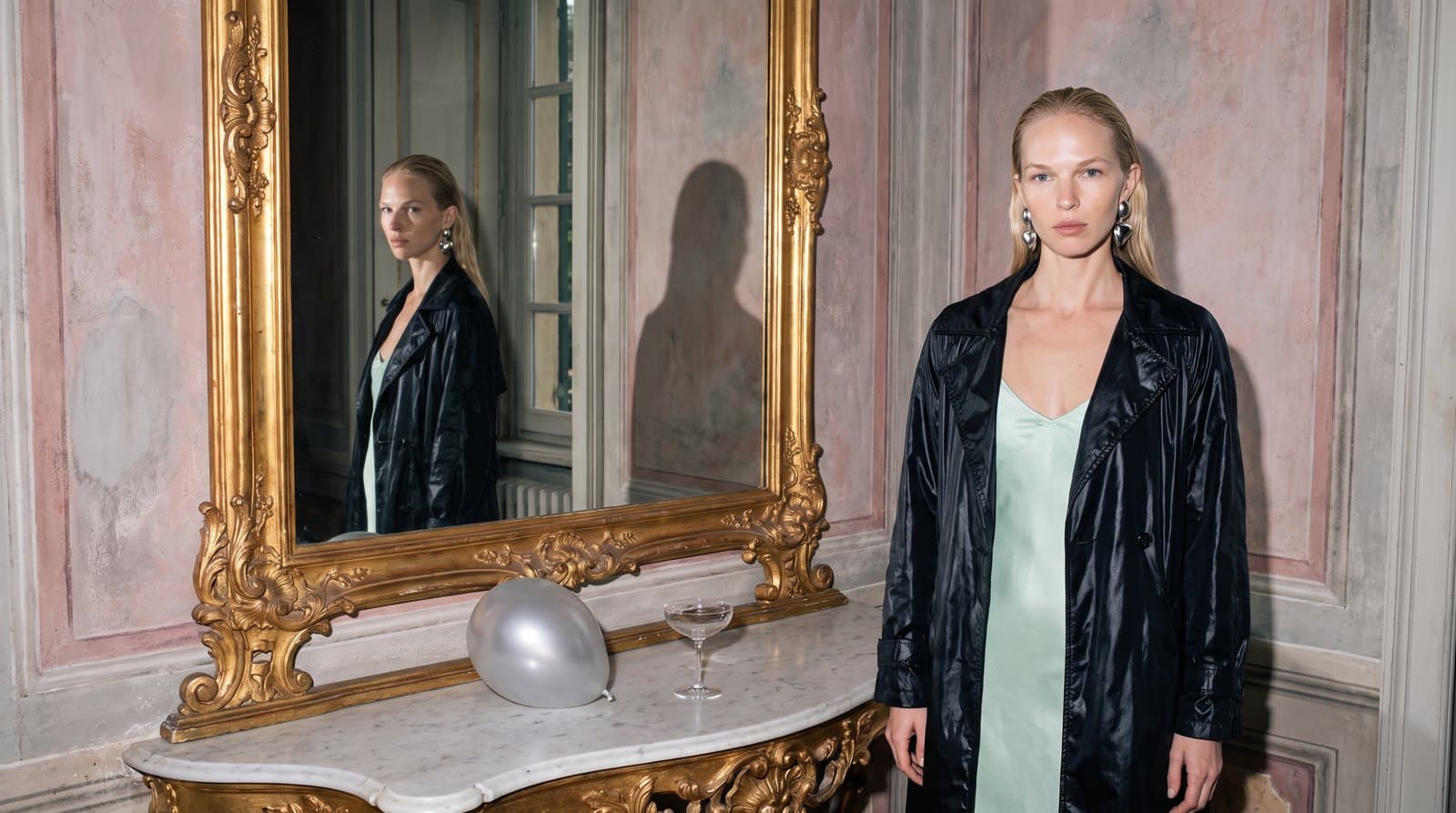
Asked for in a chat: Semona at a gilded mirror, grey morning light, a direct flash. Her reflection looks into the lens when she doesn't.
02 · The still
Cast with Character Lock and rendered on Nano Banana Pro at 2K.
03 · The clip
The still animated on Kling 3.0 Pro. Five seconds, sound from the room.
Get started
Misu is in beta, with invites approved by hand. Once you're in, every new studio starts with welcome credits, and the connector is one paste away.
BETA · REVIEWED BY HAND · FOUNDING PRICING LOCKED


