Video model · Google
Veo 3 video generator
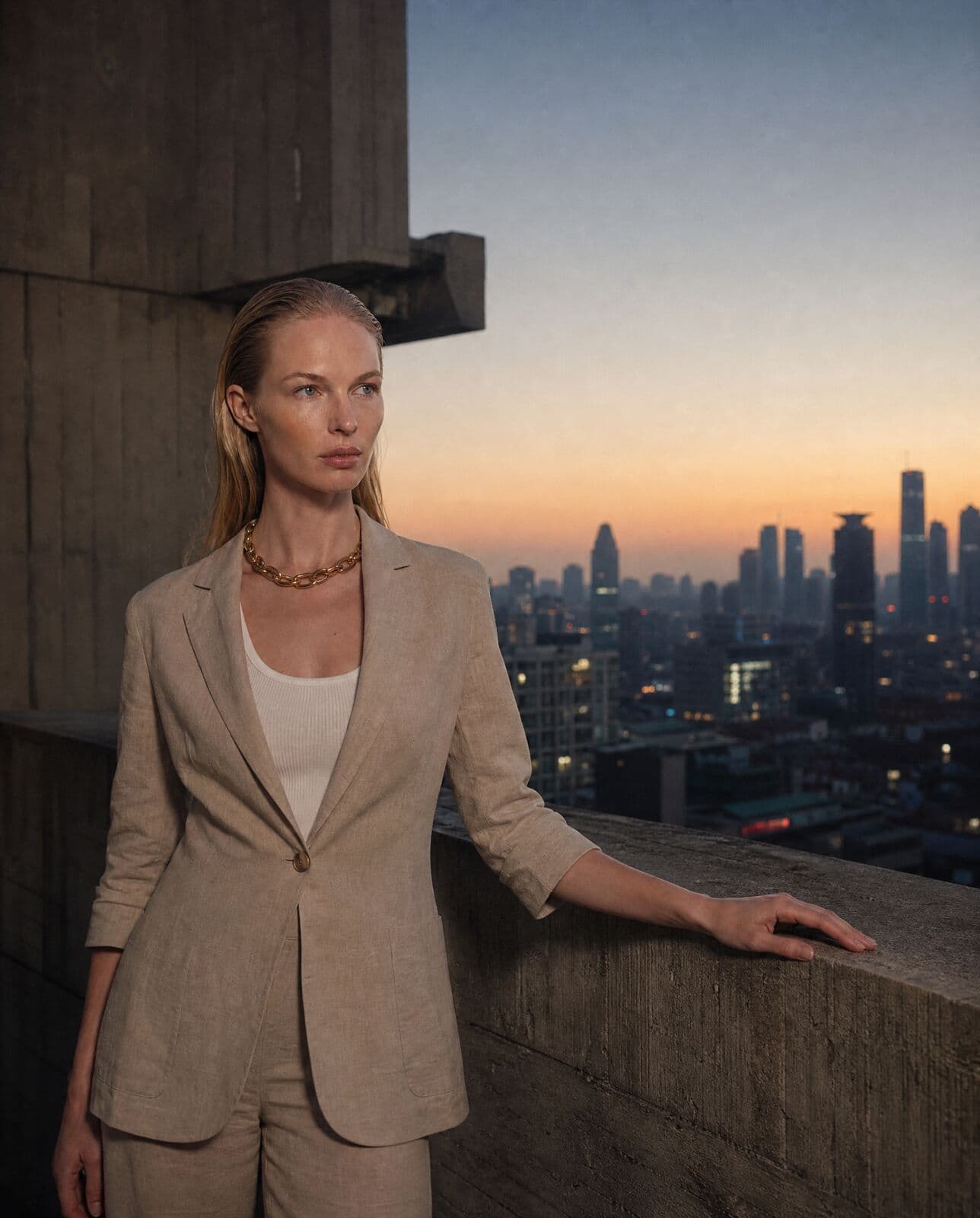
Google's cinematic video model. The pick when light, lens and mood carry the shot.
01
What Veo 3 is good at
Best for
- Campaign film where atmosphere and lighting do the work.
- Precise lensing and camera language: focal length, depth, framing.
- Editorial and narrative moments with native audio.
- Short, finished shots of 4, 6 or 8 seconds.
Reach for something else when
- Drafts and fast iteration. MiniMax H3 Max, or Seedance 2.0 at 480p, is quicker and far cheaper.
- Anything longer than 8 seconds. Seedance 2.5 or Kling 3.0 runs longer.
- Controlled transitions to an end frame, which Kling 3.0, Seedance and MiniMax H3 support and Veo does not.
In Misu
- Veo 3 is in the Video Studio model picker, on Canvas video nodes and available to the Director.
- Veo 3.1 has been replaced by Gemini Omni Flash, Google's newer video model, which also takes an end frame. On Auto, a brief tagged cinematic now routes there; pick Veo 3 by name to use it.
- Veo 3 also runs from a prompt alone, so a written brief can go straight to film.
- When the Director writes the prompt, it uses Veo's long structure: subject, context, action, style, camera, framing, ambiance, lighting, lensing, mood, atmospheric effects, colour grade and audio.
- Character Lock sends the identity frame closest to the shot's framing as the start frame.
02
Veo 3 specs in Misu
Read from the same tables the Studio's controls use — what you see here is what you can set.
Veo 3
| Clip length | 4–8s |
|---|---|
| Aspect ratios | 1:1 · 9:16 · 16:9 · 4:5 · 4:3 |
| Native audio | Yes |
| Start → end keyframes | No |
| Text-to-video (no start frame) | Yes |
03
Using Veo 3 in Misu
01
Choose Veo 3
Pick Veo 3 in the Video Studio, or place it on a Canvas node. It renders 4, 6 or 8 seconds with native audio.
02
Frame the shot
Start from a still in your Library, or give Veo 3 only a prompt. With a cast model, Character Lock supplies the frame.
03
Write like a director of photography
Say the lens, the light and the time of day. Veo reads those words closely.
04
Run and grade
The clip lands in your Library. Keep the prompt and change one variable at a time.
04
Prompting it for fashion and product
Name the lens. "85mm, shallow depth of field, background falls to soft blur" produces a different shot from "24mm, deep focus", and Veo holds the difference.
Light before action. Describe the key light, its direction and its colour, then what the model does. Mood is where Veo earns its cost.
Keep the action small. Eight seconds is room for one gesture: a glance, a hand on a rail, a step out of shadow.
Write the sound as part of the scene. Distant traffic, wind across a rooftop, a single footstep. Veo generates audio with the clip and follows what you name.
05
Veo 3 questions
Is Veo 3 available in Misu?
Yes. Veo 3 is in the Video Studio, on Canvas and available to the Director. Veo 3.1 has been replaced by Gemini Omni Flash. Video is included on every plan, priced in tokens.
How long can a Veo clip be?
4, 6 or 8 seconds.
Does Veo 3 generate audio?
Yes. It generates native audio with the clip.
What does it cost in tokens?
Veo 3 is priced per second. At current rates that is about 149 tokens a second; Gemini Omni Flash is about 38. The Studio shows the exact cost before you run.
Can I use Veo clips commercially?
Yes. Content generated on a paid plan is yours, under a full commercial licence.
Get started
Veo 3, directed.
Your product. Your face.
Misu picks the model per shot · Character Lock · Full commercial rights
You don't need a separate account for every model. Brief the shot in Misu, keep your product and your cast locked, and the Studio routes to the model that fits.
BETA · REVIEWED BY HAND · FOUNDING PRICING LOCKED