Video model · ShengShu
Vidu reference-to-video generator
Several subjects, one shot. Give Vidu up to seven images and it composes them into a single clip.
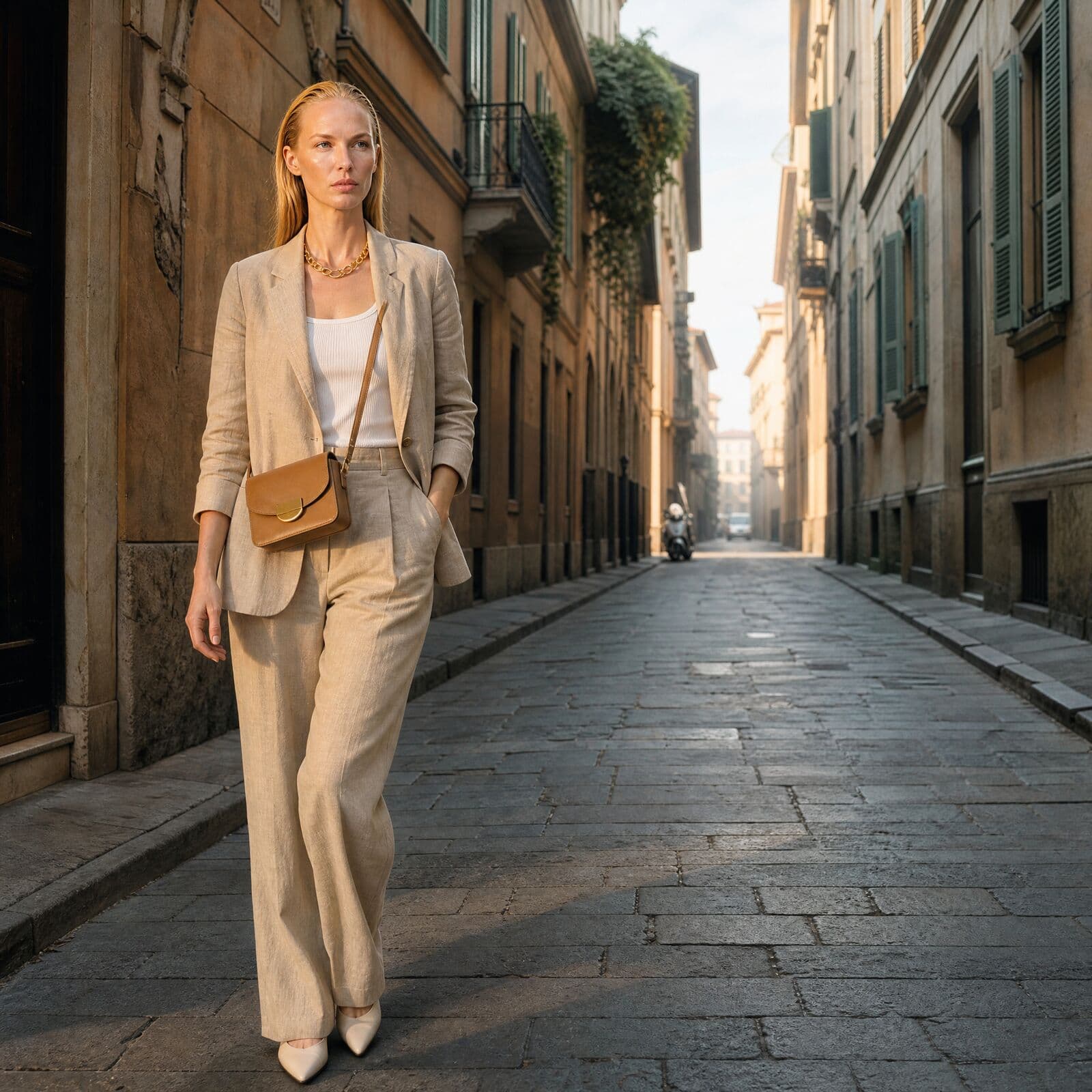
01
What Vidu is good at
Best for
- Putting several characters in the same frame.
- A model and a product together, each held from its own reference.
- Combining a character, a product and a location from separate images.
- Consistent casts across a set of short clips.
Reach for something else when
- Transitions to an end frame. Kling 3.0 or Seedance 2.0 takes a start and end frame.
- Clips that need sound. Vidu has no native audio; Seedance, Kling 3.0 and MiniMax H3 do.
- Drafts, and formats beyond 16:9, 9:16 and 1:1. Seedance 2.5 Reference covers more ratios and takes up to 50 references.
In Misu
- Featured in the Video Studio as Vidu Multi-character, and available on Canvas video nodes.
- No start frame needed. The reference images replace it.
- The Studio only offers the three ratios Vidu accepts, 16:9, 9:16 and 1:1, and snaps to one when you switch.
- Canvas exposes a movement amplitude setting: auto, small, medium or large.
- Prompts are capped at 1,500 characters, and the Studio flags a long prompt before you spend anything.
02
Vidu specs in Misu
Read from the same tables the Studio's controls use — what you see here is what you can set.
Vidu — Multi-character
| Clip length | Set by the model |
|---|---|
| Aspect ratios | 1:1 · 9:16 · 16:9 |
| Native audio | No |
| Start → end keyframes | No |
| Text-to-video (no start frame) | No |
| Reference images | Up to 7 |
03
Using Vidu in Misu
01
Collect the references
Choose up to seven images from your Library: the models, the products, the place. One clear subject per image works best.
02
Pick a format
16:9 for web, 9:16 for stories and reels, 1:1 for the grid.
03
Write the shot
Say who is where and doing what. Keep it short; Vidu takes 1,500 characters at most.
04
Run it
Vidu is priced per clip rather than per second, so the cost does not change with a length setting.
04
Prompting it for fashion and product
Give each reference one subject. A clean image of the model, a clean packshot of the bag. Vidu composes subjects; it does not untangle them.
Place things in the frame with plain spatial words. "The model stands left of frame. The bag hangs from her right shoulder. A stone wall fills the background."
Ask for modest motion. A slow walk, a turn of the head, a small camera drift. Set movement amplitude to small on Canvas when the product must stay readable.
For a cast, describe how the characters relate: side by side, one behind the other, facing each other. The model needs the arrangement, not only the names.
05
Vidu questions
Is Vidu available in Misu?
Yes. Vidu's reference-to-video endpoint is in the Video Studio as Vidu Multi-character, and on Canvas. Video is included on every plan, priced in tokens.
How many reference images can I use?
Up to seven: characters, products or scenes, in any mix.
Does Vidu generate audio?
No. For sound, use Seedance, Kling 3.0 or MiniMax H3, or add audio on the timeline.
What does it cost in tokens?
Vidu is priced per clip, not per second. At current rates that is about 149 tokens a clip. The Studio shows the exact cost before you run.
What aspect ratios does Vidu support?
16:9, 9:16 and 1:1. Pick the format before you run; the Studio will not offer the others while Vidu is selected.
Can I use Vidu clips commercially?
Yes. Content generated on a paid plan is yours, under a full commercial licence.
Get started
Vidu, directed.
Your product. Your face.
Misu picks the model per shot · Character Lock · Full commercial rights
You don't need a separate account for every model. Brief the shot in Misu, keep your product and your cast locked, and the Studio routes to the model that fits.
BETA · REVIEWED BY HAND · FOUNDING PRICING LOCKED