Misu Canvas · Drama Studio Film
A rough move.
A finished walk.
Previsualise the camera with a grey figure on a grey floor. Wire the clip into a board with a photo of your person and a shot of your product. The board cuts the person out, writes the take, shoots it on a white studio and finishes it at 60 fps. Nine nodes. One run.
01 · import
Import
Your person
02 · import
Import
Your product
03 · import
Import
Your camera move
04 · prompt
Prompt
Cutout brief
05 · image
Image
Nano Banana Pro
06 · describe
Describe
The look
04 · prompt
Prompt
The take
05 · video
Video
Seedance 2.5 Reference
06 · finish
Smooth motion
60 fps
- Imports
- 3
- Nodes
- 9
- Wires
- 9
- One take · 60 fps
- 10s
01 / The idea
The camera first.
The cast after.
The figure in the clip is nobody. Only its camera is read. So the move can be blocked in an afternoon, in code, and cast on the board.
The clip sets the camera.
A reference clip is read for its camera path, its timing and its framing. The grey figure walking through it is ignored, so the previz can be as rough as a box on a floor.
The cutout sets the person.
The photo is cut out onto a white studio before anything moves. The take then locks onto a clean figure and a clean floor, not a street.
The board does the rest.
Describe writes the look, the prompt reads it, the video model shoots it, a finishing pass takes it to 60 fps. You fill three slots and press run once.
02 / The board
Nine nodes.
Nine wires.
Three imports, two prompts, a Describe step, an image model, a video model and a finishing pass. One run, quoted before it spends.
01 · import
Import
Your person
02 · import
Import
Your product
03 · import
Import
Your camera move
04 · prompt
Prompt
Cutout brief
05 · image
Image
Nano Banana Pro
06 · describe
Describe
The look
04 · prompt
Prompt
The take
05 · video
Video
Seedance 2.5 Reference
06 · finish
Smooth motion
60 fps
What you bring
- 01
Your person
A full-body photo, street or studio. Carrying the product if you have one; the board swaps it either way.
- 02
Your product
One packshot, any background. The model reads the logo and the shape from here, not from the photo.
- 03
Your camera move
A clip of the move: a grey figure, a grey floor, the camera doing what you want. Four seconds is plenty.
What you get
- 01
One take
10 seconds on a white studio at 60 fps. The person walking with the product, the camera moving as you previsualised, the gait and the hands as the prompt says.
What it costs
≈ 1,950 credits
per 10-second run
The cutout, the take and the finishing pass together. Every run is quoted before it spends, and a refused render gives the credits back. A new studio starts with 600 welcome credits, so the first run needs a top-up.
03 / Node by node
What each takes.
What it gives.
In run order. The slot stamp on a card is the order you fill it in; a card without one is already done.
- 01import
Import
Your person
- Takes
- A full-body photo of the person, carrying what they will carry.
- Gives
- The face, the outfit and the bag the rest of the board holds on to.
- 02import
Import
Your product
- Takes
- A packshot of the product, on any background.
- Gives
- The second reference the video reads, so the logo and the shape stay exact.
- 03import
Import
Your camera move
- Takes
- A rough clip of the camera move: a grey figure on a grey floor, no detail.
- Gives
- The camera path, the timing and the cut rhythm. Nothing else is copied.
- 04prompt
Prompt
Cutout brief
- Takes
- Nothing. The cutout instruction is already written.
- Gives
- The instruction the image model follows: the same person, a white studio, nothing else changed.
- 05image
Image
Nano Banana Pro
- Takes
- The brief and the photo of the person.
- Gives
- The person on plain white, full body, with a soft shadow.
- 06describe
Describe
The look
- Takes
- The photo of the person.
- Gives
- One paragraph on the look: hair, glasses, each garment, what they carry.
- 04prompt
Prompt
The take
- Takes
- The look, dropped into its Subject line.
- Gives
- The full direction for the take: scene, subject, action, camera, style, and what to avoid.
- 05video
Video
Seedance 2.5 Reference
- Takes
- The prompt, the cutout, the product and the camera clip, in that order.
- Gives
- A ten-second take at 720p: the person walks to camera with the product, the camera moving as previsualised.
- 06finish
Smooth motion
60 fps
- Takes
- The take.
- Gives
- The same take at sixty frames a second, ready to deliver.
04 / Workflow
Seven stages.
One take.
What each node is told, what happens, and what comes back. The settings under a stage are the card's own, as it stands on the board.
- 01
Your person
The node is told:“A full-body photo of the person. Carrying the product if you have one.”
The first import. It feeds both the cutout and the Describe step, so one clean, well-lit, full-body frame pays twice.
Settings
- Node
- Import
- Type
- image
- Slot
- 01 · Your person
- Feeds
- The cutout (reference) · The look (image)
Import · image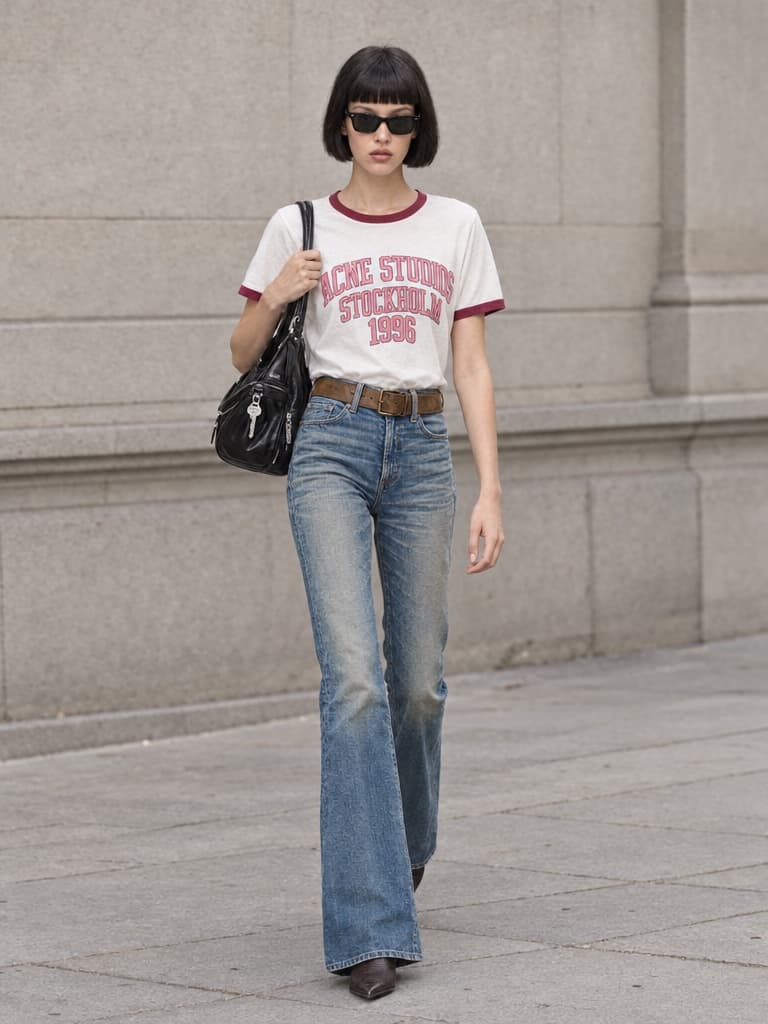
- 02
Your product
Settings
Import · image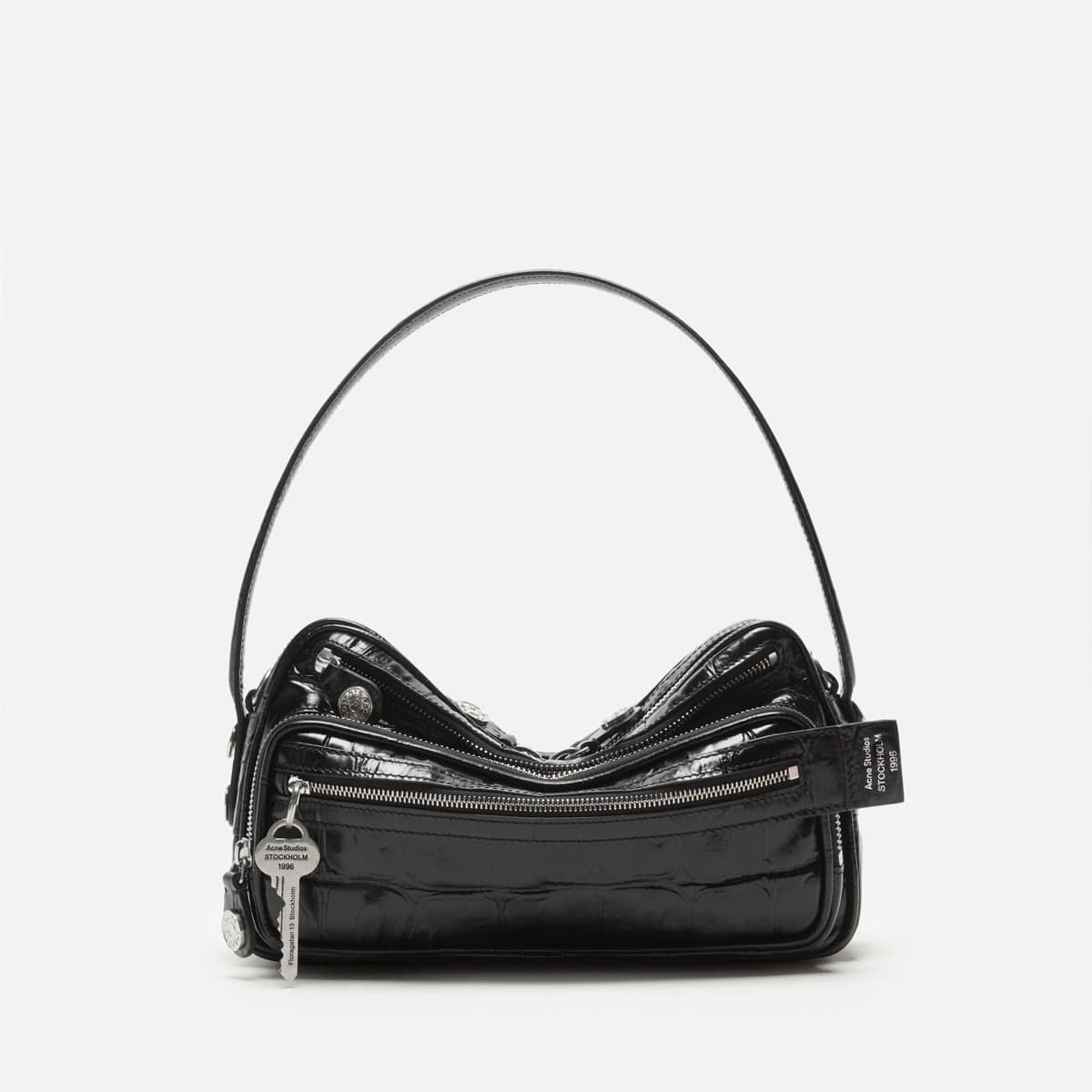
- 03
Your camera move
Settings
Import · video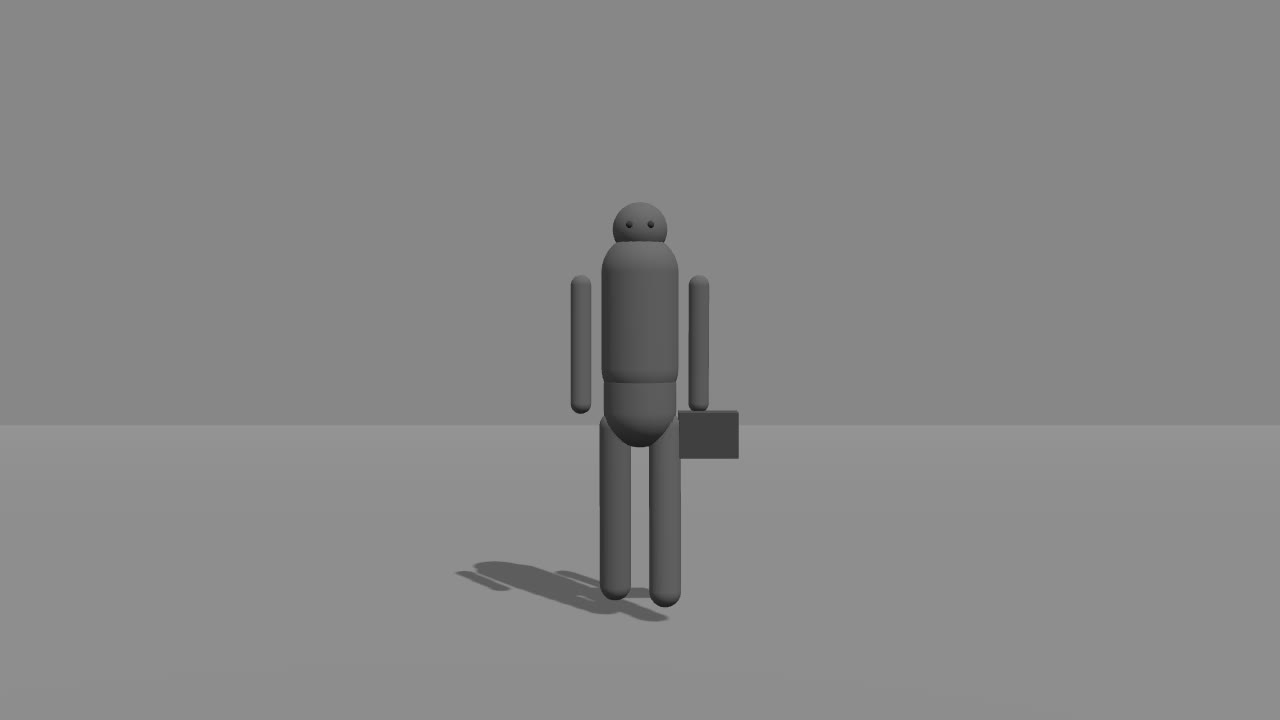
- 04
The cutout
Settings
Cutout · 3:4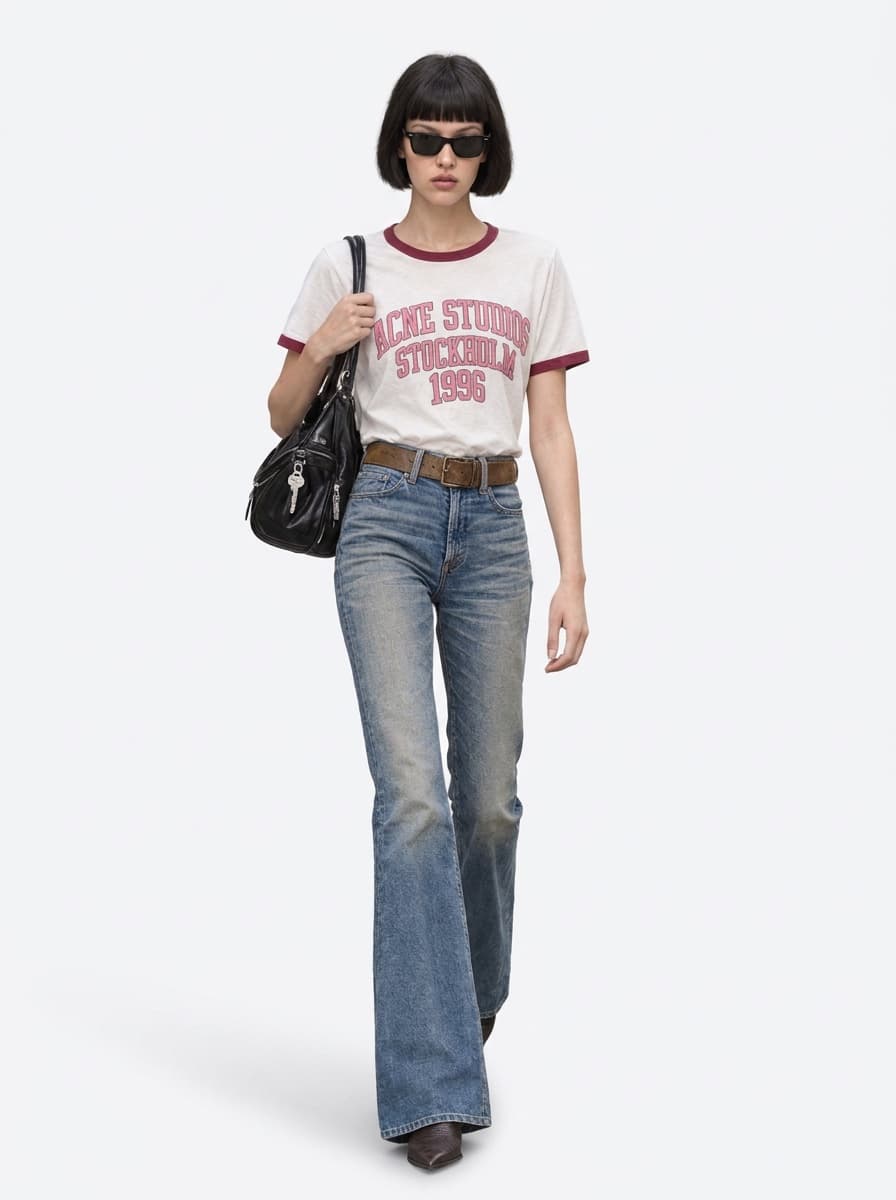
- 05
The look
Settings
Text · {Subject} - 06
The take
Settings
Take · 10s · 720p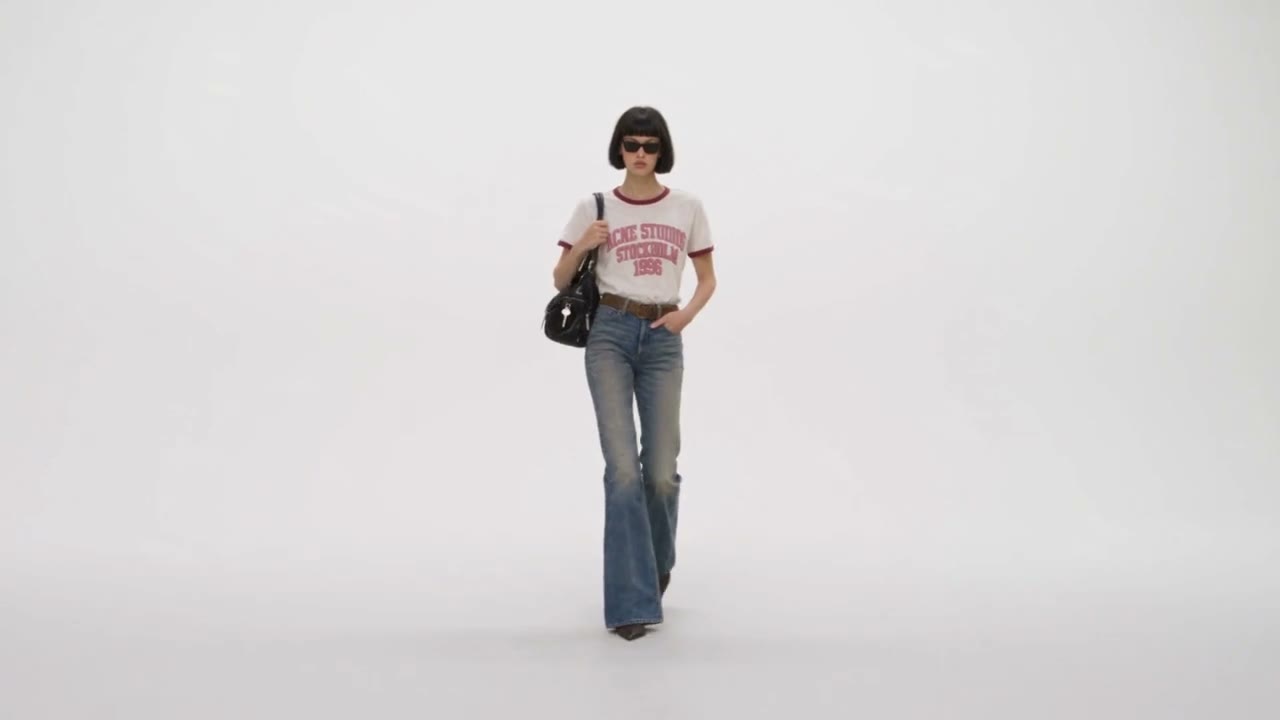
- 07
Finish
Settings
Film · 10s · 60 fps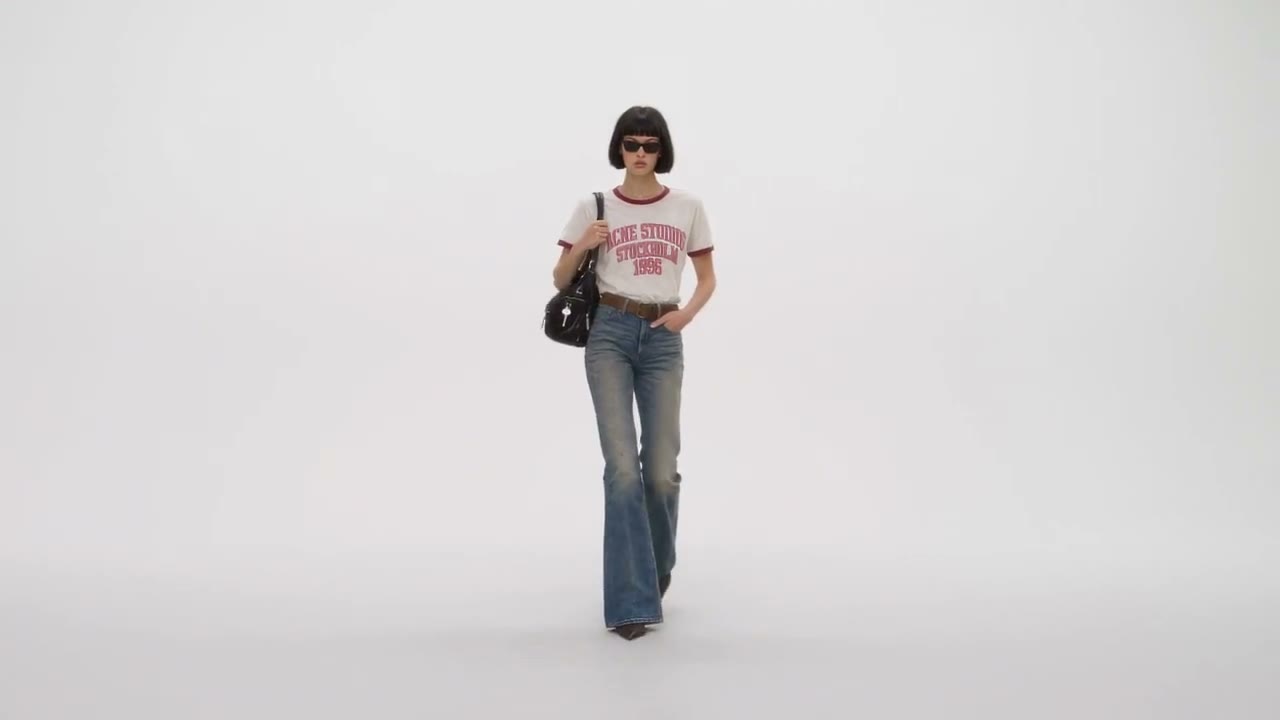
Stages two to seven, with every node setting, are in the full edition.Unlock free →
05 / Library
What it made.
In order.
What went in, what came out, and the board itself. The line under each names the model and the ratio.
What you bring
3 assetsThe three imports: a photo, a packshot and a camera move made in code, no 3D package.
Your person. One full-body photo.
GPT Image 2.5 Flare (Max) · 3:4
Your product. One packshot.
Supplied · 1:1
Your camera move. A grey figure, a grey floor.
Made in code · 10s · 16:9
What it made
3 assetsThe cutout, the take and the finished pass, in the order the board runs.
The cutout. White studio.
Nano Banana Pro · 3:4
The take. One shot.
Seedance 2.5 Reference · 10s · 16:9
Finished. 60 fps.
Smooth motion · 10s · 16:9
The board
2 plannedThe finished board as it stands in Canvas, and the two-people variant.
The board. Nine nodes, nine wires.
Canvas · 16:9
The two-people board.
Canvas · 16:9
The full edition · Free
Every prompt.
Every setting.
This page is the short edition. Leave your name and the full one opens right here: the four prompts verbatim, every node setting, the board as a file and the two-people variant. Each copy is numbered.
- 01
Every prompt, verbatim
The cutout brief, the look direction, the take and the two-people take, as they sit in the nodes.
- 02
Every node setting
Model, duration, resolution, audio, references in wire order, the finishing pass. All seven stages.
- 03
The board as JSON
One file. Import it into Canvas and it opens as this board, wires and all.
- 04
The two-people variant
What changes on the board and the twelve-second shot list that runs it.
06 / Prompts
Six briefs.
Copy and paste.
The text inside the board. Paste each into its node, or hand the whole set to Claude through the connector.
The cutout brief
Prompt nodeThe look direction
Describe nodeThe take
Seedance 2.5 ReferenceTwo people
Seedance 2.5 Reference · 12sThe negative line
Any takeOpen it as a technique
Claude · MCP07 / Two people
Same board.
Two cutouts.
The second version of this workflow: two people, two products, a twelve-second shot list. What changes on the board, and the prompt that runs it.
Two people, two products, twelve seconds.
The same board with a second person branch. She walks in, he tosses the sunglasses, they land on her face. The clip is read for the cuts' timing; the shot list in the prompt says what happens in each.
What changes
- 01A second person import, with its own cutout brief and Nano Banana Pro card.
- 02Two product imports: a pair of sunglasses and the bag.
- 03Four references into the video node, wired in the order the prompt counts them.
- 04A previz with two figures and the cuts where you want them, twelve seconds.
- 05The take is written as a timed shot list, not one move.
References, in wire order
- @Image1The first person, cut out
- @Image2The sunglasses
- @Image3The second person, cut out
- @Image4The bag
- @Video1The previz with two figures
≈ 2,290 credits for twelve seconds, quoted before the run.
The prompt
08 / Limits
What it won't do.
Yet.
Six things to know before you quote a client. Each one is true today.
- 01
The clip sets the camera, not the cut.
A reference clip is read for its camera path and timing. One clip is one shot: a cut in the clip does not make a cut in the take unless the prompt names it.
- 02
A reference clip is read, not copied.
The figure in the clip is ignored, and so is its walk. Put the gait, the hands and the bag in the prompt, not in the previz.
- 03
Faces hold. Hands wander.
A full-body street photo is the working case. Close hand work, a bag changing hands and a tight portrait are worth checking frame by frame.
- 04
The take is one shot.
10 seconds, one camera. A film with more than one shot is more than one run, cut together after.
- 05
It costs more than the welcome credits.
≈ 1,950 credits for 10 seconds, quoted before the run. A new studio starts with 600, so the first run needs a top-up. A refused render gives the credits back.
- 06
Only footage and faces you own.
Your own photo or a licensed talent, your own previz. A real person's likeness needs their consent, and the model can still refuse. Refused renders give the credits back.
09 / Files
Take the board with you.
Open it in Canvas.
The board as JSON imports straight into Canvas. The prompts file goes into a Claude Project.
Get started
Your board,
in the studio.
Misu is in beta, with invites approved by hand. Once you're in, every new studio starts with welcome credits, and this board is one card away on the shelf.
BETA · REVIEWED BY HAND · FOUNDING PRICING LOCKED