
Claude × Misu · MCP connector
Brief it in the chat.
The studio shoots it.
Plug Misu into Claude once. Then brief a launch for the Misu Frame Serum, a serum we invented for this page, without leaving the chat. Packshots, ten plates, a five-bottle line, four faces. Each one briefed in a message, each one on this page. The films are next.
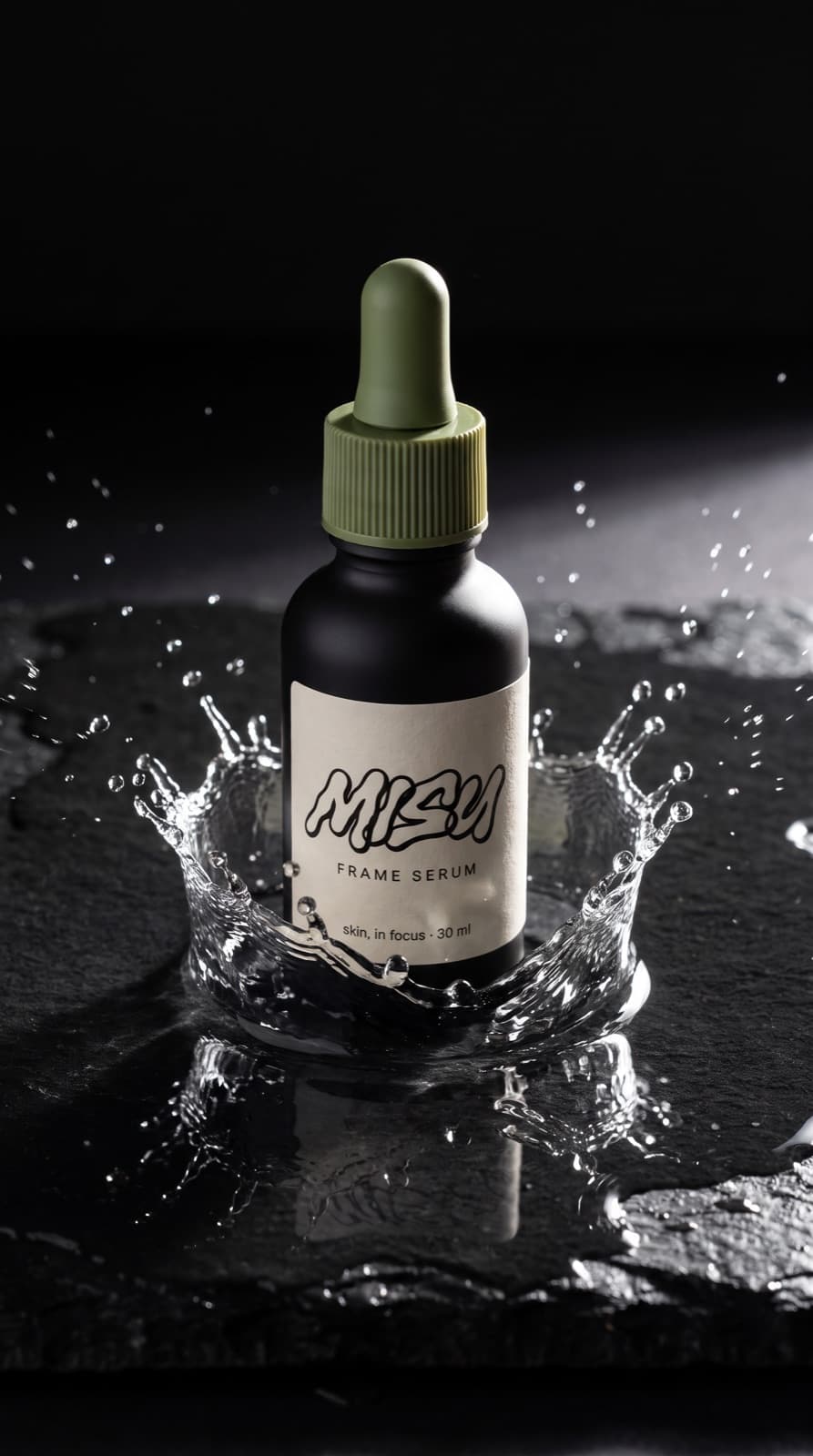
- Stills and boards
- 24
- Plates from one anchor
- 10
- Colourways
- 5
- Cast
- 4
01 / The words
Four terms.
Then the work.
Everything below leans on these. Read them once and each step after reads plainly.
An open standard. One plug.
Model Context Protocol lets an assistant use tools outside itself. Claude and ChatGPT both speak it, so Misu plugs in once and works in either.
One URL. Your own sign-in.
No API key to keep. You sign in with your Misu account, and every render spends the same credits as the app, at the same rates.
A trained face. Every shot.
Train a character once in Talent. Pass its id from the chat and the face stays itself across stills, films and seasons.
The real product. Every frame.
Add the bottle to your catalogue once. After that the chat names it by id, and the cap, the glass and the label arrive intact in every render.
02 / Setup
One URL.
Two minutes.
No API key. You sign in with the Misu account you already have, and your brands come with it.
Connector URL
https://app.misulabs.app/api/mcpClaude
Web, desktop, mobile
- 01Settings, then Connectors.
- 02Add custom connector.
- 03Name it Misu. Paste the URL.
- 04Sign in with Misu and approve.
- 05In a chat, open the tools menu and switch Misu on.
ChatGPT
Web, Plus and above
- 01Settings, then Apps, then Advanced.
- 02Switch on Developer mode.
- 03Add an MCP server. Paste the URL.
- 04Sign in with Misu and approve.
Test it. You say:
“What Misu tools do you have?”
Claude answers with
- Your brands
- Products
- Characters
- Looks
- Credit balance
- generate_image
- generate_video
- Generation status
- Recent assets
03 / Claude in Chrome · Optional
Let it see the tab.
Brief from the page.
Claude in Chrome is Claude's own browser extension. Nothing on this page needs it. What it adds is that Claude can read the tab you have open.
- 01Add Claude in Chrome from the Chrome Web Store.
- 02Sign in with your Claude account and pin it to the toolbar.
- 03Allow access when it first asks.
- 04Open the side panel on the page you want to talk about.
Brief from what you're looking at.
Found a light you like on someone's lookbook? Ask Claude to describe it from the tab, then send that description to Misu as the brief.
Review the live page.
Once the shop page is up, ask Claude to open it and compare every image to the brief it came from.
04 / The playbook
One file.
Every session briefed.
The method, in Markdown. Put it in a Claude Project and every chat starts from the same rules.
Set it up
- 01Download the playbook. It is one Markdown file.
- 02In Claude, create a Project for the brand.
- 03Add the playbook to the Project's files.
- 04Start every chat inside that Project.
What it teaches
- Pass ids, never describe a locked product or face.
- Check the balance before a batch.
- Poll a render. Don't wait on it.
- Close with a manifest.
There is no Misu command line. Claude Code and Cursor sign-in isn't supported yet. The connector works in Claude on web, desktop and mobile today.
05 / Elements
A face. A bottle.
A direction.
Three saved things carry the whole campaign. Each one is an id the chat passes, never a description it retypes.

The presenter. Trained once.
A Talent character with Character Lock. Anywhere she appears on this page, the chat passed her id.

The bottle. One packshot.
One approved frame of the bottle. Stills use it as the reference, films use it as the first frame.
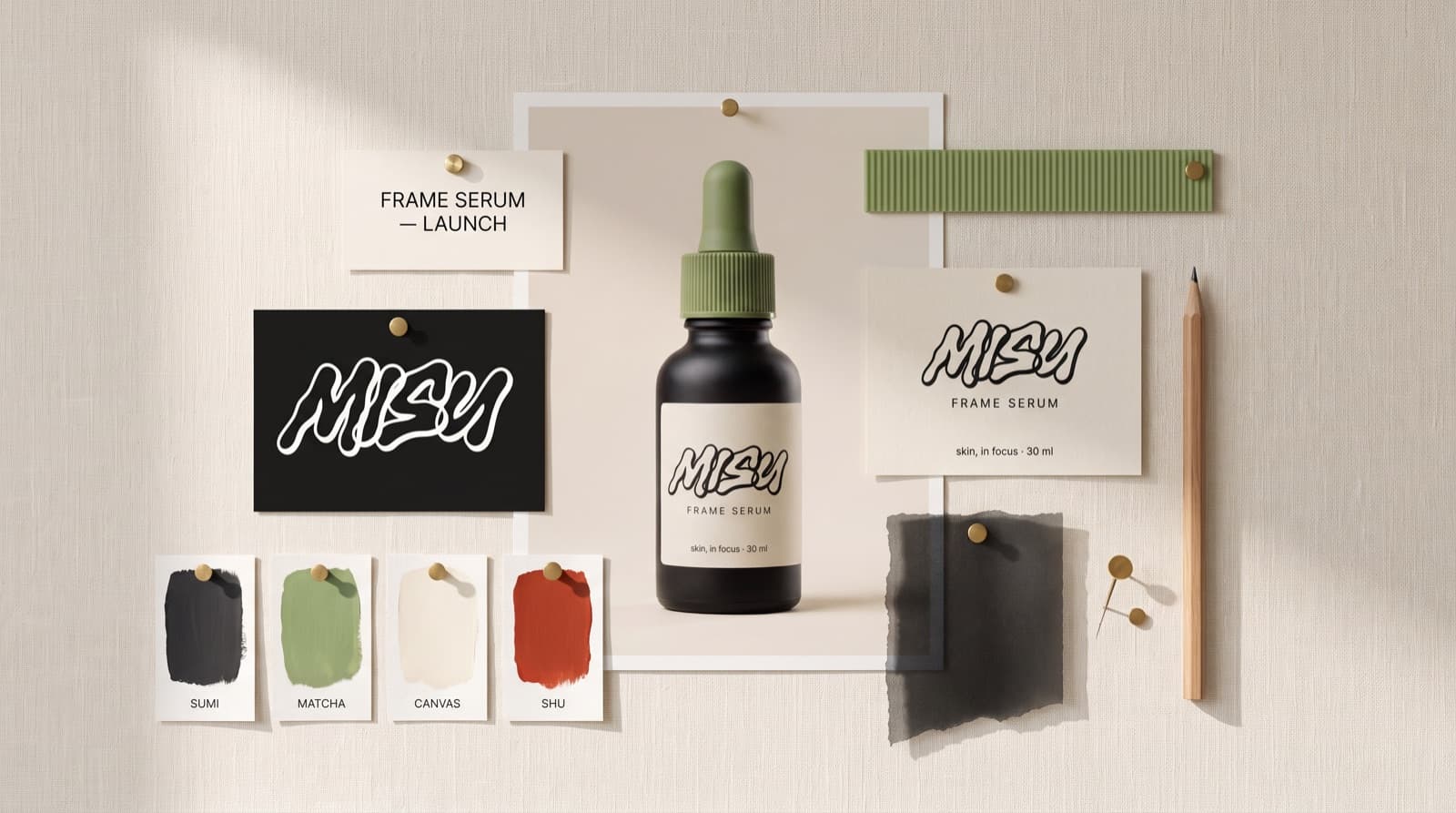
The direction. Saved.
Light, palette and framing saved as a Look. Every new brief starts from it, so frame fifty matches frame one.
06 / Workflow
Eight briefs.
One campaign.
Each stage is one message. The quote is what you type. The tag is what comes back.
- 01
Brand platform
You say:“Here is the Misu mark. Make one hero packshot of the serum with the label exactly as written.”
Start with the file you already own. The mark is attached, the label text is spelled out, and one frame becomes the reference for the rest.
Anchor packshot, brand board Stages two to eight, with what to type at each, are in the full edition.Unlock free →
07 / Library
Everything it made.
By category.
One invented serum, one presenter, one anchor packshot. The line under each names the model and the ratio.
Brand platform
4 assetsThe supplied mark, the approved bottle, a white listing shot and the board that sets the palette.
The mark. Handed in, never redrawn.
Supplied · 4:5
Hero packshot. The anchor.
Nano Banana Pro · 4:5
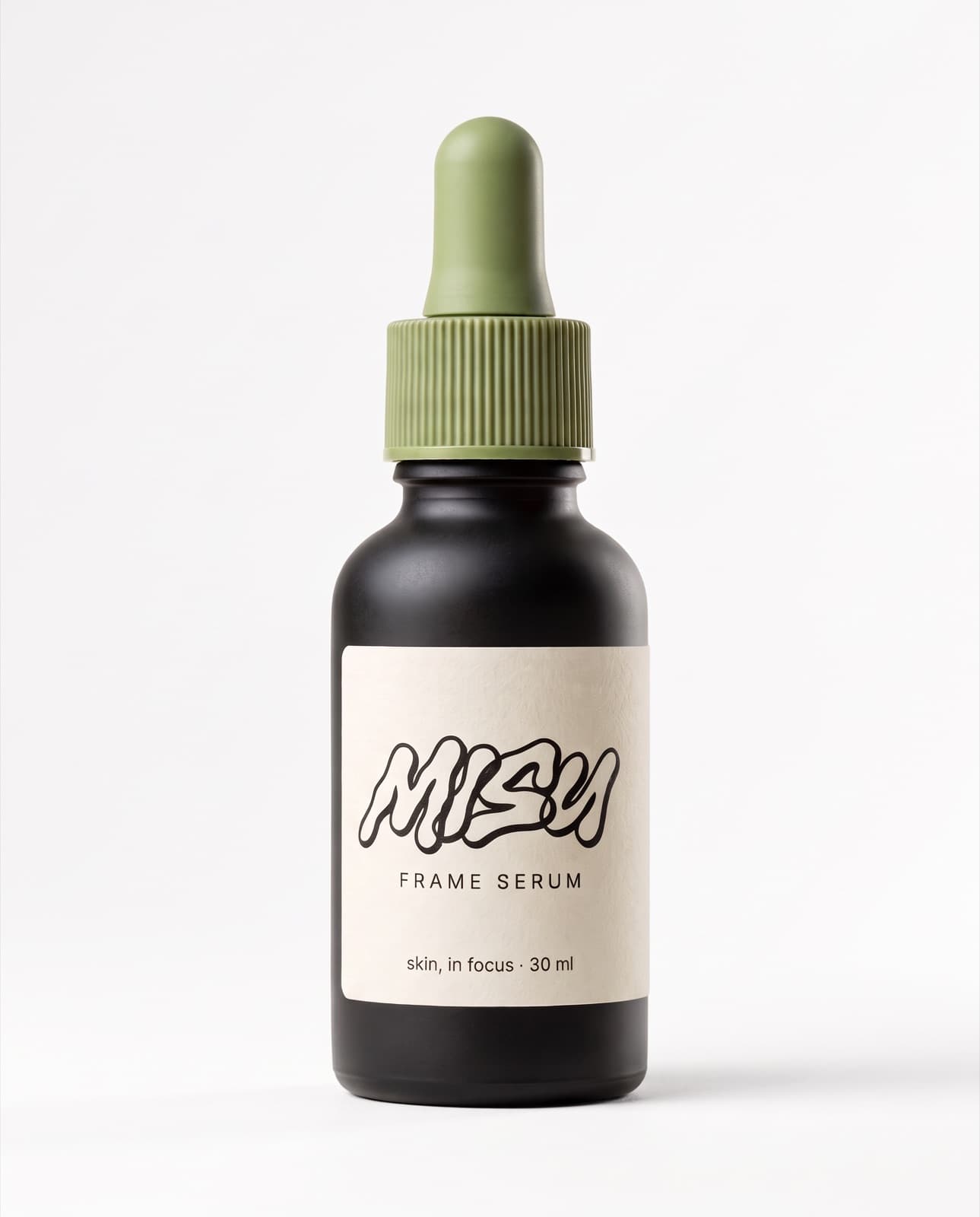
E-com packshot. White.
Nano Banana Pro · 4:5
Brand board. One page.
Nano Banana Pro · 16:9
The serum line
5 assetsGrain, Focus, Soft Light, Contrast and Exposure. One bottle in five glass colours.

Grain. Same bottle, new colour.
Nano Banana Pro · 4:5

Focus. Same bottle, new colour.
Nano Banana Pro · 4:5

Soft Light. Same bottle, new colour.
Nano Banana Pro · 4:5

Contrast. Same bottle, new colour.
Nano Banana Pro · 4:5

Exposure. Same bottle, new colour.
Nano Banana Pro · 4:5
Presenter
2 assetsLora 2 through Character Lock. A campaign frame and a phone selfie, one face in both.
Campaign frame. Lora 2.
Nano Banana Pro · 4:5
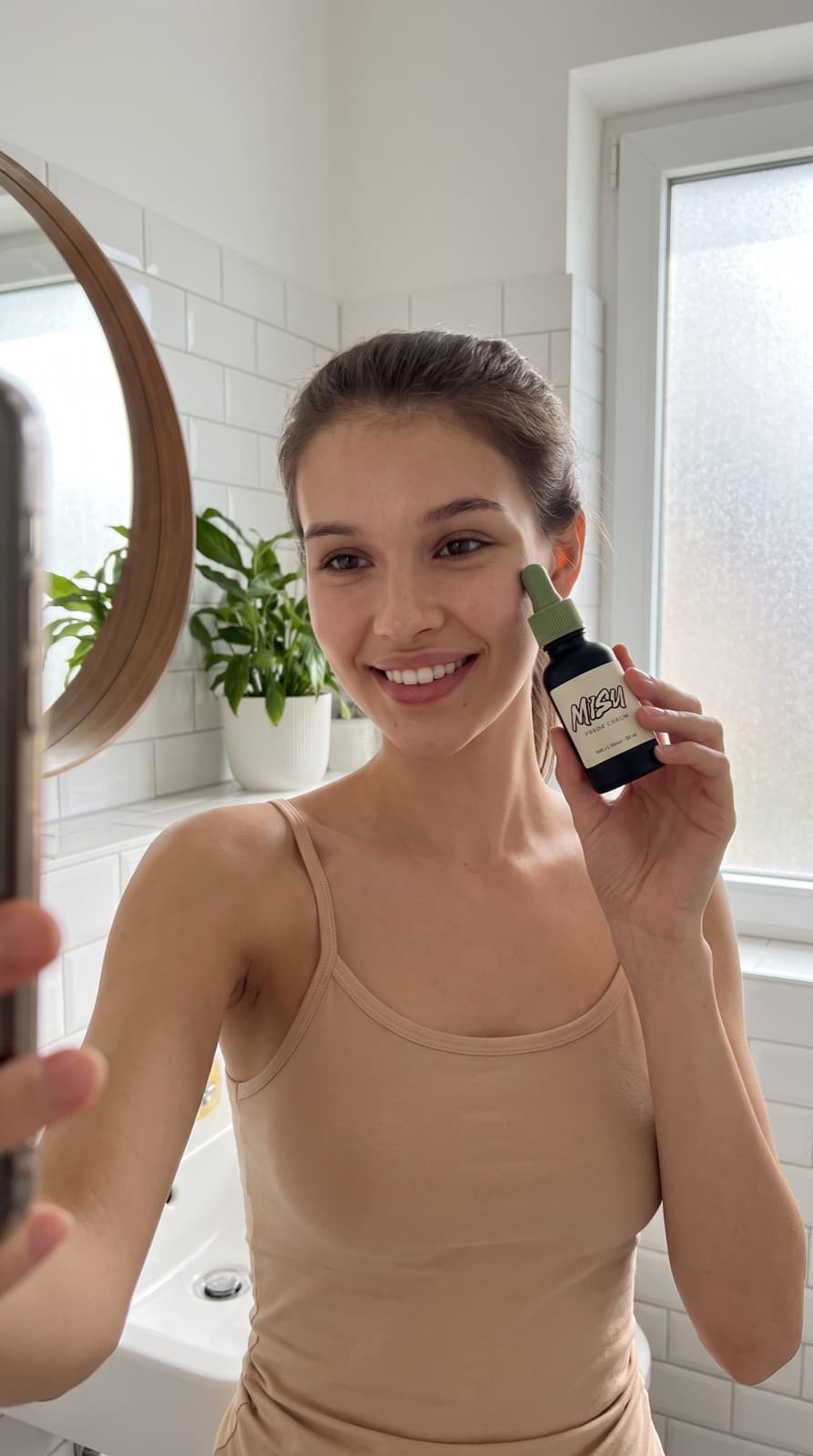
Phone selfie. Same face.
Nano Banana Pro · 9:16
Marketing stills
10 assetsTen plates from the anchor in one batch. Clean of type, ready for layout.
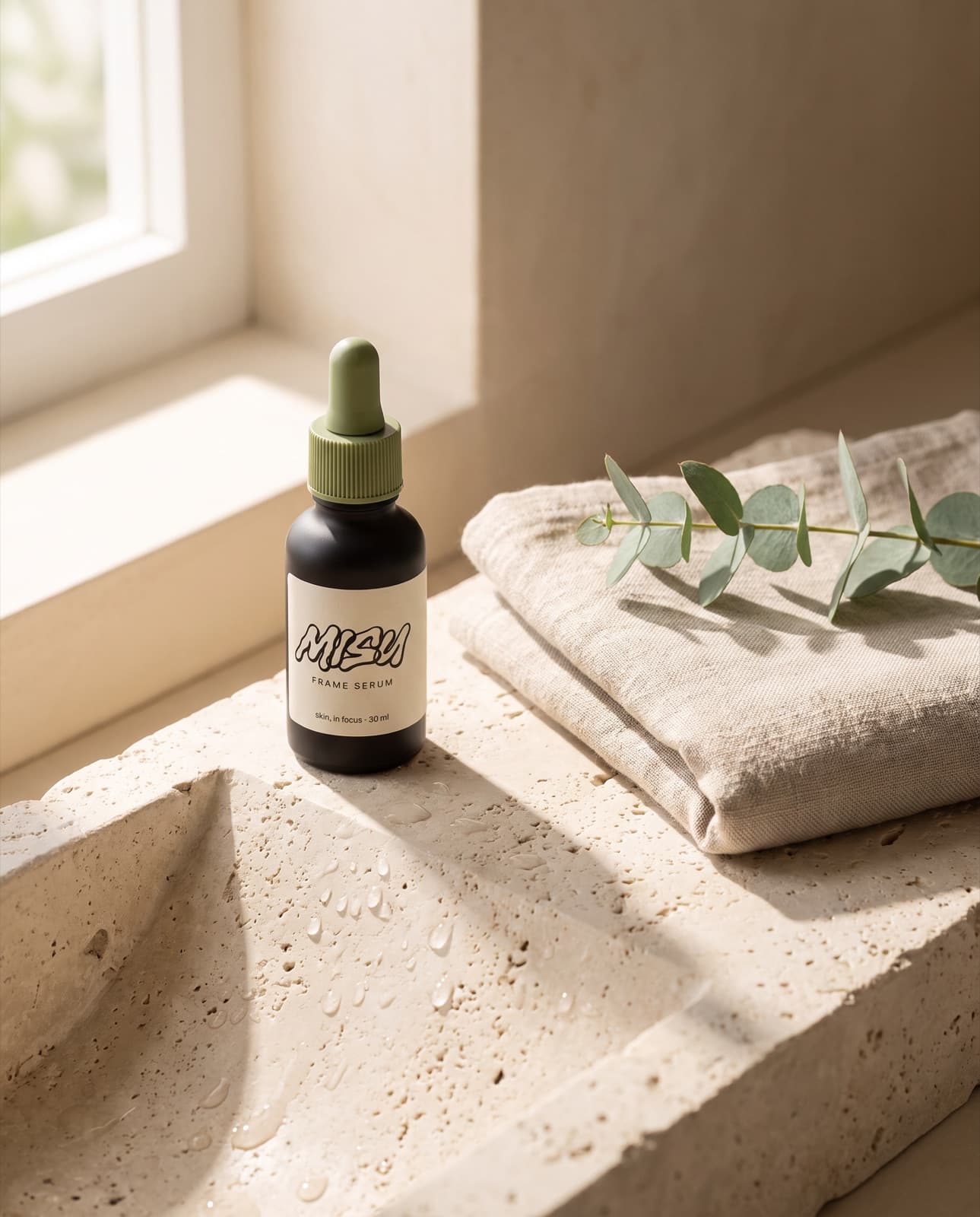
Lifestyle. Limestone basin.
Nano Banana Pro · 4:5
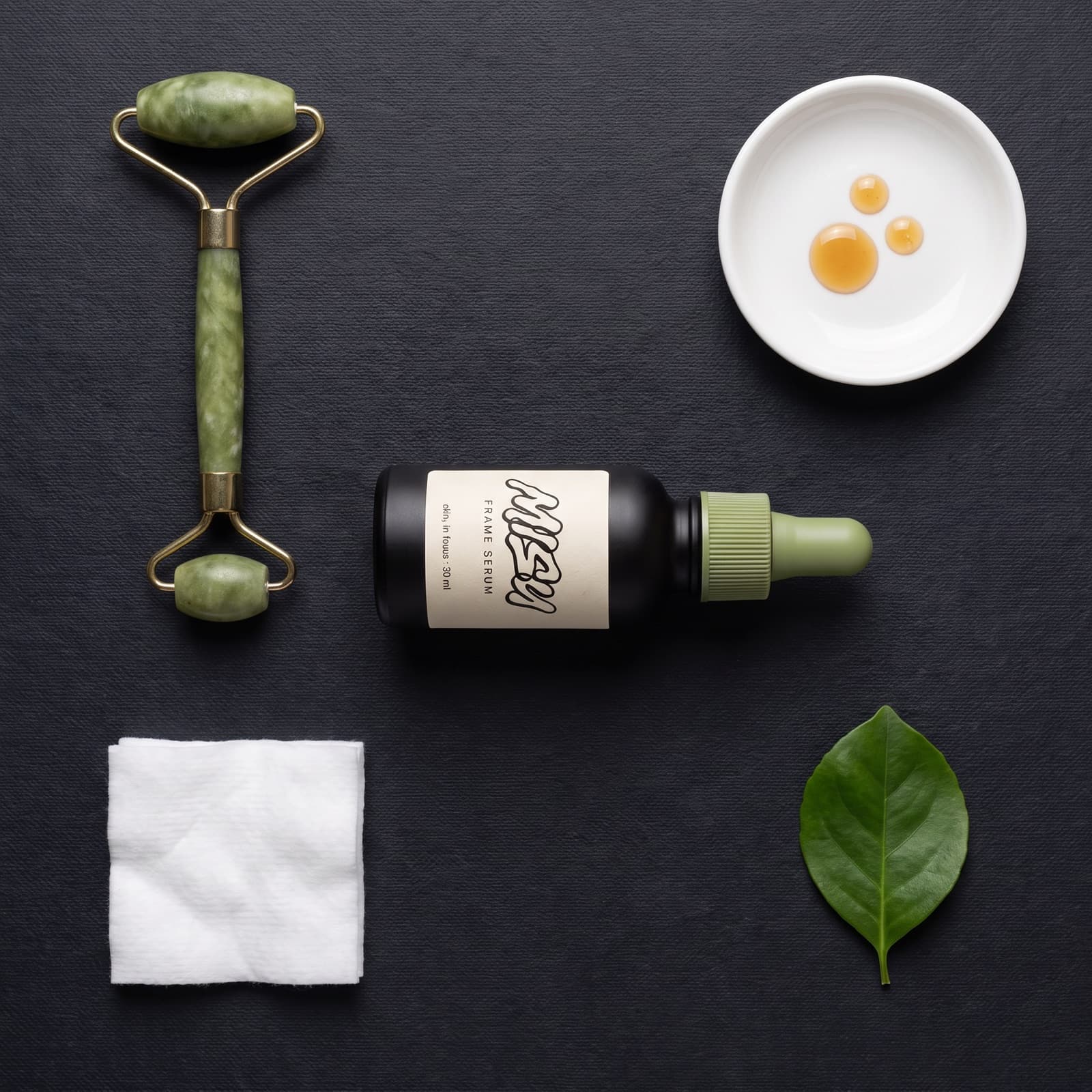
Flat lay. Dark slate.
Nano Banana Pro · 1:1
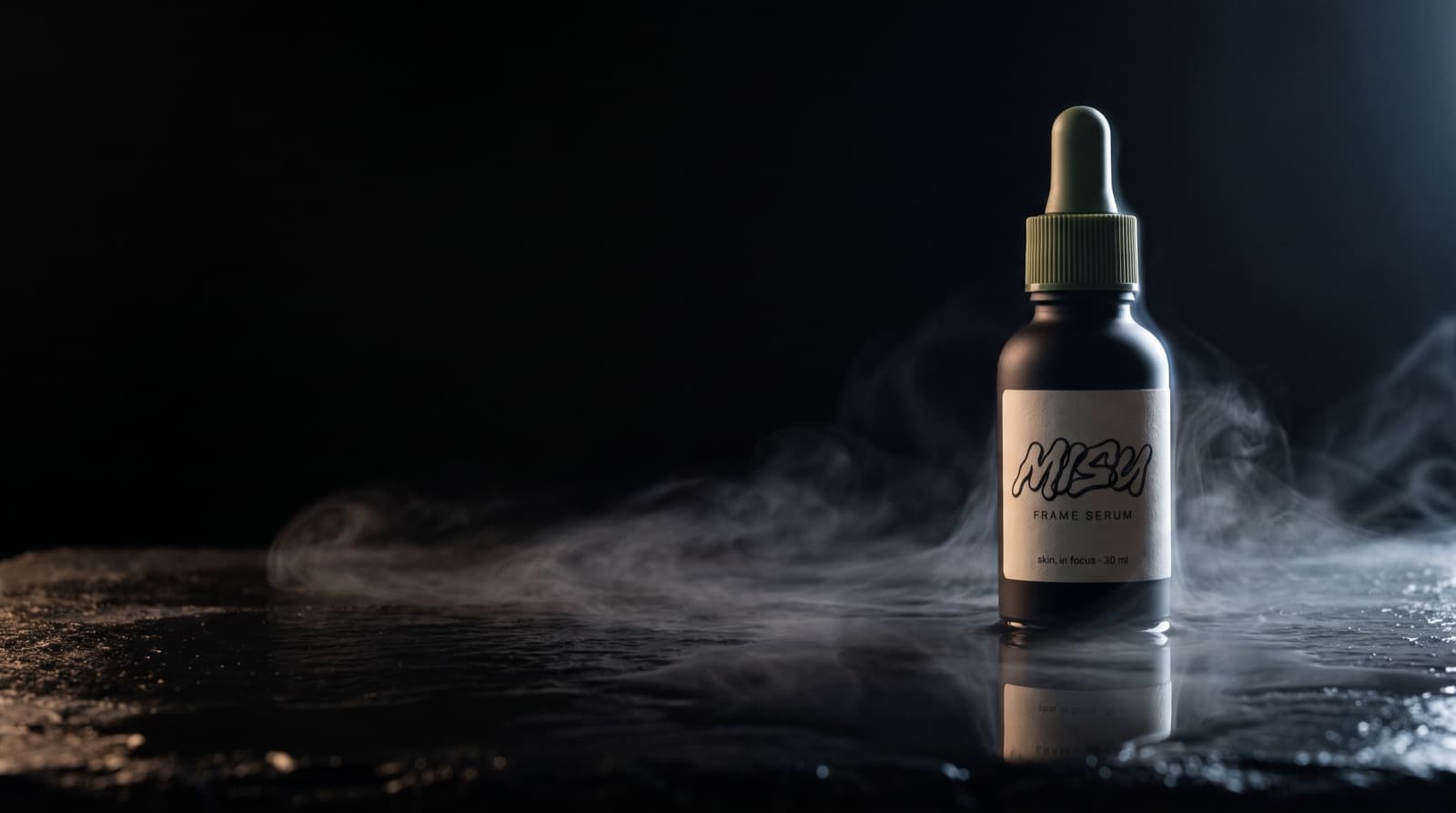
Site banner. Wet black stone.
Nano Banana Pro · 16:9
Splash. Frozen mid-air.
Nano Banana Pro · 9:16
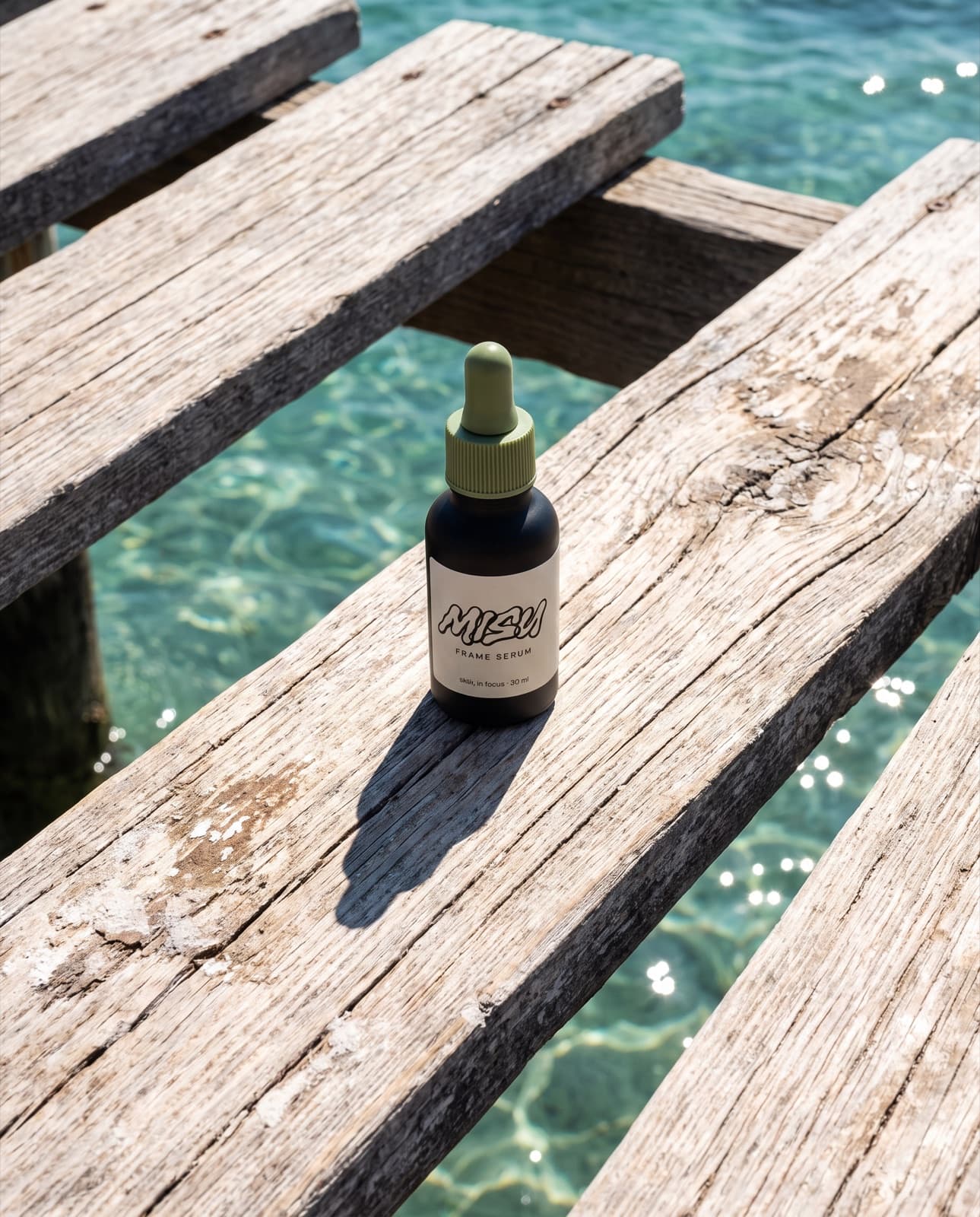
Summer. Same bottle.
Nano Banana Pro · 4:5
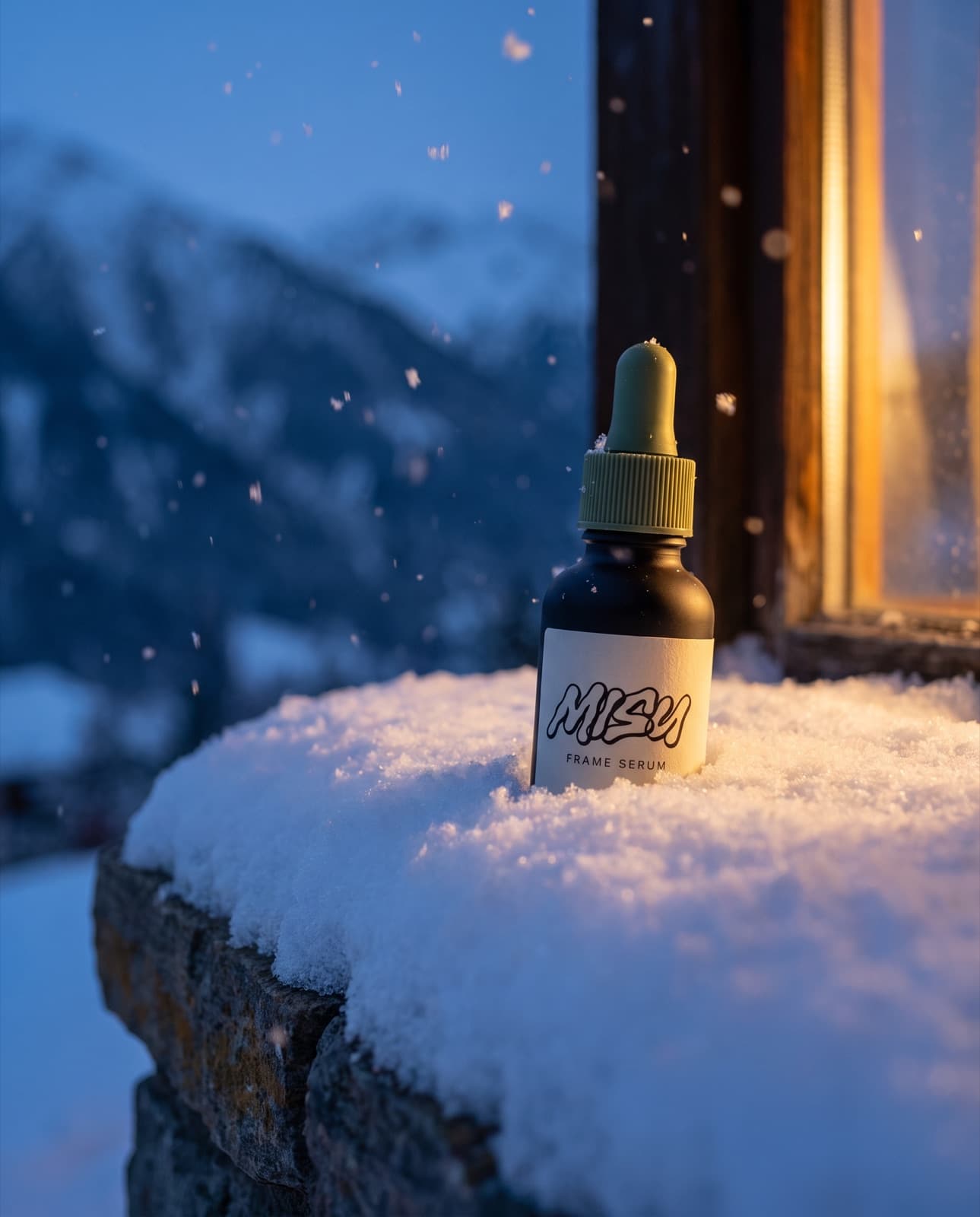
Winter. Same bottle.
Nano Banana Pro · 4:5
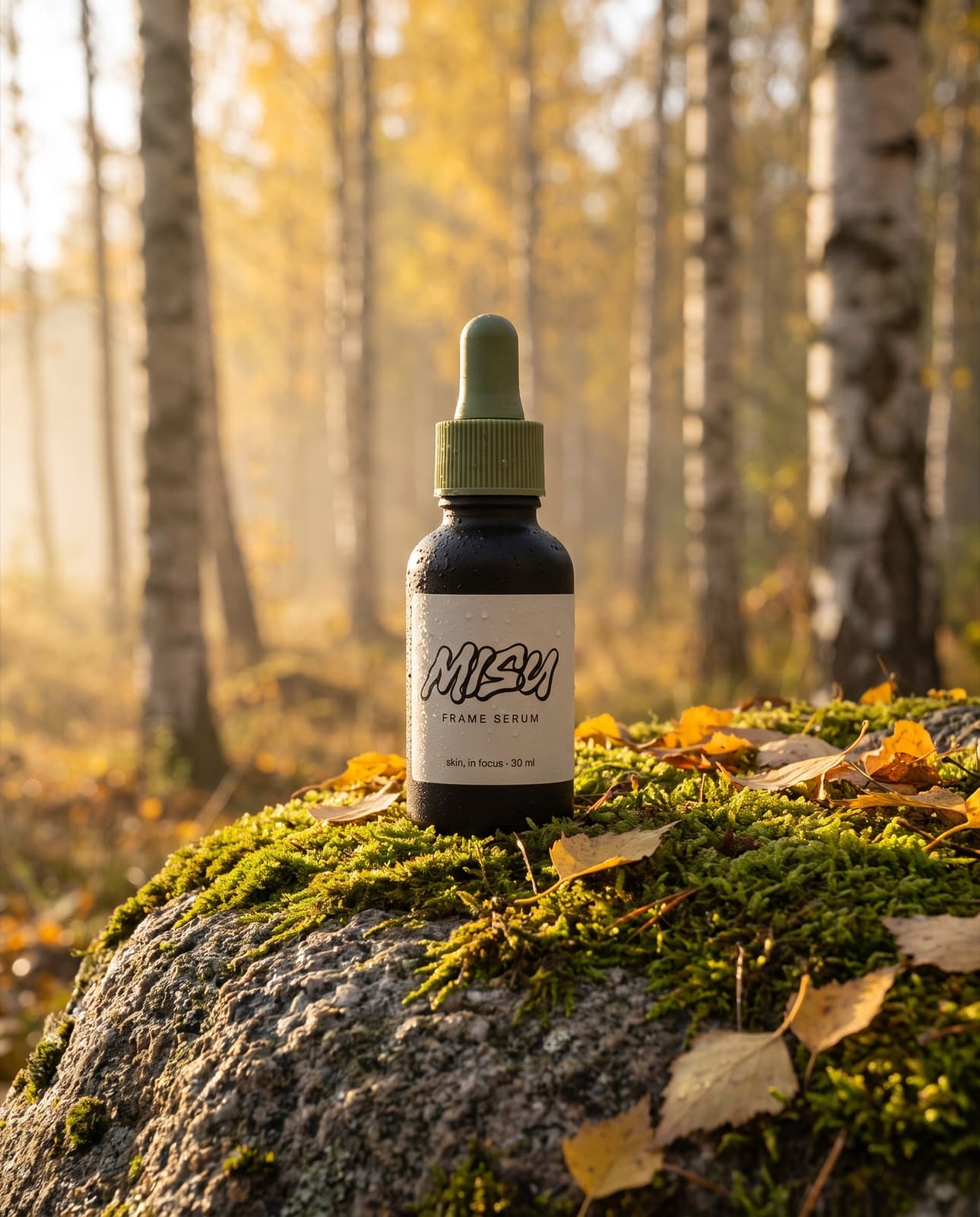
Autumn. Same bottle.
Nano Banana Pro · 4:5
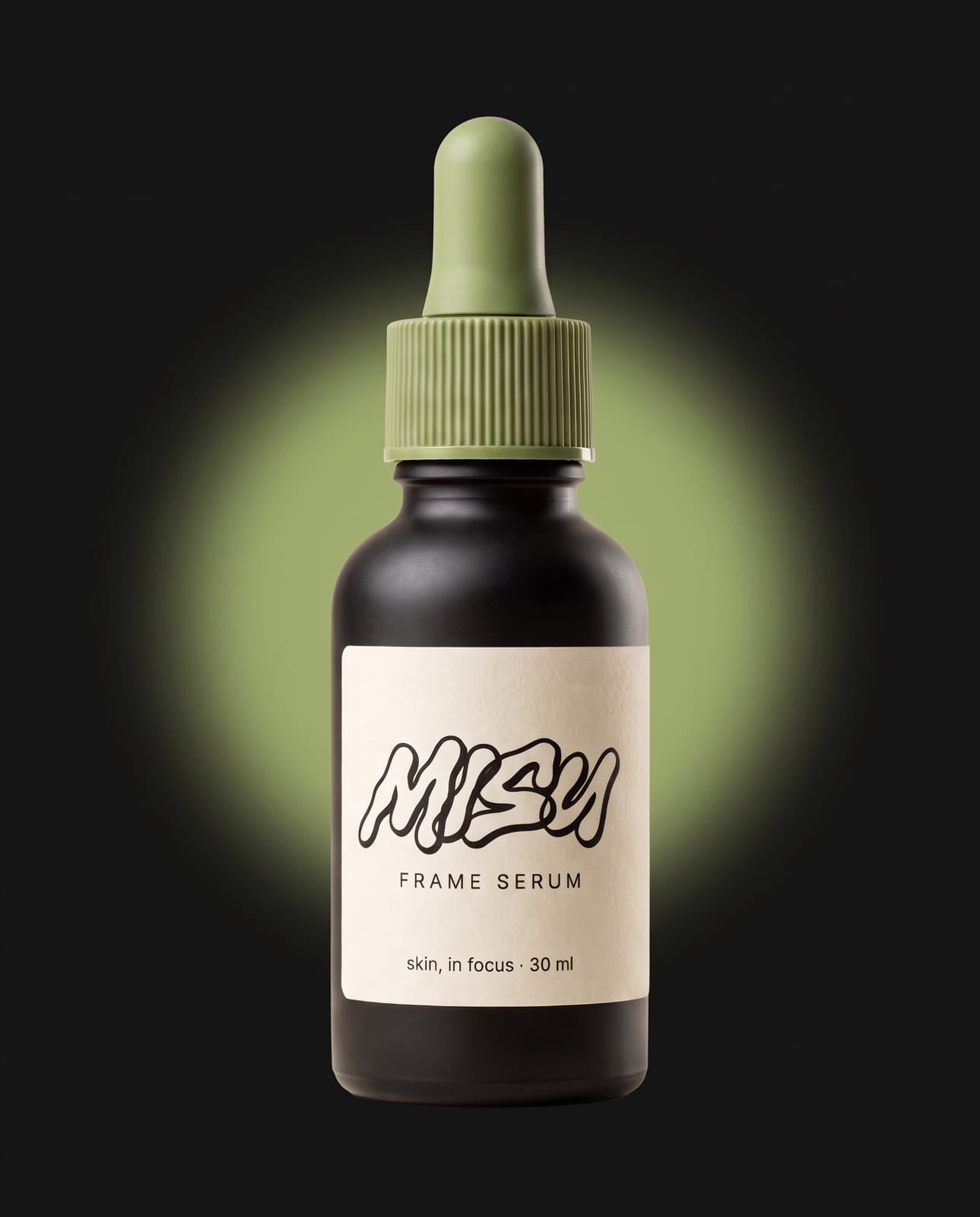
Ad plate. Matcha halo.
Nano Banana Pro · 4:5
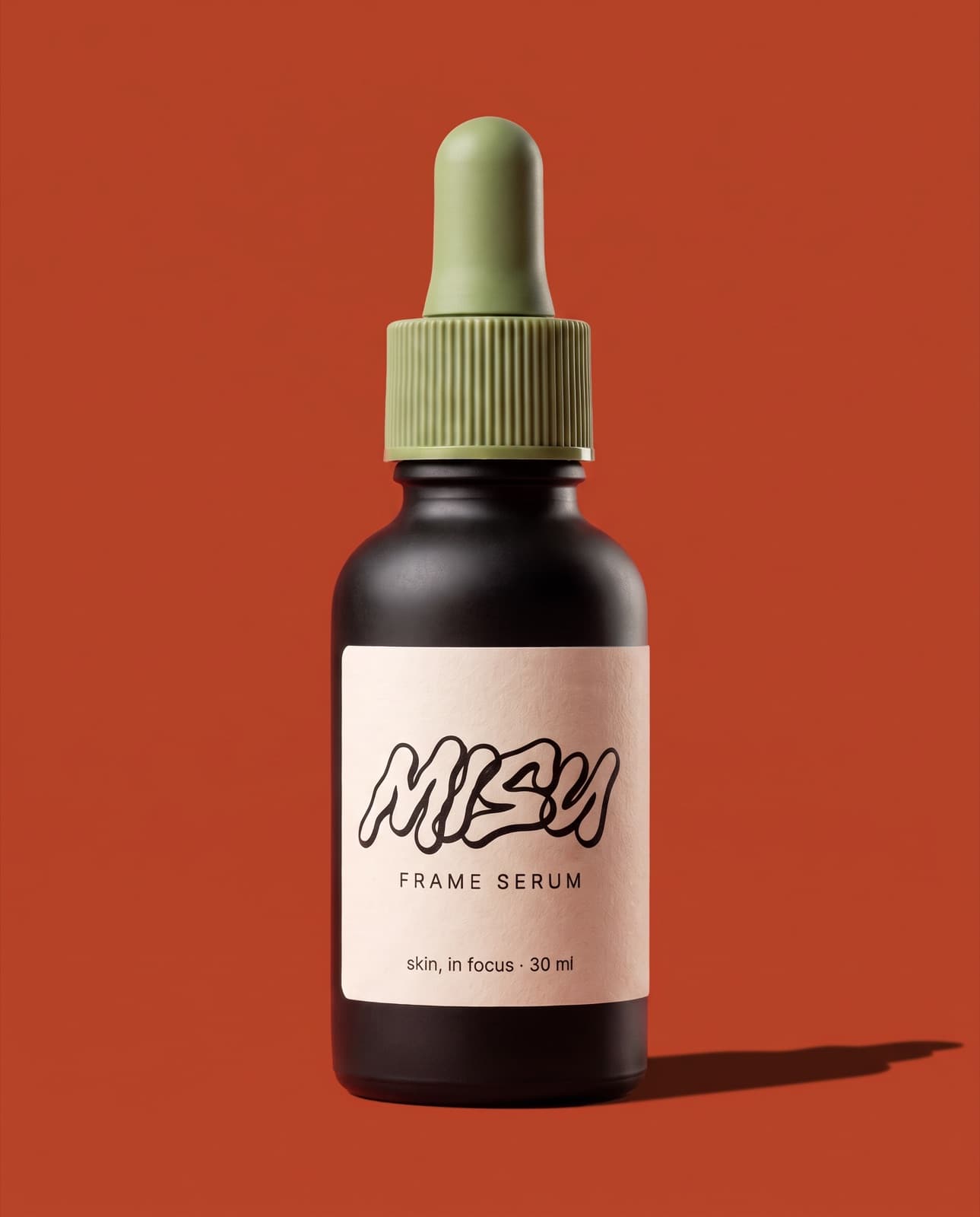
Ad plate. Black on shu.
Nano Banana Pro · 4:5
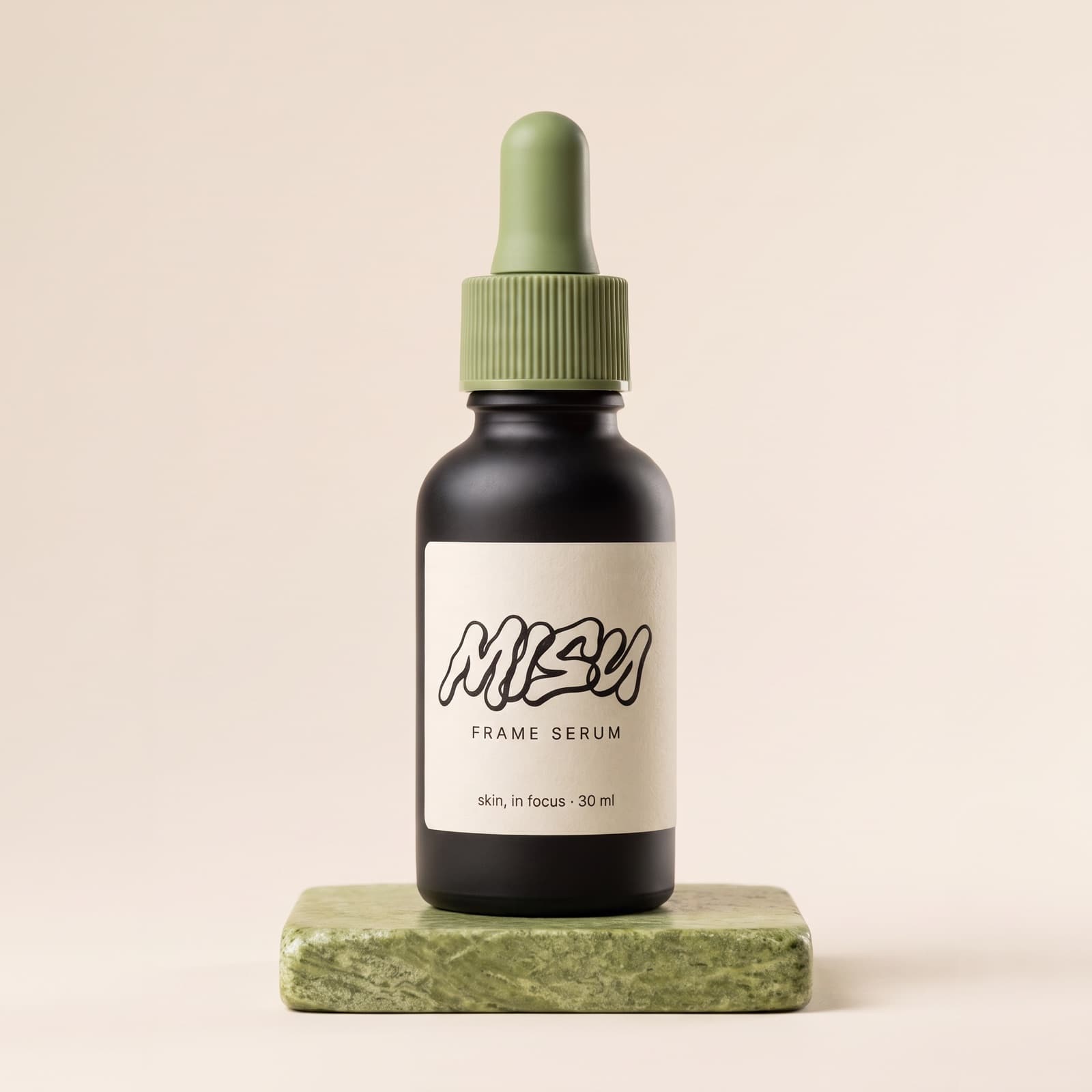
Listing plate. Square.
Nano Banana Pro · 1:1
Cast
3 assetsThree faces from Talent, each a start frame for the presenter brief: Semona S, Asia, Bee.
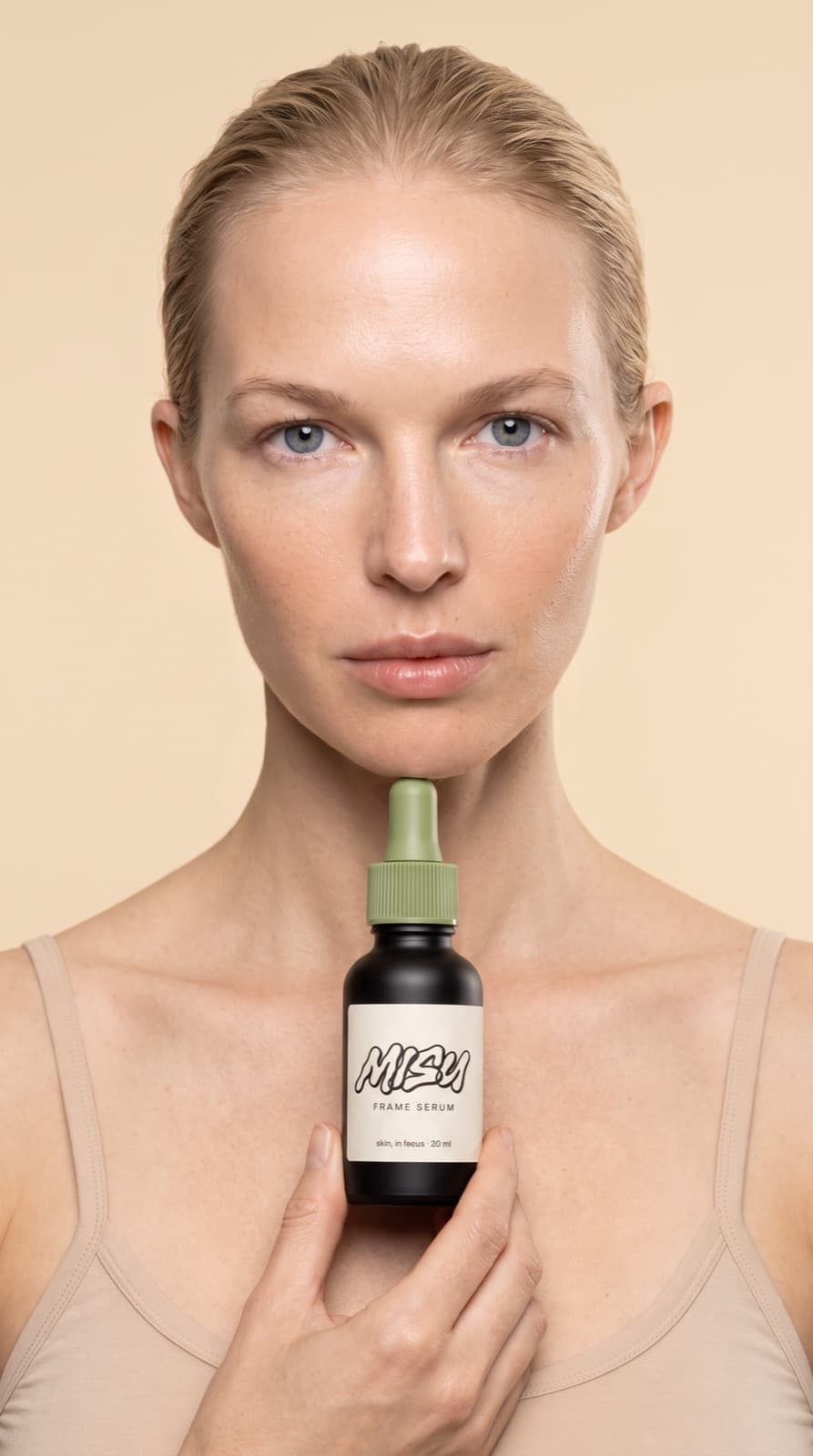
Start frame. Semona S.
Nano Banana Pro · 9:16
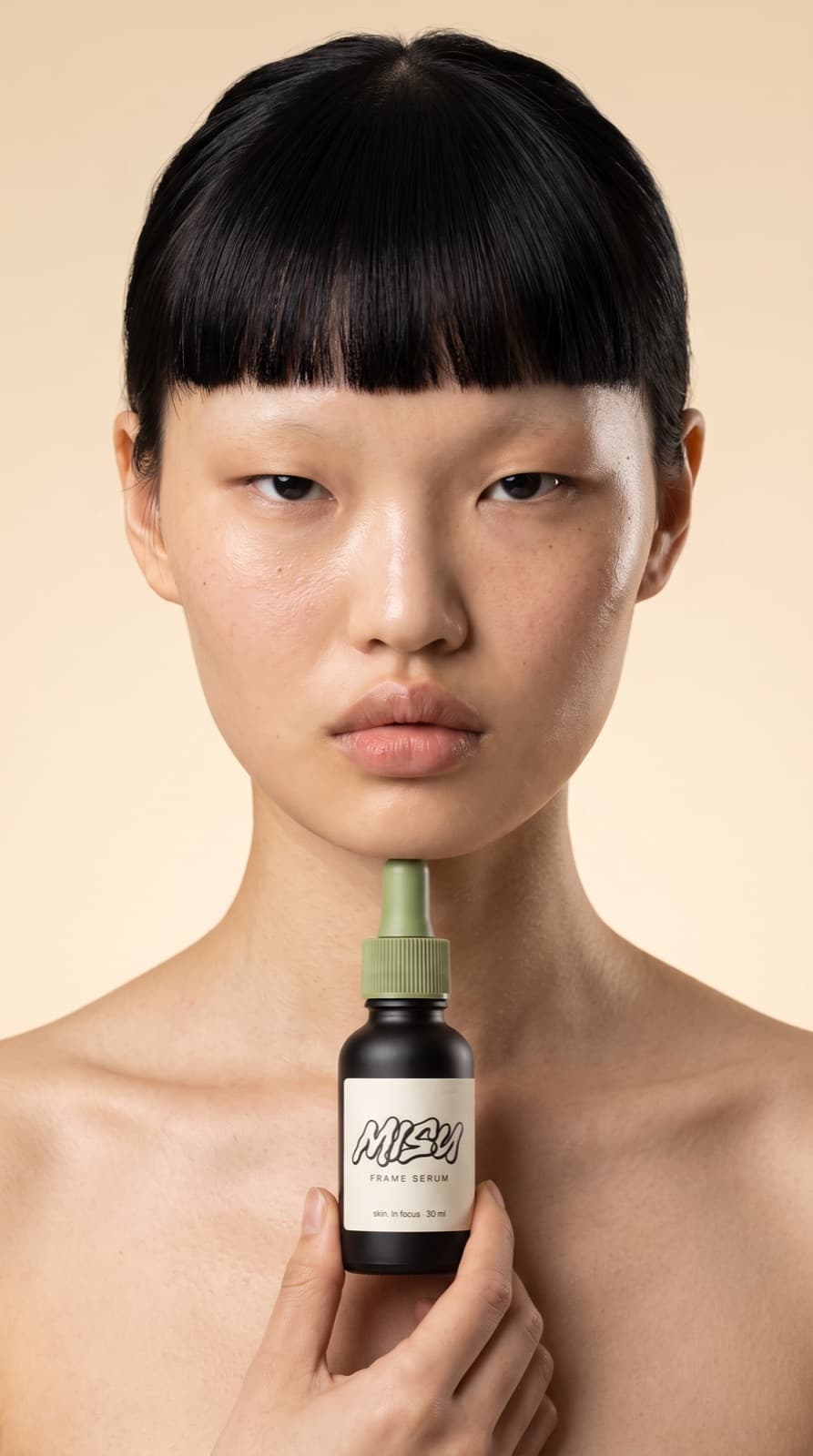
Start frame. Asia.
Nano Banana Pro · 9:16
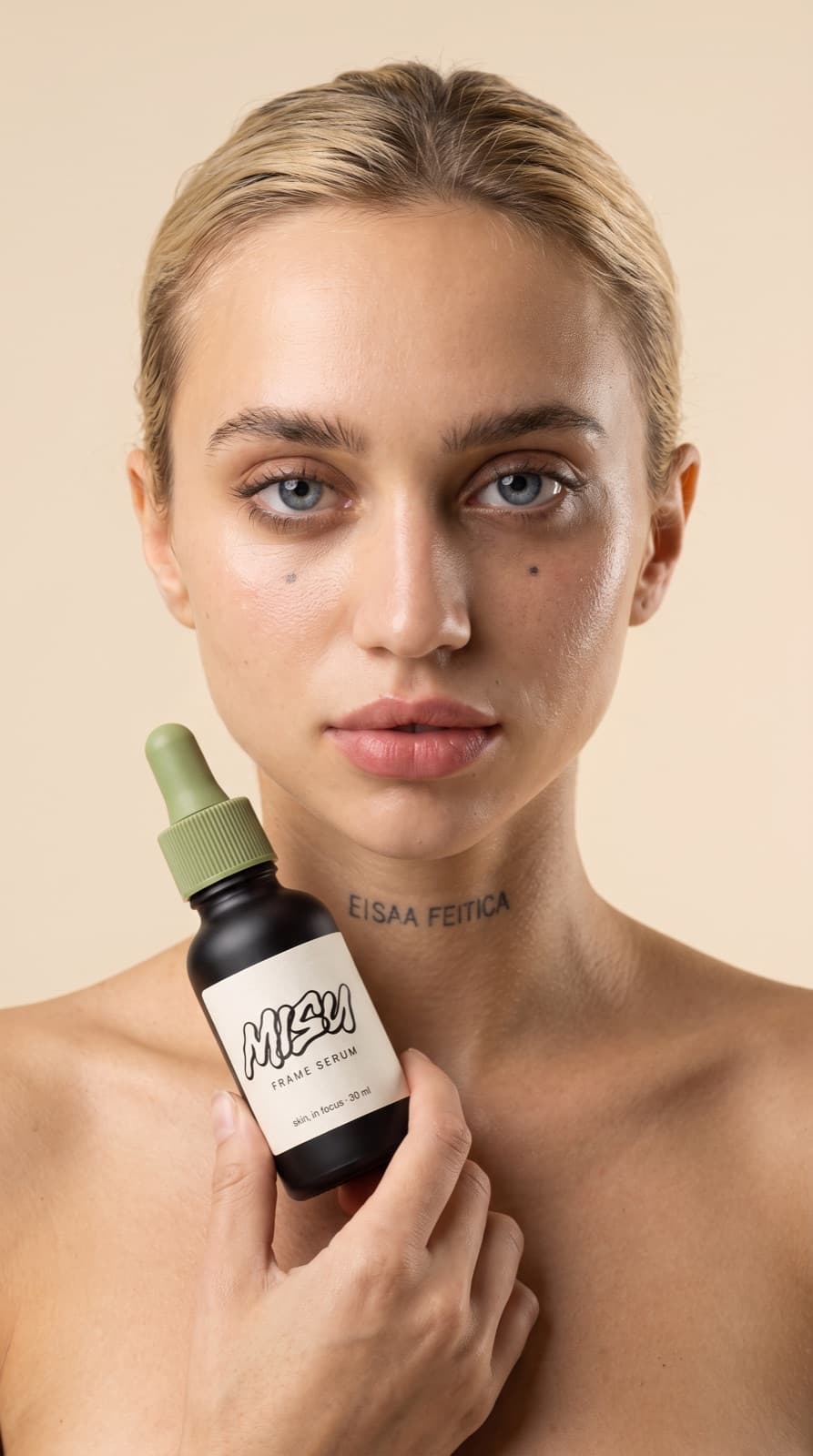
Start frame. Bee.
Nano Banana Pro · 9:16
The full edition · Free
Every brief.
Yours to copy.
This page is the short edition. Leave your name and the full one opens right here: the six briefs behind the campaign, all eight workflow stages, Chrome, the playbook file and the manifest. Each copy is numbered.
- 01
Six briefs
The messages behind this campaign, ready to copy into Claude.
- 02
All eight stages
What to type at every step, and what comes back.
- 03
Claude in Chrome
Brief from the page you're looking at.
- 04
The playbook + manifest
One Markdown file for a Claude Project, and every asset with its settings.
09 / Prompts
Six briefs.
Copy and send.
The messages behind this campaign. Swap in your own product and cast by id.
The anchor
generate_imageTen plates
generate_imageThe reel
generate_videoMultiply the cast
generate_videoRecast your own spot
generate_videoArchive the session
list_recent_assets10 / Limits
What it won't do.
Yet.
Six things to know before you quote a client. Each one is true today.
- 01
Pick sources that fit.
A recast inherits the choreography of the clip you give it. Choose takes where the hands already do what the new product needs.
- 02
Words go on last.
Generated films don't hold lettering well. Leave frames clean and add supers, prices and captions in the edit.
- 03
Faces lock. Hands wander.
Character Lock is trained on the face. Close hand work and unusual angles are worth checking frame by frame.
- 04
A film follows its start frame.
Image to video takes its shape from the still. Render the still in the ratio you want the film in.
- 05
Some work lives in the app.
Wardrobe, Campaigns, Canvas runs and training happen in Misu itself, not in the chat. Claude Code sign-in isn't live yet.
- 06
Only footage you own.
Recast your own takes or ones you've licensed. A real person's likeness needs their consent, and the model can still refuse. Refused renders give the credits back.
11 / Files
Take it with you.
Start the next session here.
Hand these to Claude at the top of the next chat and it picks up where this one stopped.
Brand board. One page.
Nano Banana Pro · 16:9
Hero packshot. The anchor.
Nano Banana Pro · 4:5
Campaign frame. Lora 2.
Nano Banana Pro · 4:5
The Misu Frame Serum is invented for this handbook and is not for sale.
Get started
Your studio,
in the chat.
Misu is in beta, with invites approved by hand. Once you're in, every new studio starts with welcome credits, and the connector is one paste away.
BETA · REVIEWED BY HAND · FOUNDING PRICING LOCKED