Workflows
Start from a picture.
Finish with your product.
21 art-directed boards for the Canvas. The set, the light and the film look are already there. You bring the product.
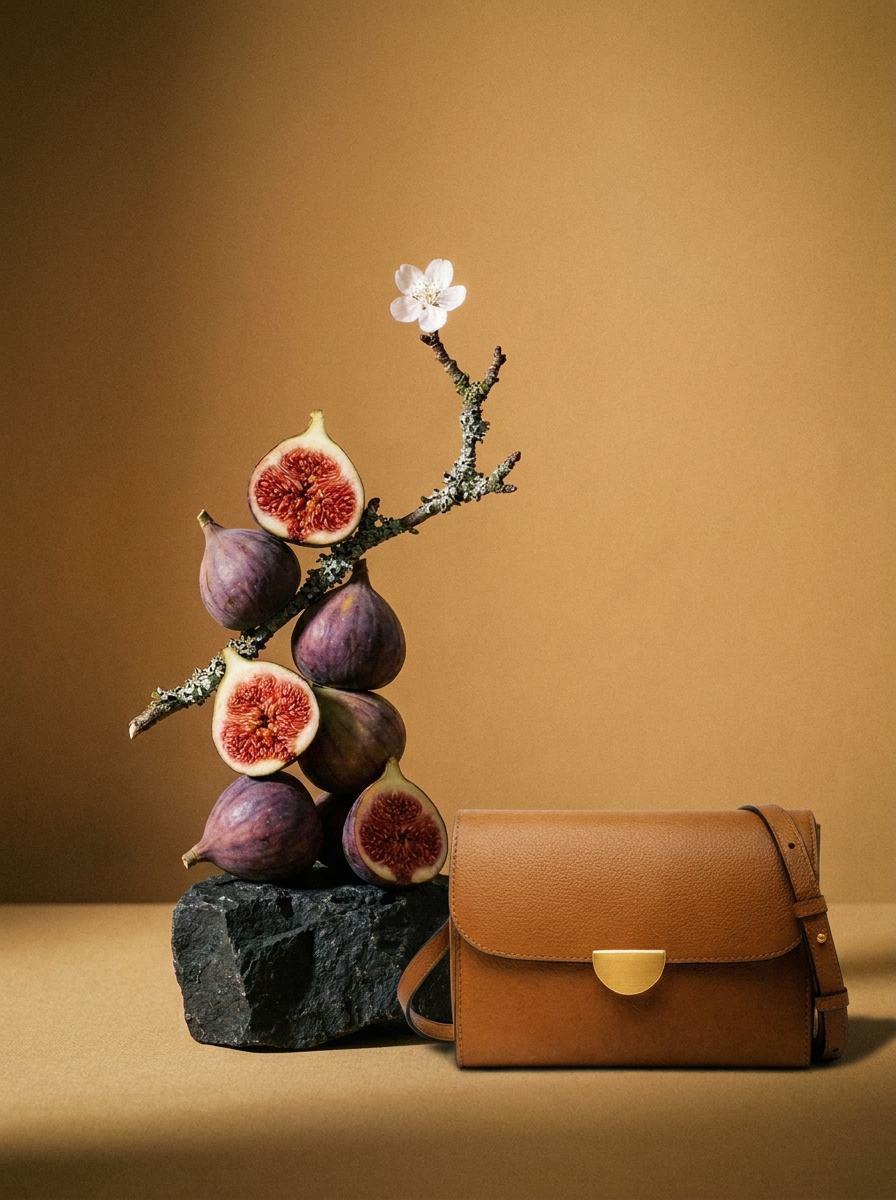
Still life · Runs on your welcome credit
Figs and Blossom
One packshot in. A still life out.
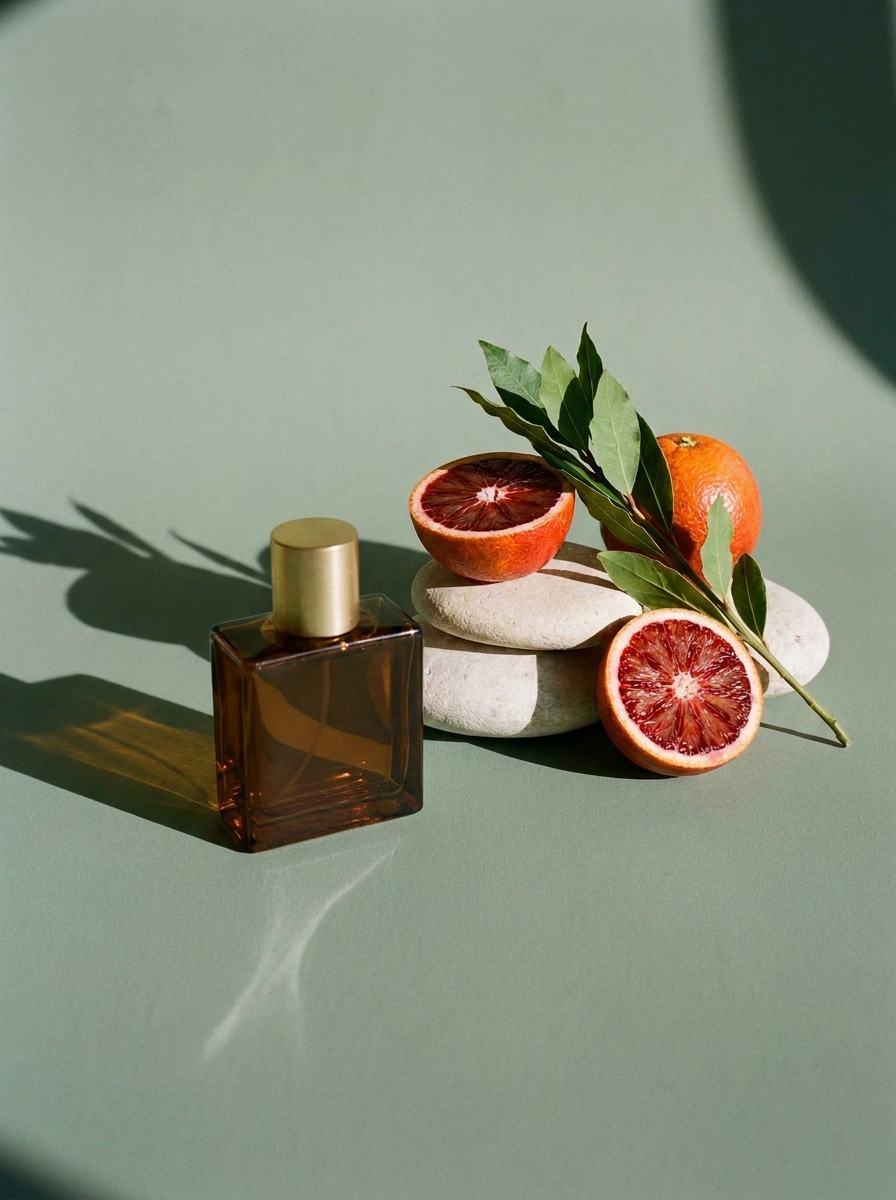
Still life · Runs on your welcome credit
Citrus and Stone
One packshot in. Hard sun out.
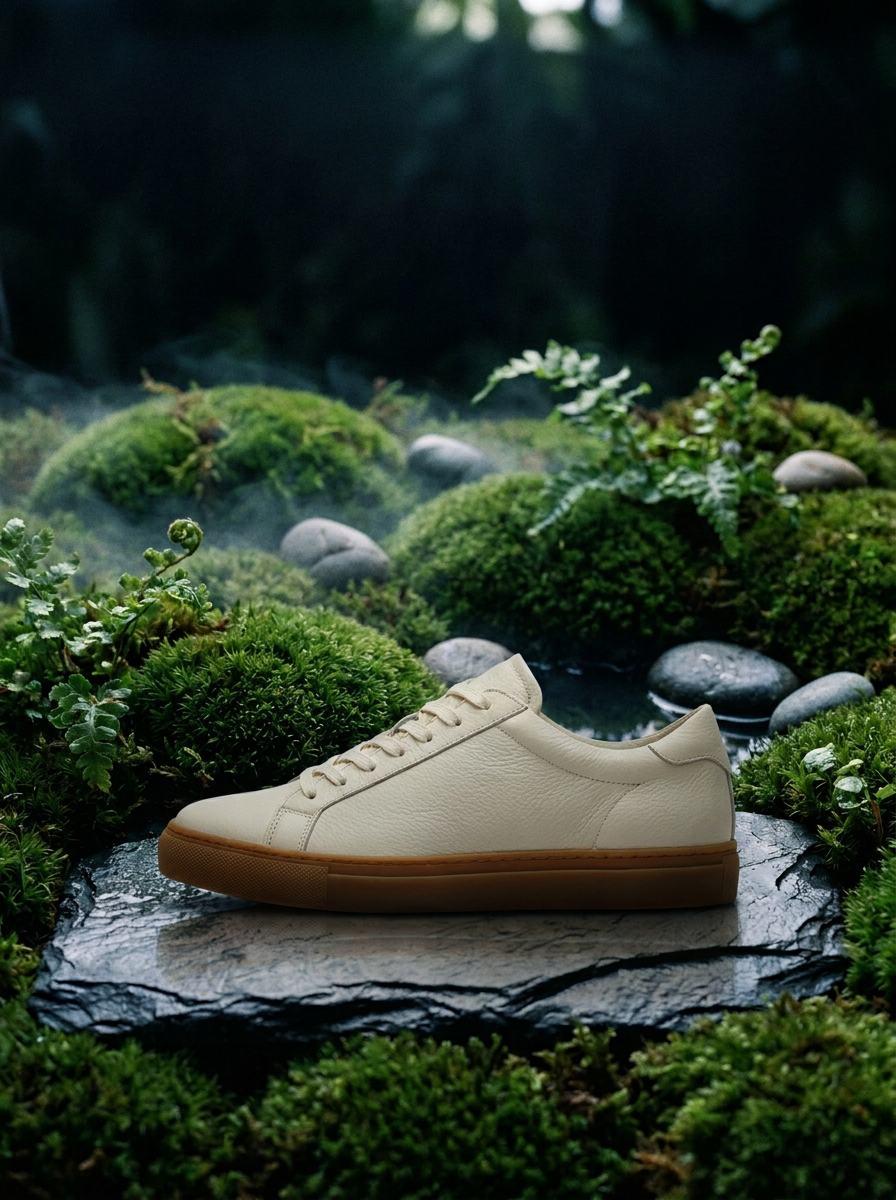
Still life · Runs on your welcome credit
Moss Garden
One packshot in. A small world out.
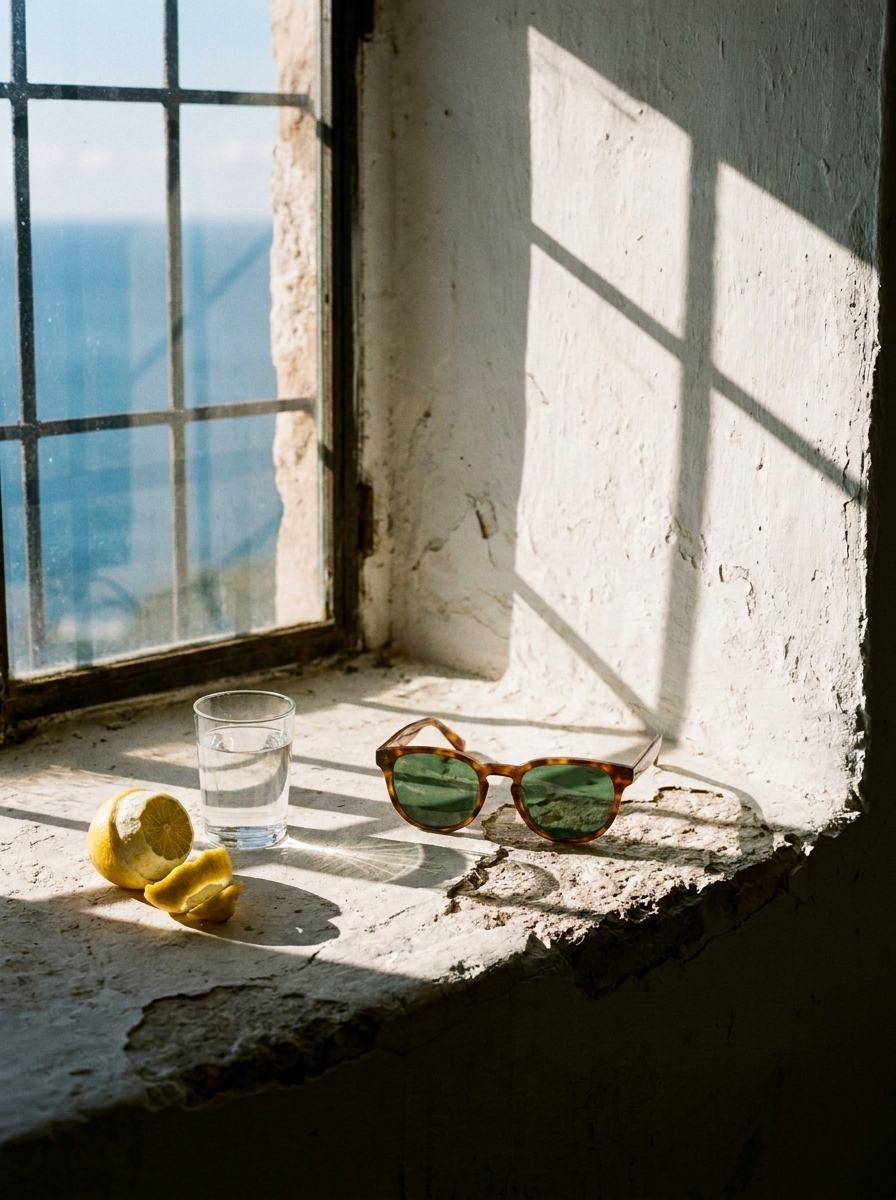
Still life · Runs on your welcome credit
Window Sill
One packshot in. An afternoon out.
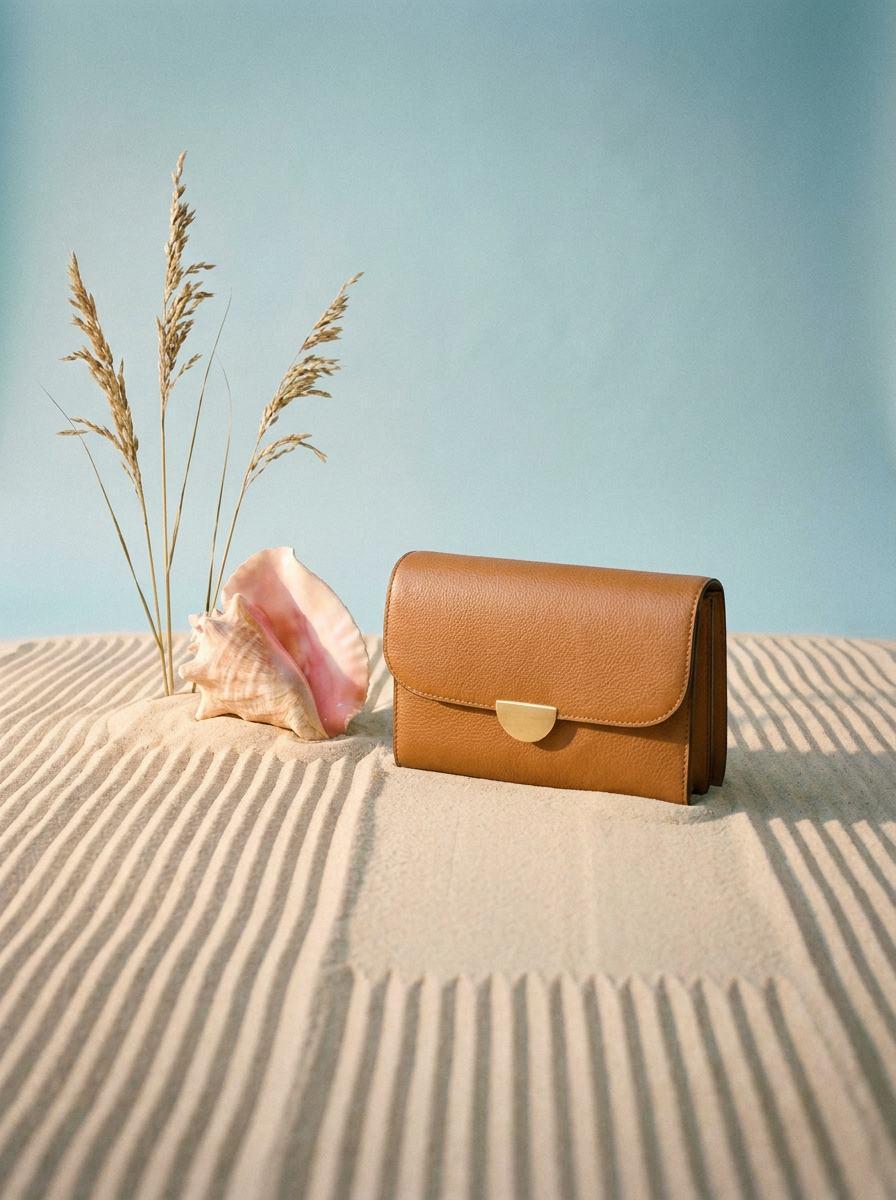
Still life · Runs on your welcome credit
Sand and Shell
One packshot in. Low sun out.
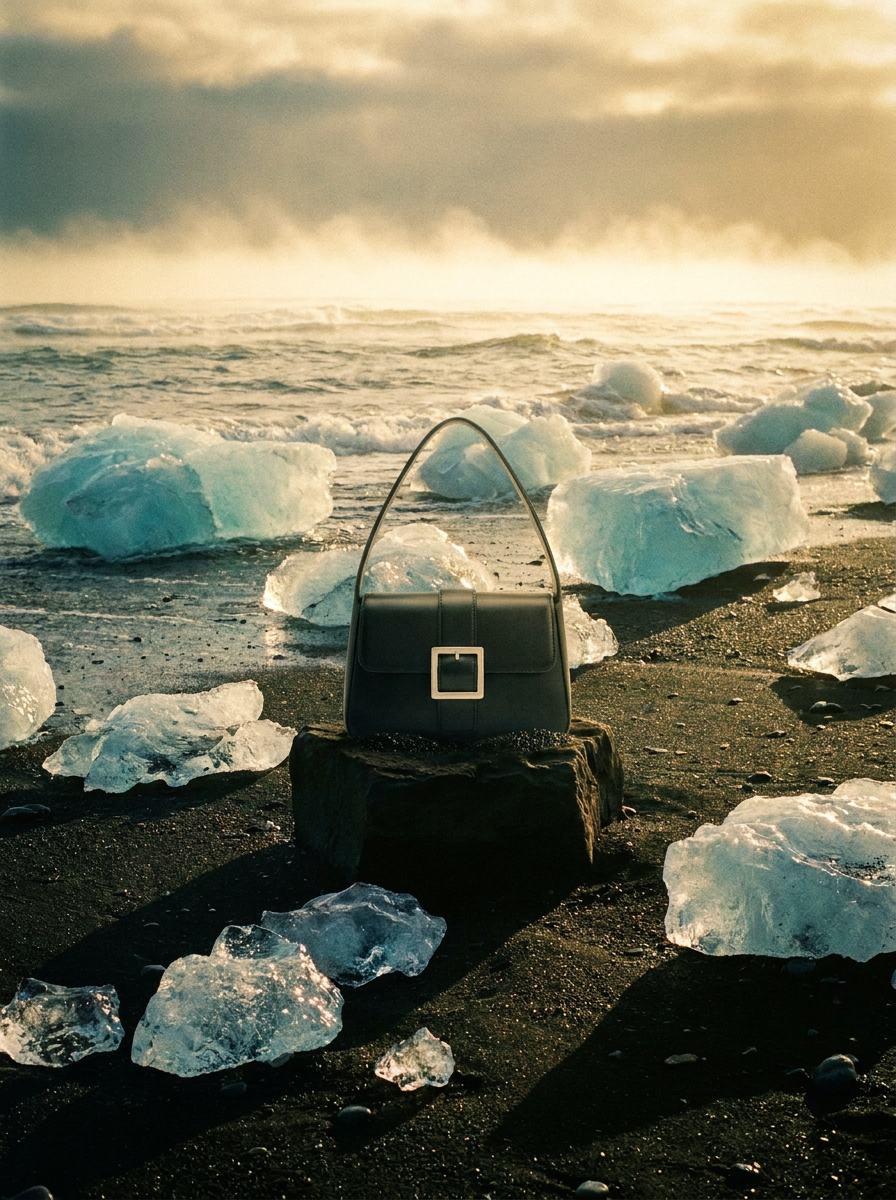
Still life · Runs on your welcome credit
Glacier Shore
One packshot in. A cold coast out.
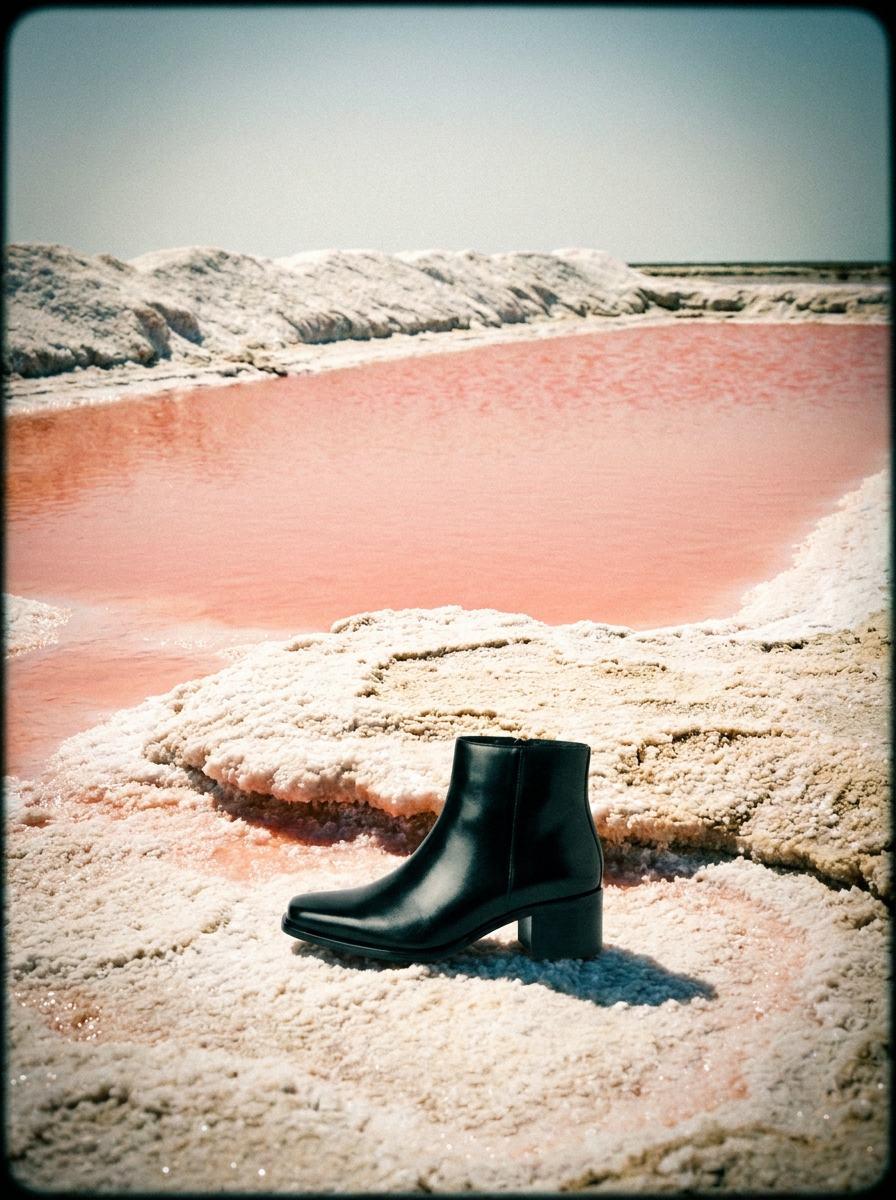
Still life · Runs on your welcome credit
Salt Pans
One packshot in. Pink water out.
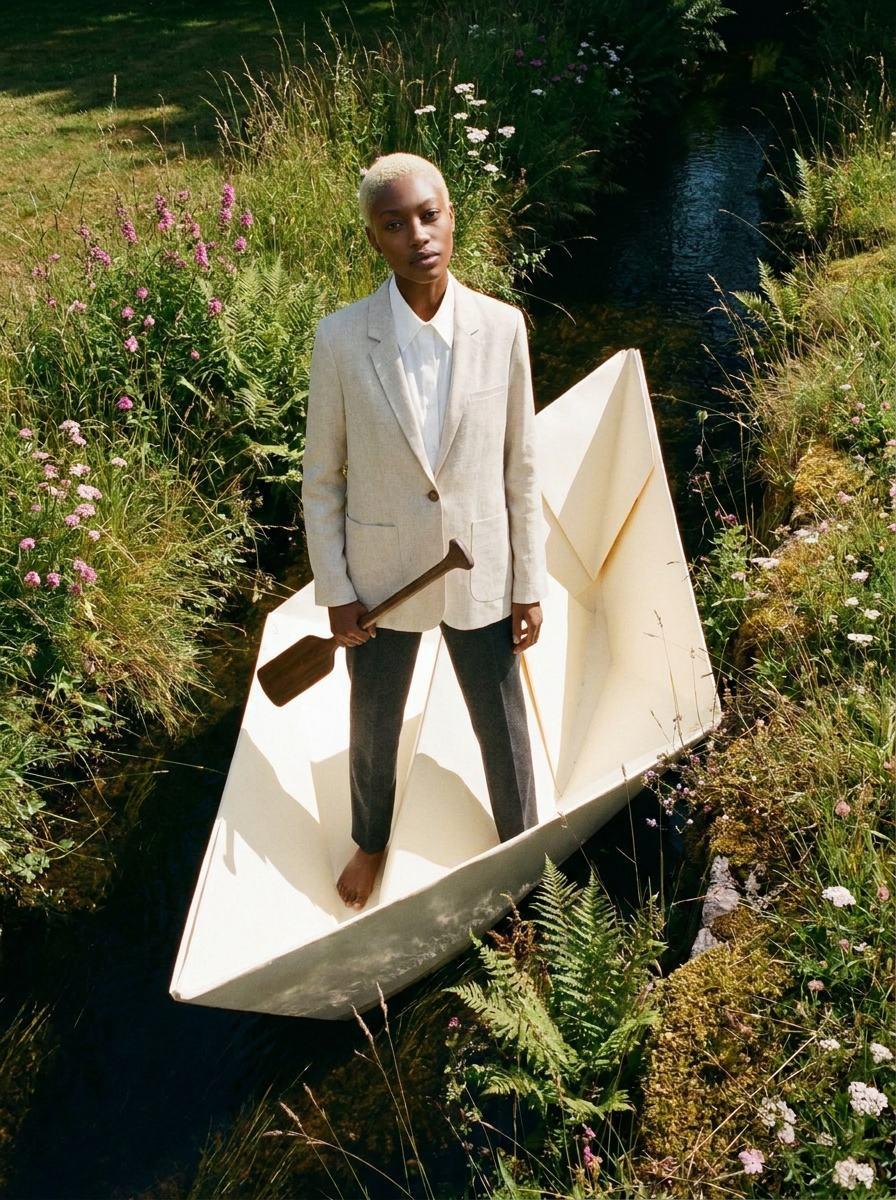
Fashion · 168 tokens
Paper Boat
One garment, one talent. A story out.
Fashion · 168 tokens
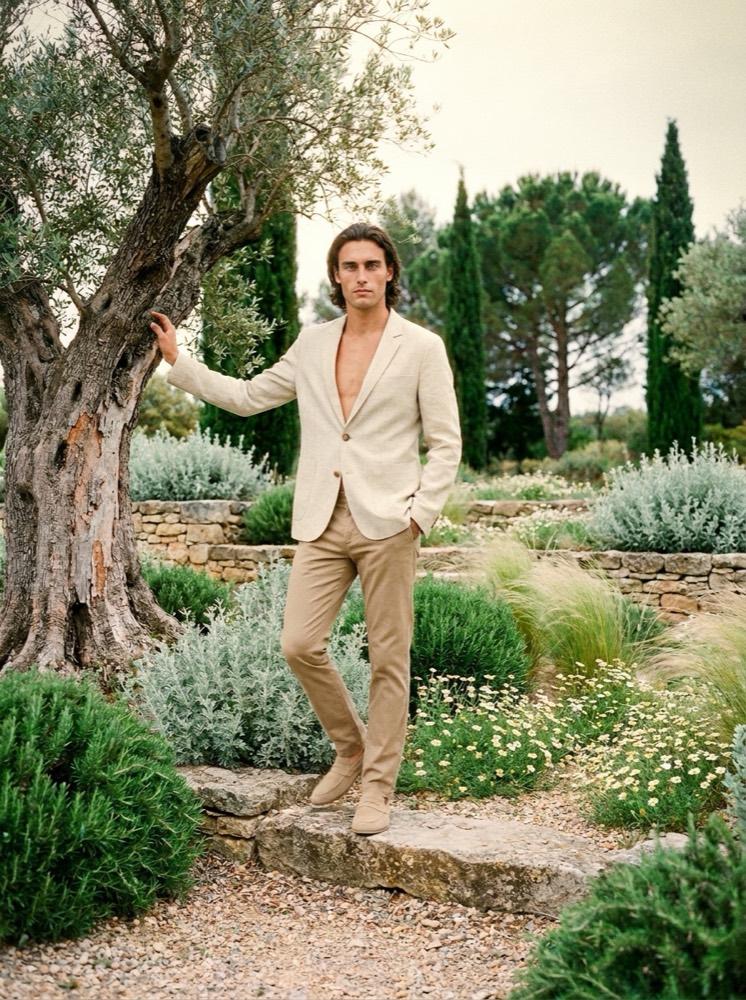
Olive Garden
One garment, one talent. On location.
Fashion · 168 tokens
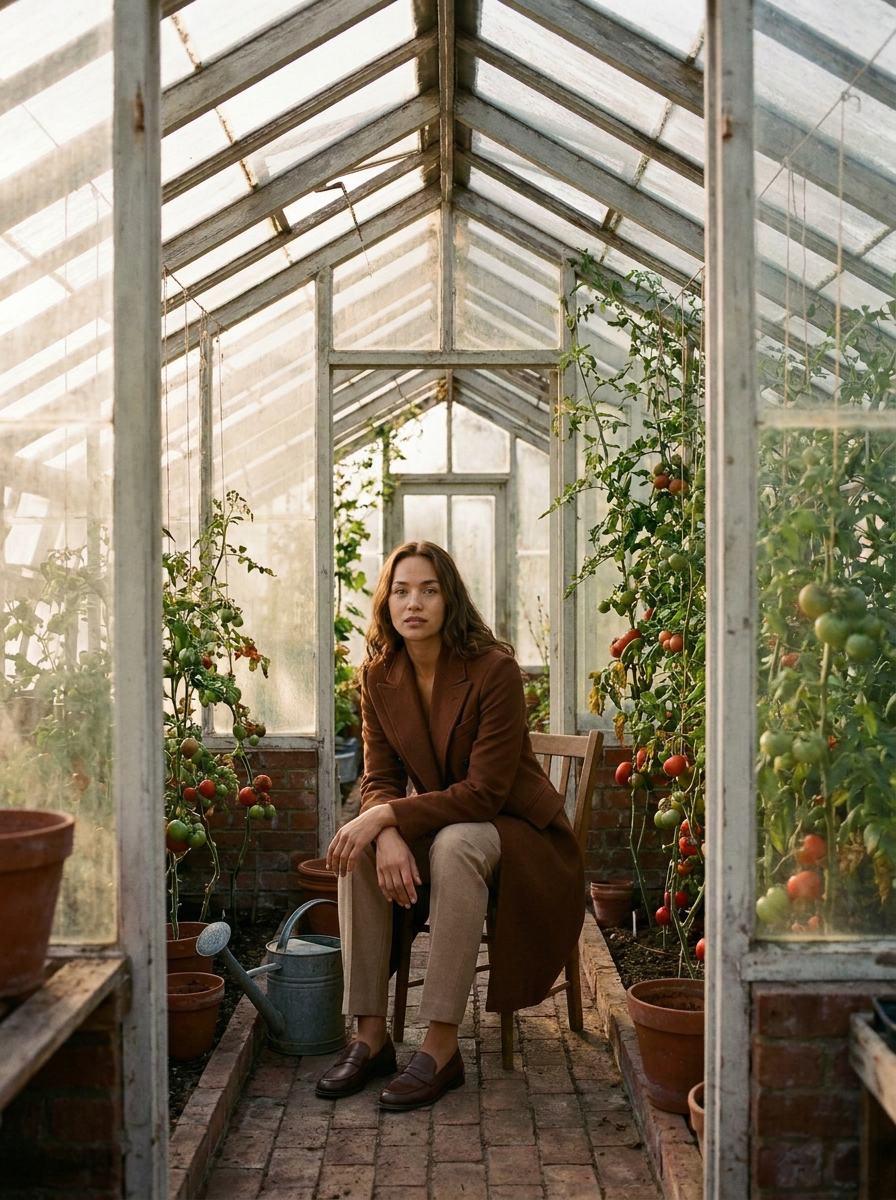
Glasshouse
One garment, one talent. A slow morning out.
Fashion · 168 tokens
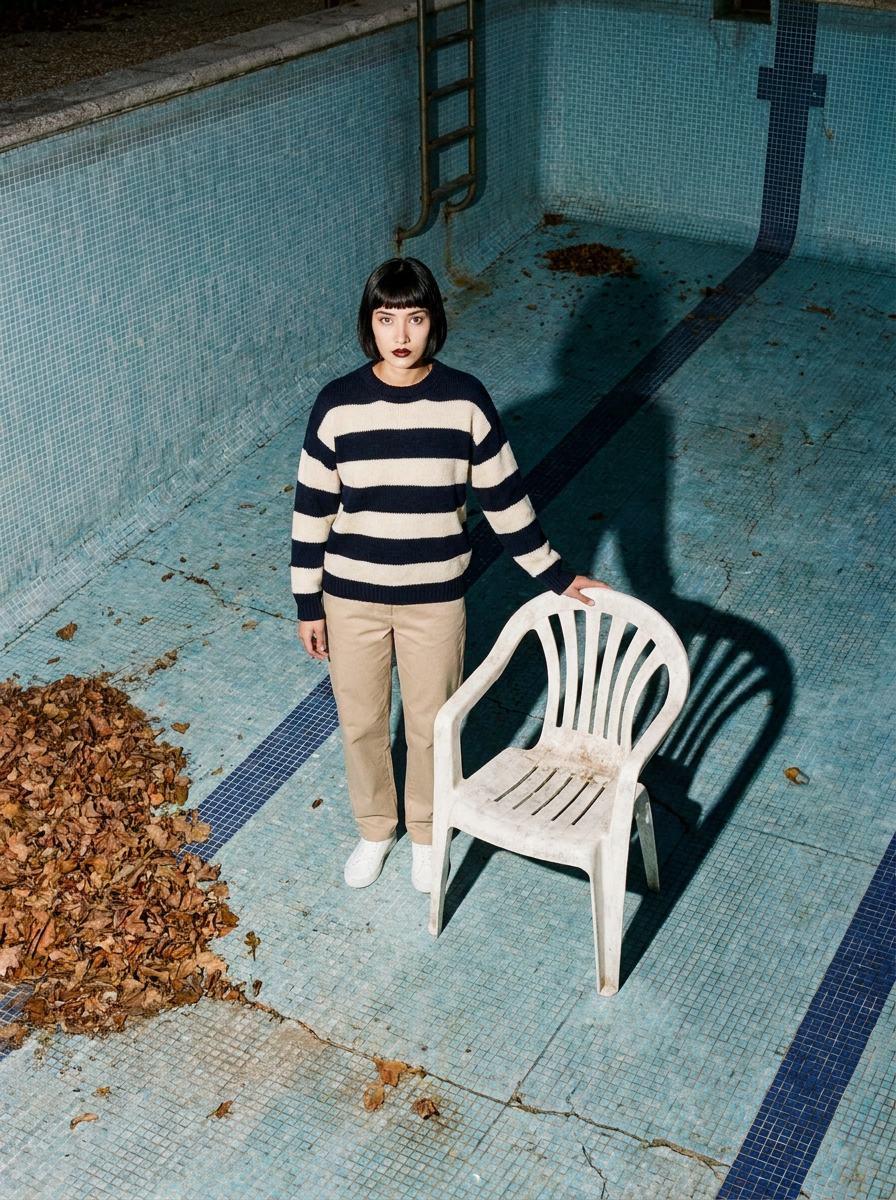
Empty Pool
One garment, one talent. High noon out.
Fashion · 168 tokens
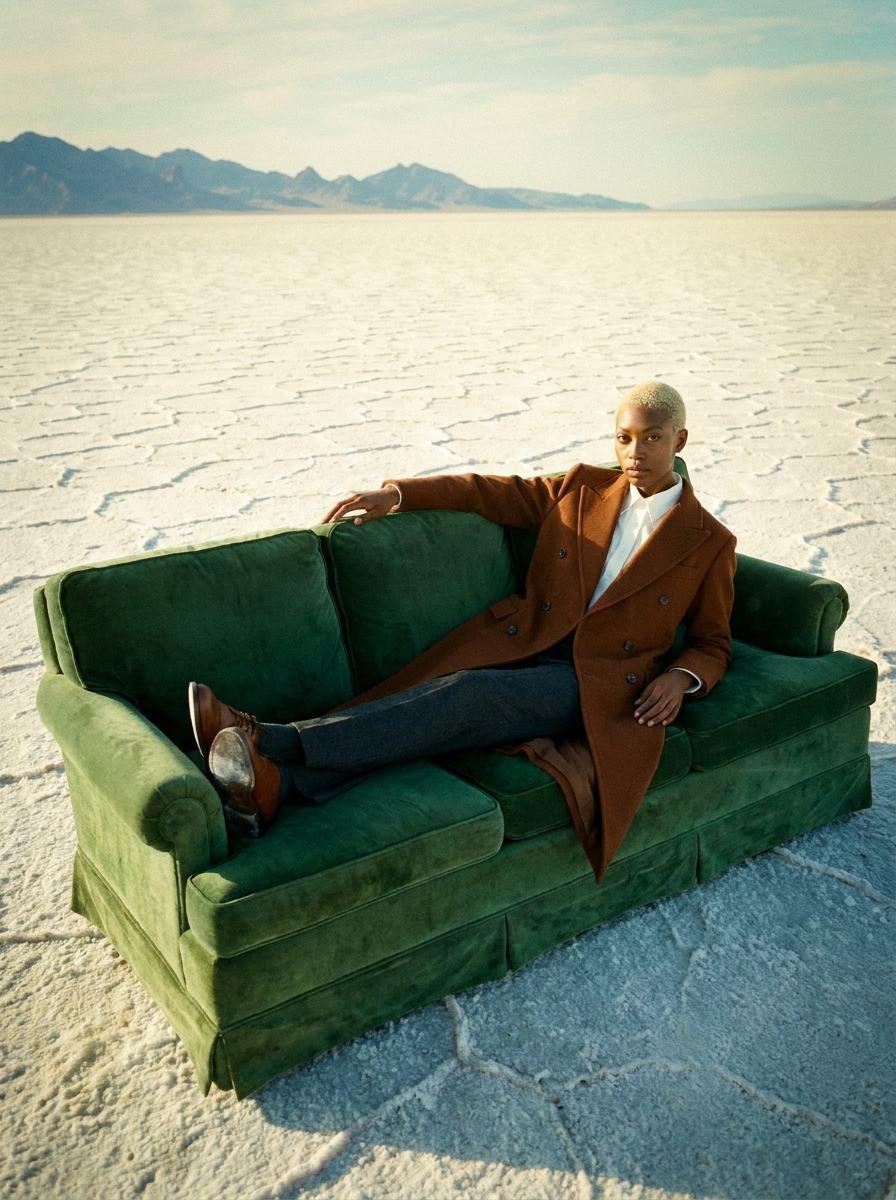
Salt Flat Sofa
One garment, one talent. Nowhere out.
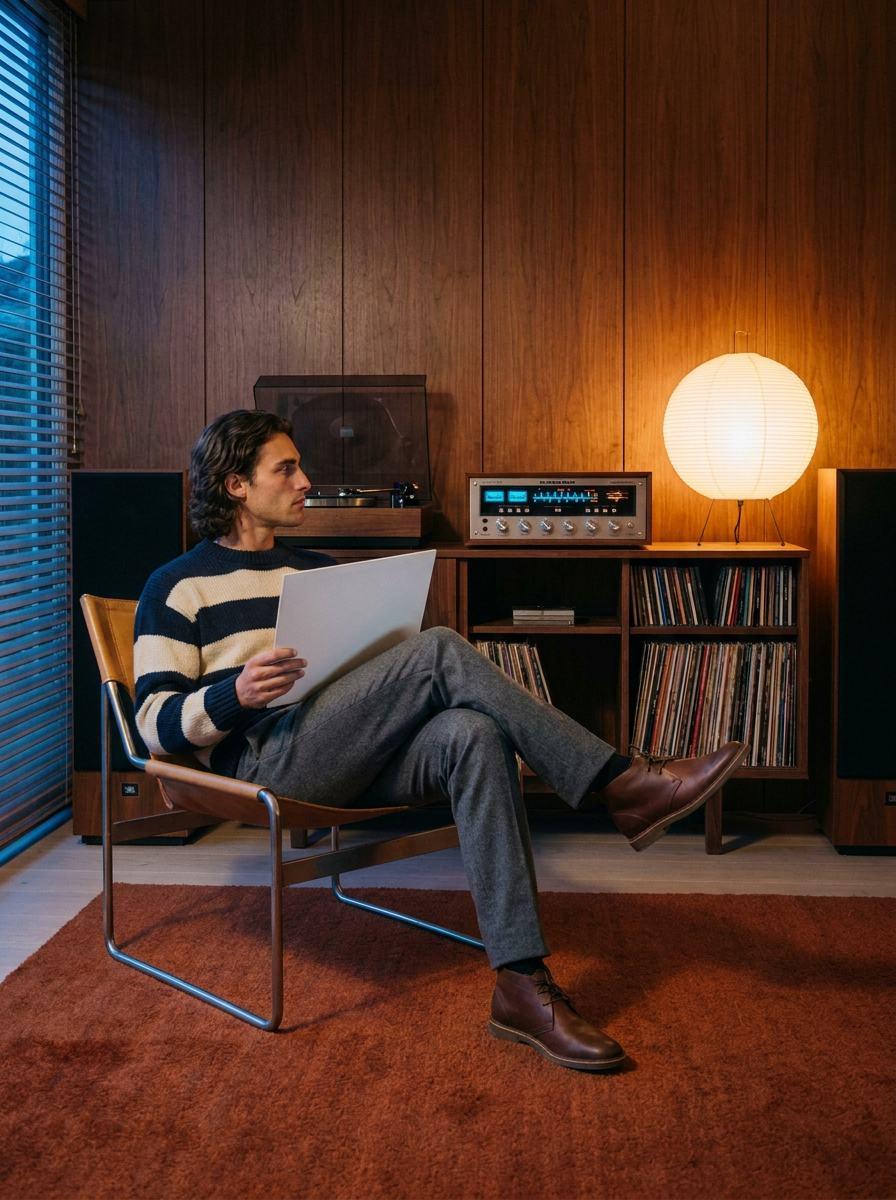
Fashion · 168 tokens
Listening Room
One garment, one talent. A late night out.
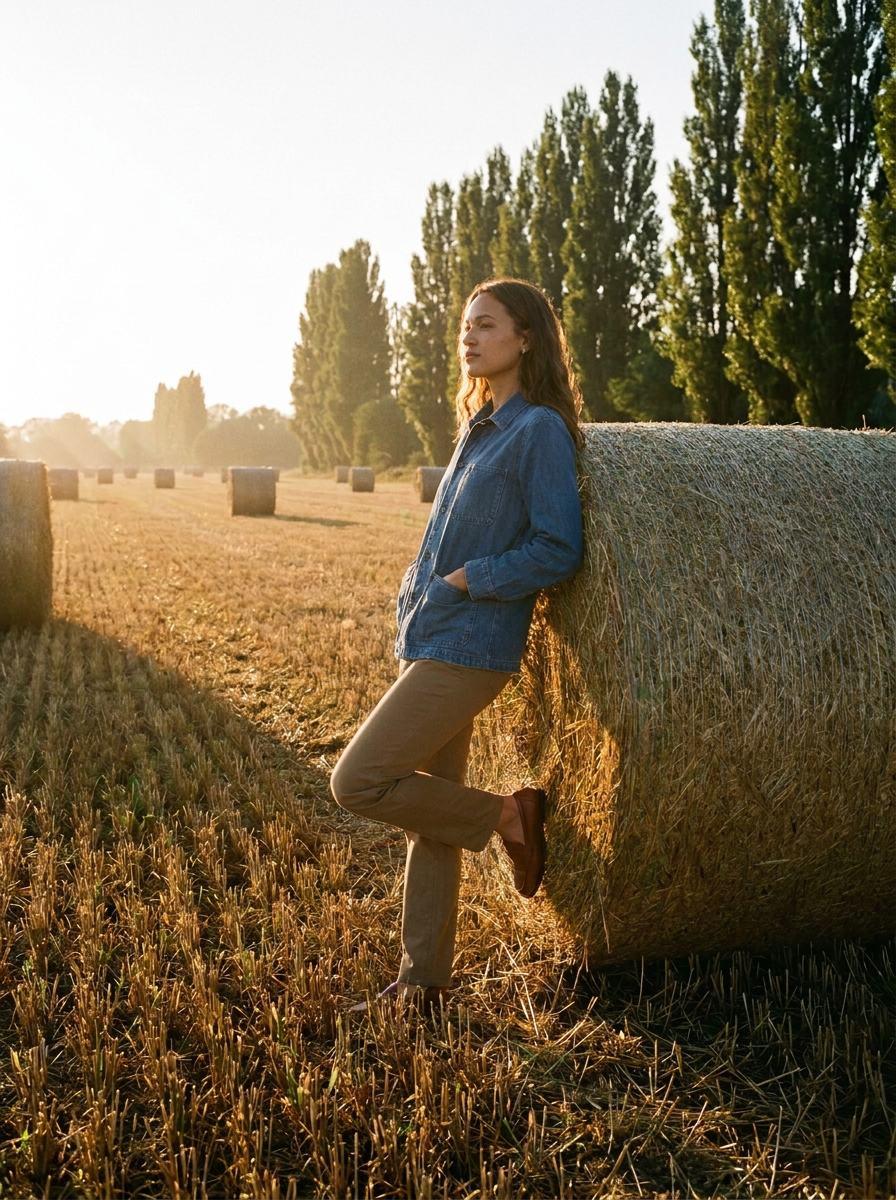
Fashion · 168 tokens
Hay Bales
One garment, one talent. Golden hour out.
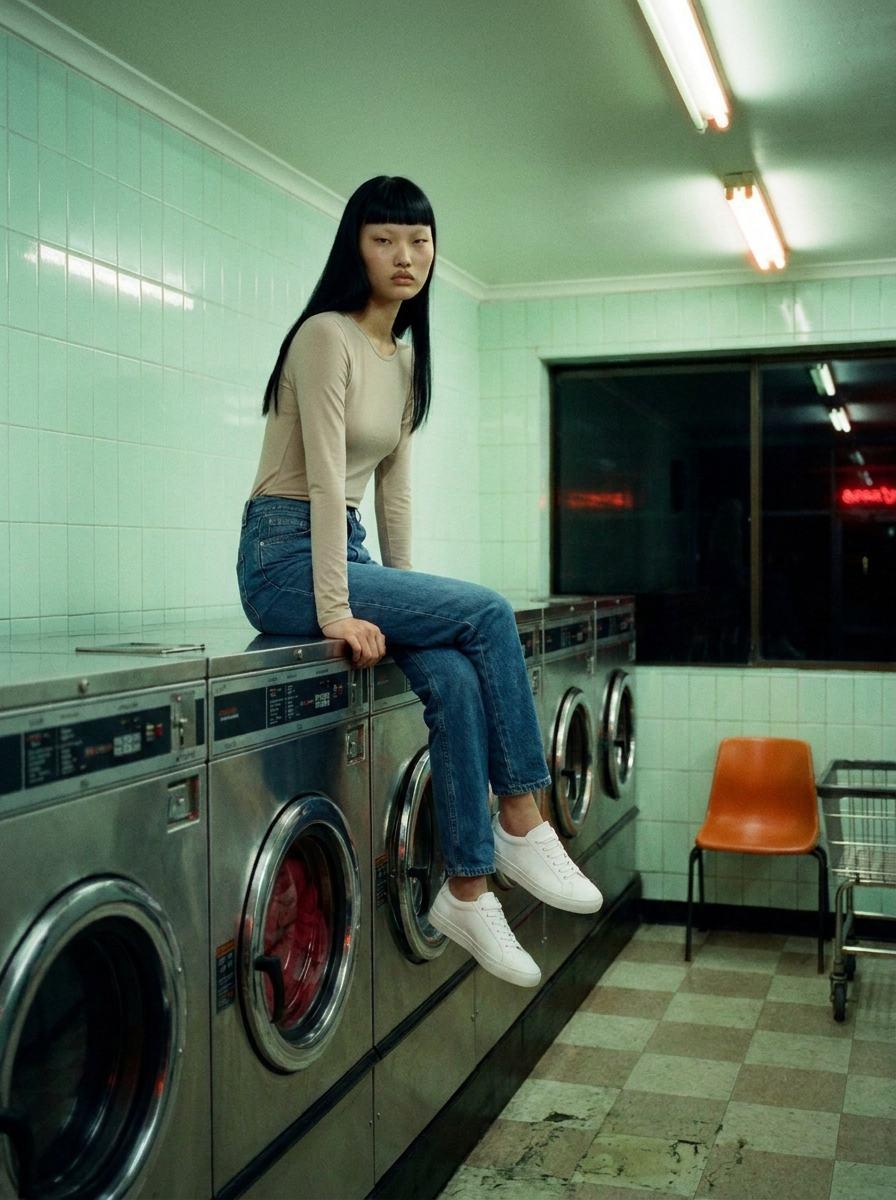
Fashion · 168 tokens
Laundromat
One pair of jeans, one talent. A late wash out.
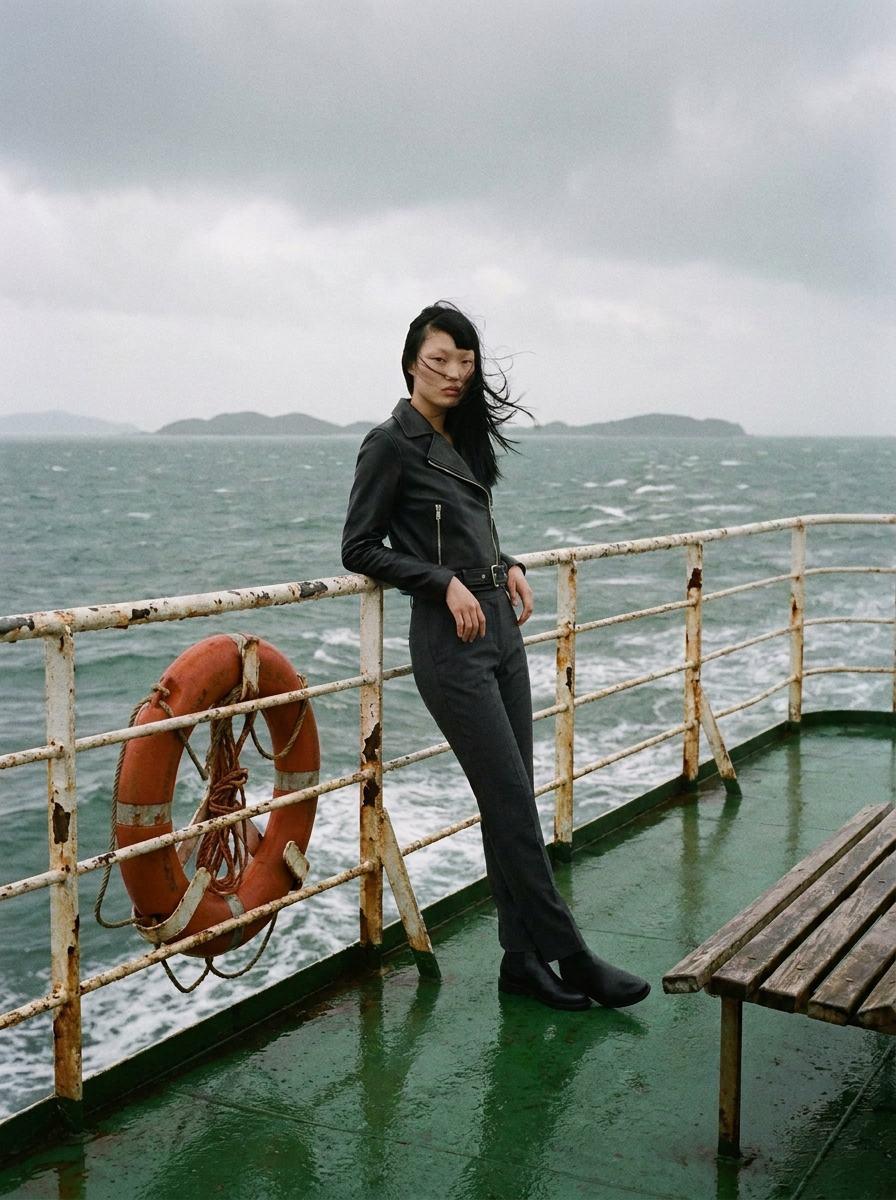
Fashion · 168 tokens
Ferry Deck
One jacket, one talent. A crossing out.
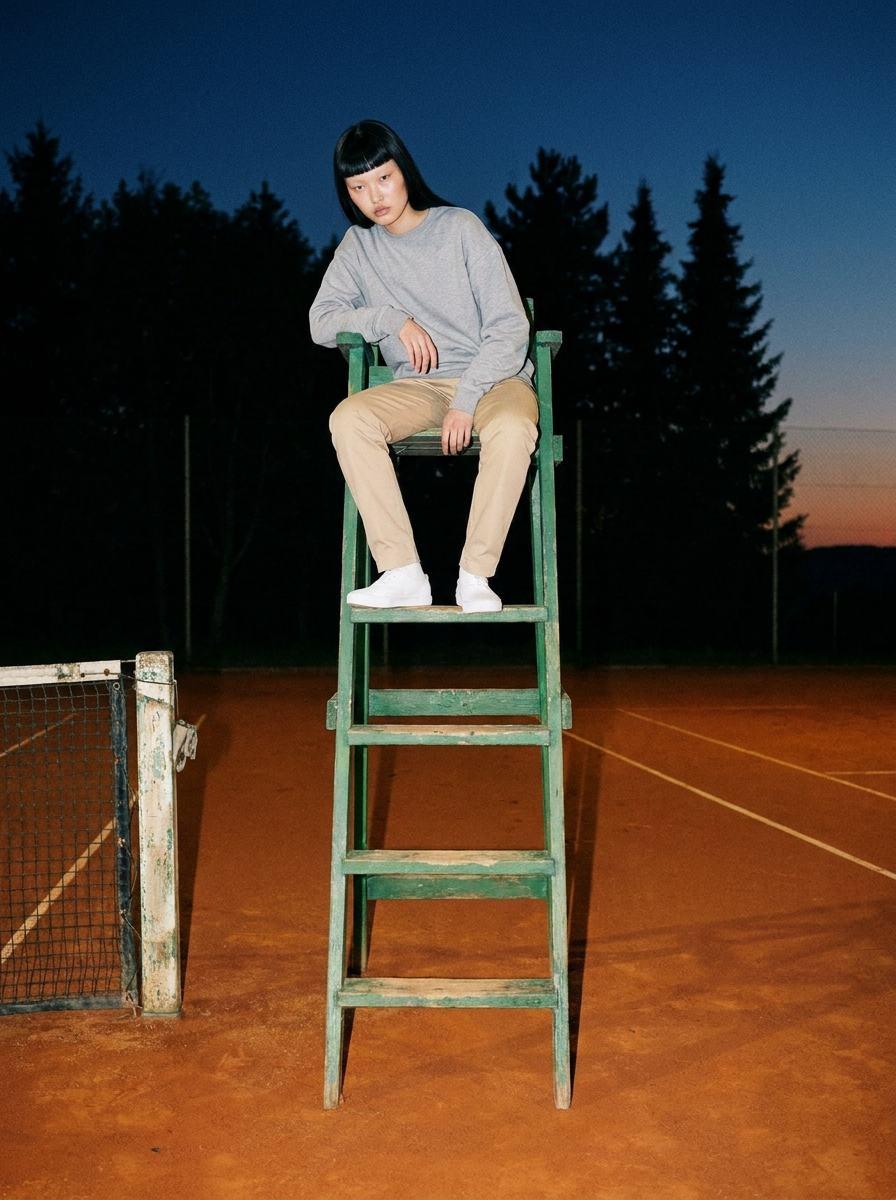
Fashion · 168 tokens
Umpire Chair
One sweatshirt, one talent. Last light out.
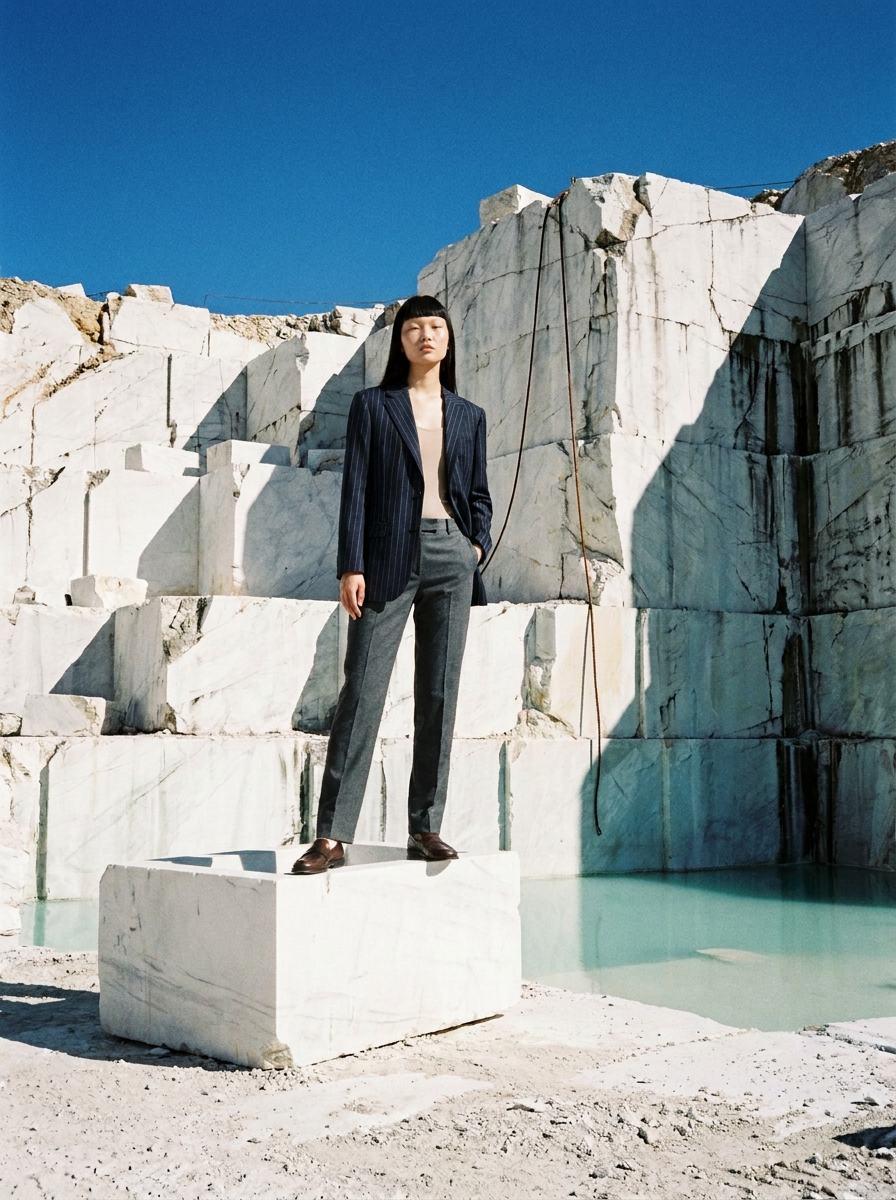
Fashion · 168 tokens
Marble Quarry
One tailored jacket, one talent. White stone out.
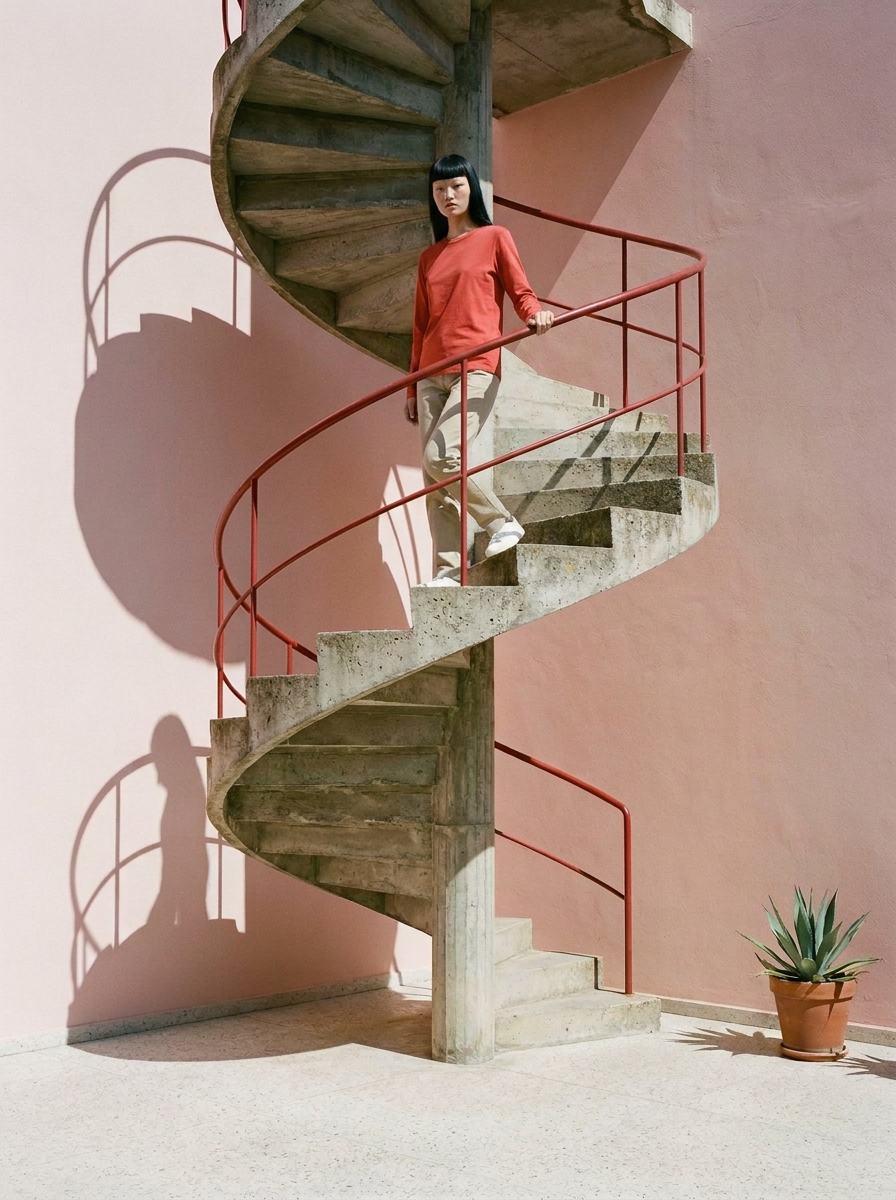
Fashion · 168 tokens
Spiral Stair
One top, one talent. Hard sun out.
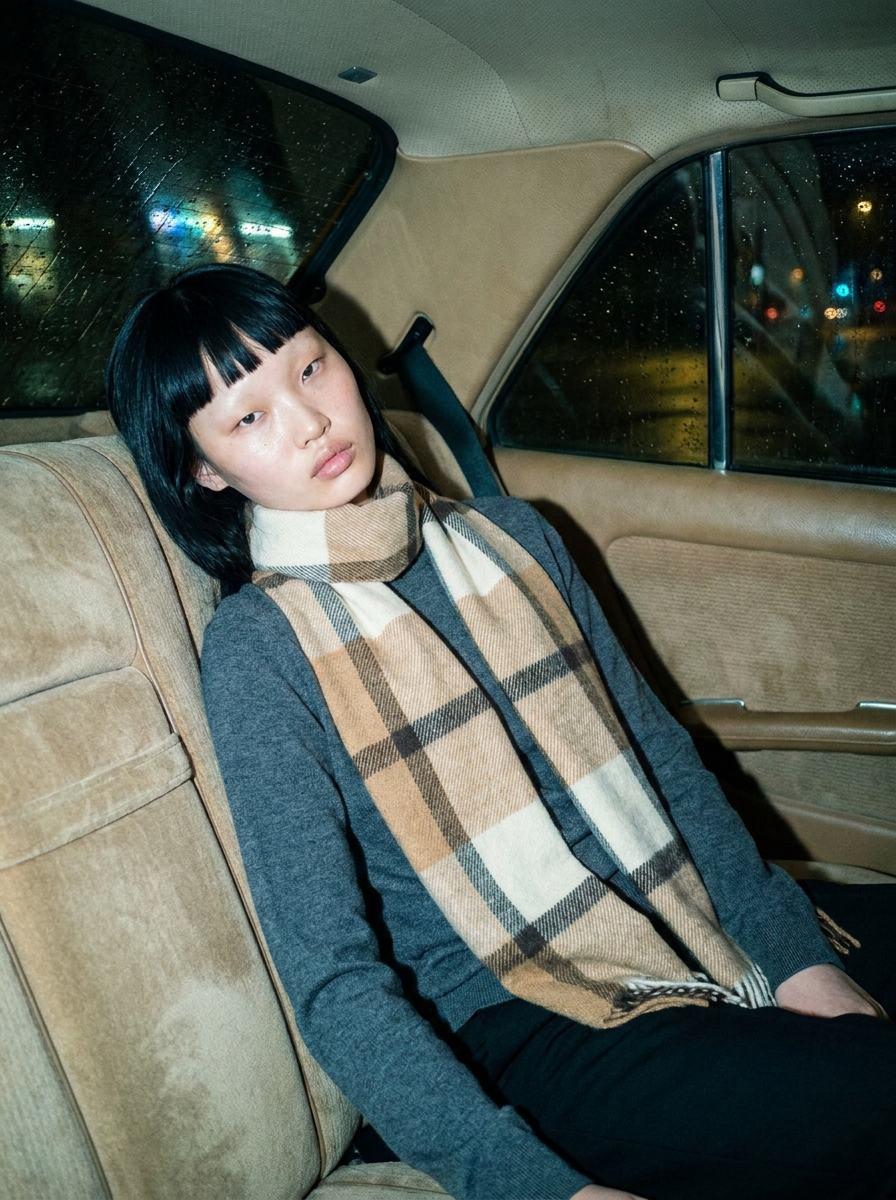
Fashion · 168 tokens
Back Seat
One accessory, one talent. A ride home out.
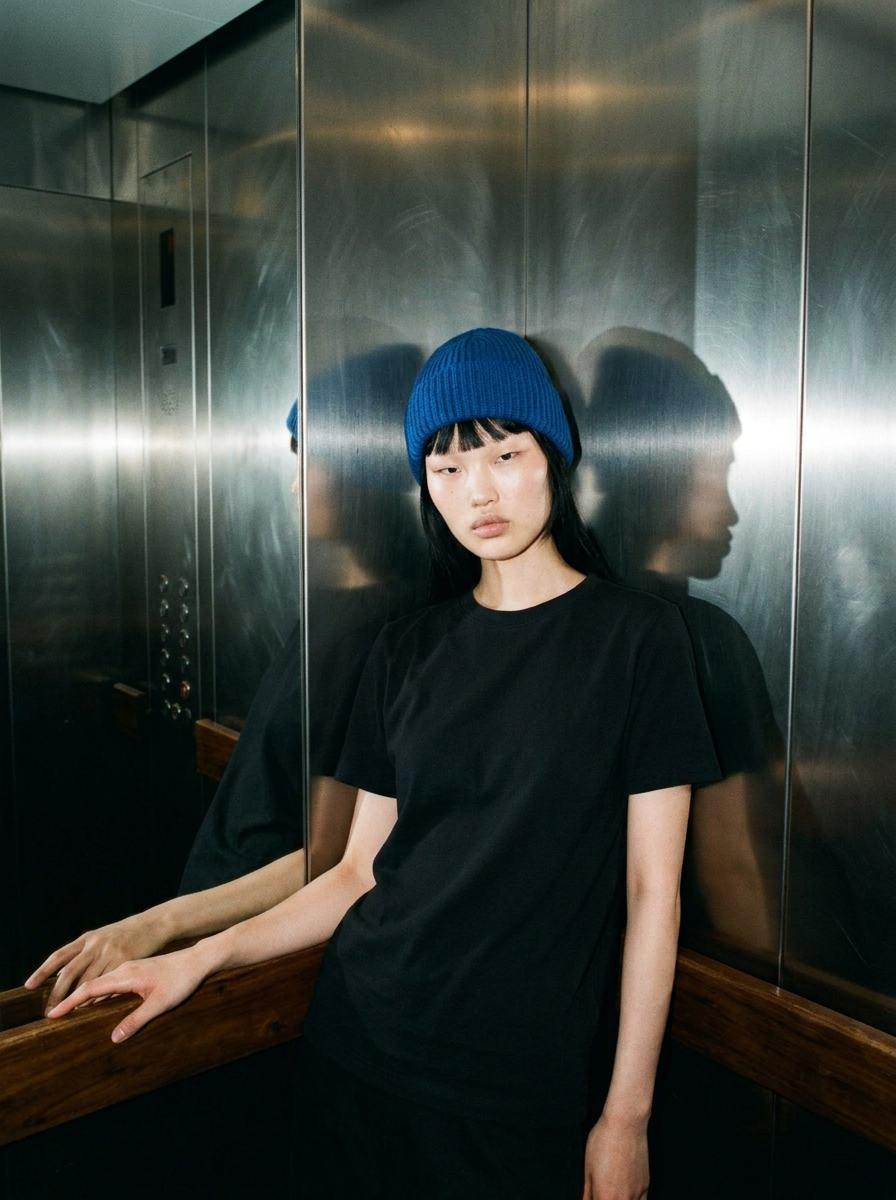
Fashion · 168 tokens
Lift
One accessory, one talent. Between floors out.
How it works
The picture does the directing.
Not the prompt.
A written prompt rarely lands on a look. A picture of the set does: the model keeps its props, its light and its camera, and puts your product in it.
01
Pick a picture you like.
Each workflow starts from an environment: a still-life set or a location, already lit and framed. That picture is what gives the result its look.
02
Bring your product.
Choose a product from your catalogue. For a fashion workflow, choose a talent too. Those are the only empty steps on the board.
03
Run it. Then make it yours.
One run gives you the hero still. Everything on the board is editable, so the next one can be your set, your words, your style.
Questions
Plainly.
Before you ask.
What is a workflow?
A Canvas board that is already art directed. The environment, a picture of the set or the location, and the film style are on the board. You add your product, and for a fashion workflow your talent, and run it.
Are these pictures of real shoots?
No. Every picture on this page was made in Misu, on the same board you open, with sample products and faces from Misu's own cast. They are first results, not a pick from many and not retouched.
Will my product look like my product?
The board hands your product photo to the image model as a reference and tells it to reproduce it exactly. A clean packshot, front on, gives the closest result. Check each picture before you use it: small details such as a clasp or a button count can drift.
What does a run cost?
A still life is one image. A fashion workflow is two: the look on white, then the shot. A new studio starts with 100 tokens, which covers one still life. Verifying a card with a one-time €1 charge adds 500, which covers the fashion workflows. The board shows the price in tokens before you run it, and nothing runs while your product is missing.
Can I change it?
Yes. A workflow opens as your own board. The shot, the style and the environment are ordinary cards: edit the words, swap the environment picture for one of yours, change the model, or wire the result into a video card.
How do I get access?
Workflows are part of the Canvas, in the Studio beta with invites approved by hand. Every new studio starts with welcome credits. Request access from a workflow's page and it opens for you when you are in.
Get started
Pick a workflow.
Run it with your product.
Misu is in beta and open to brands, agencies, freelancers and designers. We review every request and email your invite once it's approved, and every new studio starts with welcome credits.
BETA · REVIEWED BY HAND · FOUNDING PRICING LOCKED