Image model · Google
Nano Banana Pro image generator
Google's instruction-following image model. Say exactly what to change, and it changes that.
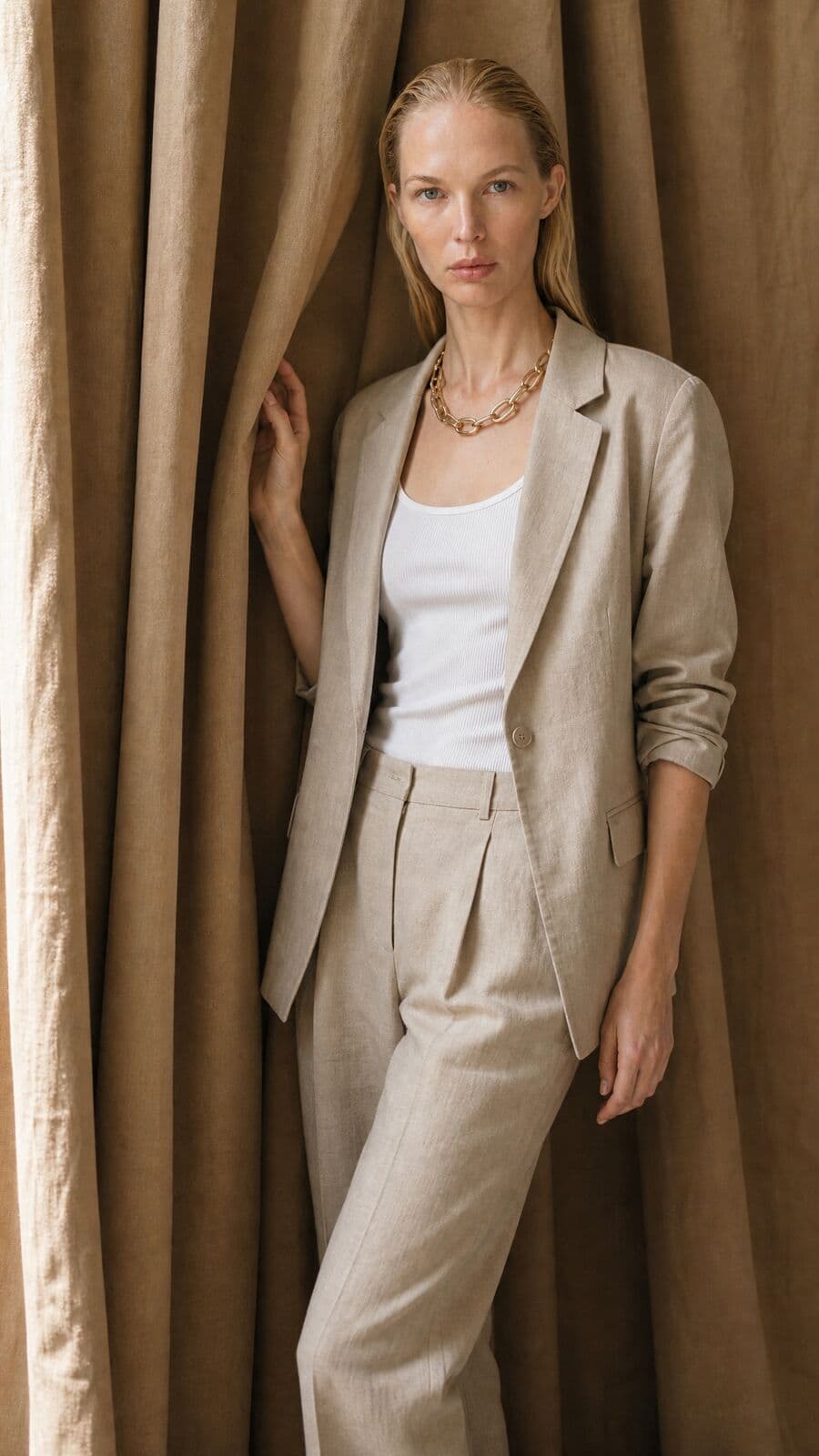
01
What Nano Banana Pro is good at
Best for
- Instruction-led production work: precise, structured prompts carried out literally.
- Putting several garments, shoes and accessories on one model in a single pass.
- Editing an existing image with several references at once.
- Multi-subject compositions, with output up to 4K.
Reach for something else when
- Text-heavy images and legible typography. Seedream 5.0 Pro handles dense text.
- Fine print on a garment, such as a small woven label. Flux Kontext Max or GPT Image 2.5 Sunburst holds detail edits better.
- Leather, fur trim and some fitted cuts, which its safety filter can flag. Misu retries try-on on Seedream 5.0 Lite automatically when that happens.
In Misu
- Featured in the Generate model picker, with Nano Banana 2 under All models as the faster sibling.
- Nano Banana Pro's edit endpoint is Misu's wardrobe try-on: one or many garments, shoes and accessories on a model in one call.
- It also runs the ghost mannequin tool and the Scene Controls: set dressing, weather and time of day.
- On Canvas, the Compositor's Harmonize pass uses it to blend layers into one image.
- When the Director writes the prompt, it writes instruction bullets, the format this family follows best. Up to six references ride along from the composer.
02
Nano Banana Pro specs in Misu
Read from the same tables the Studio's controls use — what you see here is what you can set.
Nano Banana Pro
| Resolution | 1K · 2K · 4K |
|---|---|
| Images per run | Up to 4 |
| Fixed seed (repeatable sets) | Yes |
Nano Banana Pro (edit)
| Images per run | Up to 4 |
|---|---|
| Fixed seed (repeatable sets) | Yes |
Nano Banana 2
| Resolution | 0.5K · 1K · 2K · 4K |
|---|---|
| Images per run | Up to 4 |
| Fixed seed (repeatable sets) | Yes |
03
Where it shows up
Generate
Pick Nano Banana Pro for a still from a prompt and references. Resolution goes up to 4K.
Wardrobe
Upload a look and choose a model. Every piece goes on in one pass, including shoes and bags.
Edit tools
Ghost mannequin, set dressing, weather and time of day are all written as instructions to the same model.
Canvas
Place it on an image node, or use Harmonize to pull composited layers into one lit, coherent frame.
04
Prompting it for fashion and product
Write instructions, not atmosphere. "Keep the model's pose. Replace the trousers with the pleated linen pair from image 2. Leave the background unchanged." Each line is one change.
Say what must stay the same. The model follows the edit you ask for; naming what to keep stops it adjusting what you did not mention.
Number your references and refer to them. With several images attached, "the bag in image 3" is clearer than "the bag".
Keep type out of it. Put logos and copy on with a model built for text, and use Nano Banana Pro for the picture.
05
Nano Banana Pro questions
Is Nano Banana Pro available in Misu?
Yes. It is in the Generate picker and on Canvas, and its edit endpoint runs wardrobe try-on and several edit tools. Image generation is included on every paid plan.
What is the difference between Nano Banana Pro and Nano Banana 2?
Both are Google models in the same family, both go up to 4K. Nano Banana 2 is the faster, cheaper one. Nano Banana Pro is the higher-quality pick for production work.
What does it cost in tokens?
At current rates about 84 tokens an image at 1K to 2K, and double that at 4K. Nano Banana 2 starts at about 45. The Studio shows the exact cost before you run.
Why did a try-on move to a different model?
Nano Banana Pro's safety filter can flag ordinary materials like leather or fur trim. When it does, Misu reruns the try-on on Seedream 5.0 Lite instead of failing the job.
Can I use the images commercially?
Yes. Content generated on a paid plan is yours, under a full commercial licence.
Get started
Nano Banana Pro, directed.
Your product. Your face.
Misu picks the model per shot · Character Lock · Full commercial rights
You don't need a separate account for every model. Brief the shot in Misu, keep your product and your cast locked, and the Studio routes to the model that fits.
BETA · REVIEWED BY HAND · FOUNDING PRICING LOCKED