Post room · Grading
AI color grading for fashion campaigns
One grade. Every frame.
Grade the campaign once. Misu's Post room puts a whole shoot on one board, so the look you set on the first frame is synced to the rest, and each picture keeps the corrections that are its own.
01
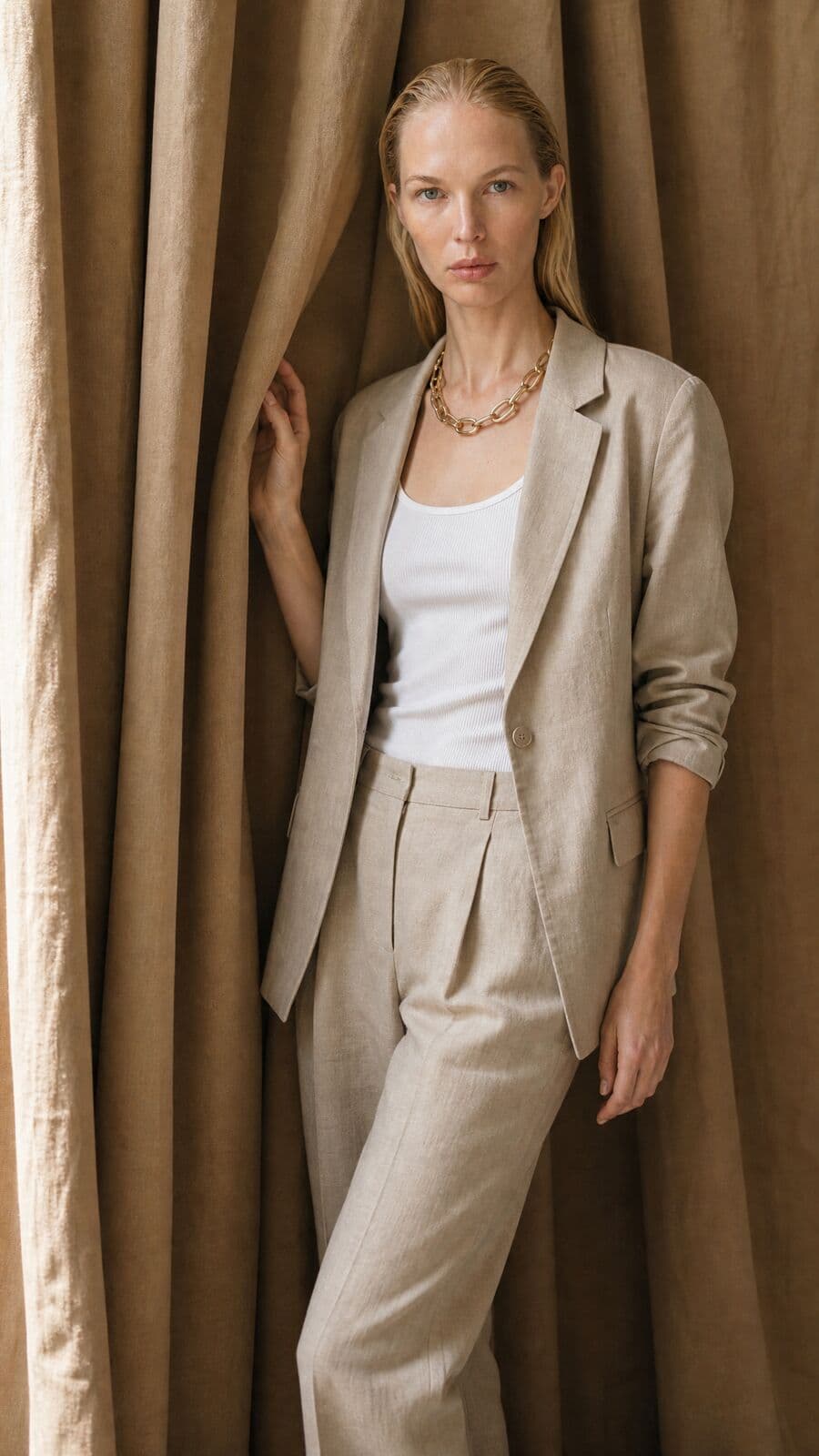
A campaign is a set, and a set needs one grade
A single good frame is easy to grade. A campaign is harder, because it is read as a set. Twelve pictures sit side by side on a product page, in a lookbook, down a feed. If the shadows run cool in one and warm in the next, the set looks like it came from twelve places.
Generated pictures make this sharper. Each frame is made on its own, often on different days and from different prompts. The face holds and the product holds, but the colour drifts a little each time.
Grading file by file does not fix that. The fix is to grade the set as a set: decide the look once, apply it to every frame, then correct the few frames that need their own exposure or white balance. That is how the Post room is built.
02
How to grade a campaign once
The whole shoot sits on a board. One frame is open at a time, and any selection can be edited together.
01
Put the set on the board
Open pictures from the Library, or drop a shoot from disk. Each lands as a tile, and the tiles show the grade live as you work.
02
Grade the hero frame
Choose a look, set its strength and its print stage, then use Adjust for exposure, contrast and white balance. Compare wipes between the edit and the original.
03
Select the rest and sync
Click, shift-click for a range, or select all. Turn on Sync or hold Alt. From then on each change you make goes to every selected picture.
04
Correct the outliers
Open the frame that is a third of a stop dark and lift it alone. Sync copies only the setting you touch, so the look stays shared and the fix stays local.
05
Save the grade as a recipe
Name it once. It appears as a chip in the Looks panel for the whole brand, and applies to a new selection in one click.
06
Export the set
Save the selection to the Library, or download it as a zip of full-size JPEGs.
03
What the grade is made of
A grade in Post is a look plus your own corrections. All of it is sliders; none of it is a prompt.
63 film looks
Named by character, in Misu's own names: Soft Portrait 400, Golden Hour 200, Saturated Slide 50, Tungsten Glow 800, Classic Mono 400. Grouped as colour negative, cinema, slide, black and white, instant and historic.
Five print stages
Each look can be printed five ways: no print, cinema print, soft cinema print, glossy paper or flat log. The print stage changes the contrast and colour of the same look.
Strength and push or pull
A look starts at half strength and runs to full. Push or pull moves it up to two stops either way.
Light
Exposure, contrast, highlights, shadows and fade.
Colour
Saturation, temperature and tint.
Undo, copy and paste
Every picture has its own undo history. Copy the edit from one frame and paste it on another without leaving the viewer.
04
What sync copies, and what it leaves alone
Sync is not a paste of the whole edit. When several pictures are selected, the room compares the edit before and after your change and copies only the difference. Move the temperature slider and every selected frame gets the new temperature. Their exposure, their look and their retouching stay as they were.
That is what lets a set share a grade without becoming identical. The wide shot keeps its lifted shadows. The close-up keeps its lower contrast. Both get the look.
Some things never travel, because they belong to one picture. Each frame has its own grain pattern, so twelve frames do not carry the same specks in the same places. Finishing passes are copies of one picture and stay with it. A product colour match is measured on one garment and stays with it too.
A recipe follows the same rule. It carries the look, the adjustments, the film effects and the skin settings. It leaves each picture its grain pattern, its finishing layers and its colour match.
05
A consistent grade, and a true product colour
Grading and product colour pull against each other. A warm look moves everything warm, the garment included. For an editorial frame that is the point. For the frame beside the buy button it can be a problem.
The Post room treats them as two controls. The grade sets the mood of the picture. Colour match then takes the garment back to the product's real colour, measured from the product photo in your catalogue, inside the clothes mask only. You choose how far with the Amount slider. The skin and the set keep the grade.
06
Frame by frame, or on the board
Two ways to grade the same twelve pictures.
- Setting the look
- Frame by frameOnce per file
- On the boardOnce, then synced to the selection
- A late change of mind
- Frame by frameReopen every file
- On the boardSelect all, move one slider
- One dark frame
- Frame by frameFixed alone, and easy to overwrite later
- On the boardFixed alone; sync copies only what you touch next
- The next campaign
- Frame by frameRebuild the grade from memory
- On the boardApply the saved recipe to the new selection
- Checking the set
- Frame by frameOpen files side by side
- On the boardTiles on one board, graded live
- Export
- Frame by frameOne file at a time
- On the boardSave the selection, or one zip of full-size JPEGs
| Criteria | Frame by frame | On the board |
|---|---|---|
| Setting the look | Once per file | Once, then synced to the selection |
| A late change of mind | Reopen every file | Select all, move one slider |
| One dark frame | Fixed alone, and easy to overwrite later | Fixed alone; sync copies only what you touch next |
| The next campaign | Rebuild the grade from memory | Apply the saved recipe to the new selection |
| Checking the set | Open files side by side | Tiles on one board, graded live |
| Export | One file at a time | Save the selection, or one zip of full-size JPEGs |
07
Grading video clips
A clip opened in Post takes the same grade as the stills: the look, light and colour, grain, halation and paper. It plays graded in the viewer, renders in your browser and exports as an MP4 with its original sound. Clips up to 120 seconds and up to 4K can be exported, one at a time.
So the film and the stills of one campaign can carry one recipe.
08
Questions people ask
How do I get a consistent colour grade across a campaign?
Put the set on the Post room board, grade one frame, then select the others and turn on Sync or hold Alt. Each change is applied to every selected picture. Save the result as a recipe to reuse it on the next set.
Can I batch colour grade fashion photos?
Yes. A selection on the board is edited together, a recipe applies to a whole selection in one click, and the selection saves to the Library or downloads as one zip of full-size JPEGs.
What does colour grading cost in tokens?
Grading a still is rendered in your browser and is not charged, and neither is saving or downloading the graded picture. Exporting a graded clip costs 1 token per second of output. The finishing passes elsewhere in the room are charged per run, with the price on the button.
Does a synced grade overwrite my per-frame corrections?
No. Sync copies only the setting you change while the pictures are selected. Everything else on each picture stays as you left it.
What is a recipe?
A saved finish that belongs to the brand: the look, the adjustments, the film effects and the skin settings. It can be exported as a file and imported again. It does not carry a picture's grain pattern, finishing layers or colour match.
Are the looks real film stocks?
They are film-style looks under Misu's own names, grouped by character: colour negative, cinema, slide, black and white, instant and historic. There are 63, each with five print stages, and every one is adjustable.
Can I grade photographs that were not made in Misu?
Yes. Drop them on the board from disk, several at once. They are graded and exported the same way as pictures from your Library.
Will the grade change my product's colour?
A grade moves every colour in the picture. Colour match is the separate control that brings the garment back to the product's measured colour, and you set how strongly it applies.
Get started
Your product.
The same face in every shot.
Full commercial rights · Licensed models · Stockholm
Misu is in beta and open to brands, agencies, freelancers and designers. We review every request and email your invite once it's approved, and every new studio starts with welcome credits.
BETA · REVIEWED BY HAND · FOUNDING PRICING LOCKED