Campaigns · Moodboards
AI lookbook generator for fashion brands
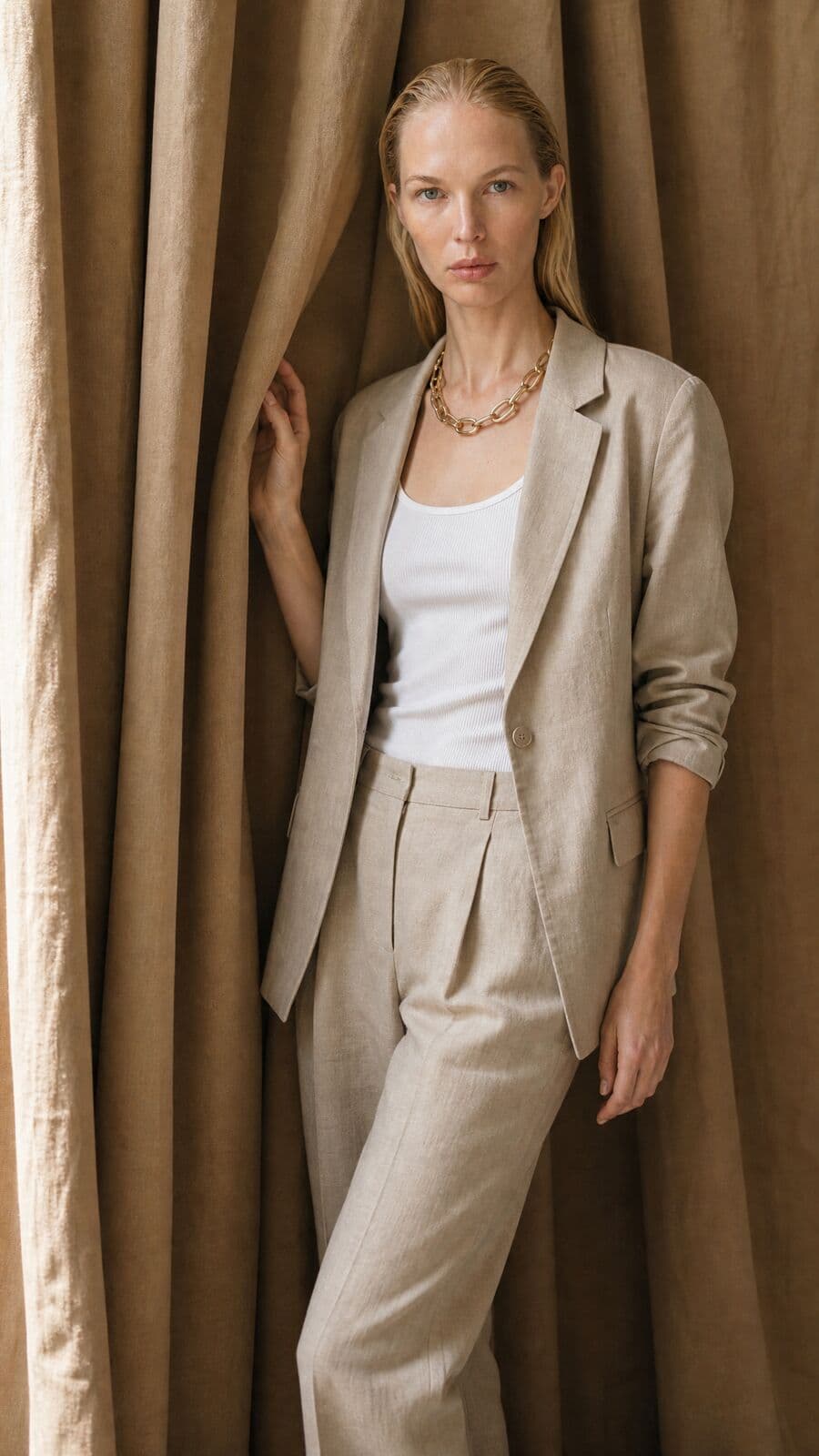
Twelve looks. One face.
A lookbook in Misu is made in two moves. A Campaign shoots the looks from your products on one model. A Lookbook board puts them in order, credits each product, and opens as a book you can share or save as PDF.
01
What a lookbook needs, and what makes it hard
A lookbook is a short, ordered set of looks from one collection. A cover, the full looks, a few details, something in motion, a frame that sets the mood. Buyers, press and wholesale accounts read it front to back, and each look tells them which pieces they are seeing.
Making pictures is not the difficult part. The difficult part is that the pictures have to belong together: the same model, the same light, the same season, and the right product named under the right look. A folder of unrelated images is not a lookbook.
So Misu does not have a single button that produces one. It has a planned shoot that keeps the set consistent, and a board that turns the finished shots into a book. This page describes that path as it works today.
02
From product photos to a finished lookbook
Products go in at the start. A book comes out at the end. Only the shoot itself spends tokens on images.
01
Add the products
Upload photos, import from a product or collection URL, or connect Shopify. One photo per product is enough to generate. The photo rides along as the reference for that garment.
02
Brief a Lookbook shoot
In Campaigns, choose the Lookbook preset, select the products and pick a model. Add one line of direction if you have one. The preset plans twelve shots by default, up to twenty, with two variants of each.
03
Edit the shot list
Each shot is a card: name, product, framing, format and a written prompt. Change any of them, add or remove shots, or re-plan with new direction. The planner only writes words. It cannot add a product you do not have.
04
Run and approve
The token estimate sits next to Generate before anything runs. Shots land in your Library and in a moodboard named after the shoot. Pick the variant you want, approve it, or redo the shot.
05
Make a lookbook
One button on the shoot page builds a Lookbook board: one look per finished shot, in shot order, up to twelve, using the approved shots when any are approved. This step is free.
06
Open the book
Set a season line, choose a layout, reorder the looks, then open the book. Share a review link, or print it and save it as PDF.
03
How the cast stays the same across twelve shots
A Campaign is briefed once and produced as a set. Character Lock is on by default, so the model you chose in the brief is the person in every shot. The same products and the same direction are carried through the whole list, and one seed is shared across the set.
Each shot runs through the same pipeline as a single image made in Generate: the product photo as reference, the model's identity, and your brand guidelines and style references applied automatically. You do not restate them per shot.
The model is a talent from your brand's cast. For how identity is held between frames, see the page on consistent models. If the looks are whole outfits rather than single products, build them first in Wardrobe: a saved Outfit can be taken to Generate with every garment as a reference, and its render sits in the Library ready to drop into a look.
04
What the Lookbook board does
Frames are pages
The board has a Cover frame and numbered looks: Look 01, Look 02 and on. Move a look earlier or later and the numbers follow, so a deleted look never leaves a gap.
Credits per look
Each look carries cards for the product and the talent it was made with. A talent who appears in several shots is credited once, on the cover, along with the collection's other products.
Two layouts
Editorial is cream paper with one large picture per look and up to four on a page. E-com is white with the look's pictures in an even grid, up to eight.
Notes as captions
A note dropped into a look's frame becomes that look's caption. A look can also carry a title of its own in place of its number.
A check before you send
The panel flags a look with no picture, a look with no credits, and a look with more pictures than its page holds. It also tells you which picture the cover is using.
Not only from a shoot
A Lookbook board can start blank from the template, or be made from an inspiration board: one look per generated picture, up to twelve, credited with that board's products and talent.
05
Sharing the book, and saving it as PDF
Open the book shows the lookbook as pages: the cover first, then each look with its pictures, caption and credit line. From there it prints. Every page is one A4 landscape sheet, and your browser's Save as PDF is the PDF. There is no separate export step and nothing to install.
Share for review creates a link that opens without an account. A guest sees the book only: the cover and the looks. The Generated frame, rejected variants, loose items and anything past a page's picture limit never reach them. Guests can comment, and they see their own threads, not your team's internal ones. A link can be revoked at any time, and a link with downloads switched off cannot be printed or saved.
Whether pictures carry a visible Generated image label on shared pages and in print is your brand's setting. It is off unless you turn it on.
06
What a lookbook costs in tokens
The images are the cost. Each shot is charged per image as it runs, and a shot with two variants is two images. The shoot page shows an estimate for everything still to run before you press Generate, and a balance that cannot cover the run stops it before any shot starts.
At current pricing the estimate for the default shoot, twelve shots at two variants, is about 720 tokens. Fewer shots or a single variant brings it down in proportion. The figure on the page at the time is the one that counts, since model prices are reviewed.
Writing the shot list is a small metered text call. Making the Lookbook board, arranging it, sharing it and printing it spend nothing. Redoing a shot costs that shot again.
07
A shot lookbook or a planned one
What changes when the looks are planned in Misu instead of on a studio day.
- Starts from
- Studio daySamples, a model, a location
- MisuOne photo per product
- Same model throughout
- Studio dayBooked for the day
- MisuCharacter Lock across the set
- A look that misses
- Studio dayReshoot or live with it
- MisuRedo that shot
- Product credits
- Studio dayTyped into a layout by hand
- MisuCarried from each shot into its look
- Delivery
- Studio dayA designed PDF
- MisuA review link and an A4 PDF from the browser
- Still yours to do
- Studio dayArt direction and selection
- MisuArt direction, selection, and checking each garment
| Criteria | Studio day | Misu |
|---|---|---|
| Starts from | Samples, a model, a location | One photo per product |
| Same model throughout | Booked for the day | Character Lock across the set |
| A look that misses | Reshoot or live with it | Redo that shot |
| Product credits | Typed into a layout by hand | Carried from each shot into its look |
| Delivery | A designed PDF | A review link and an A4 PDF from the browser |
| Still yours to do | Art direction and selection | Art direction, selection, and checking each garment |
08
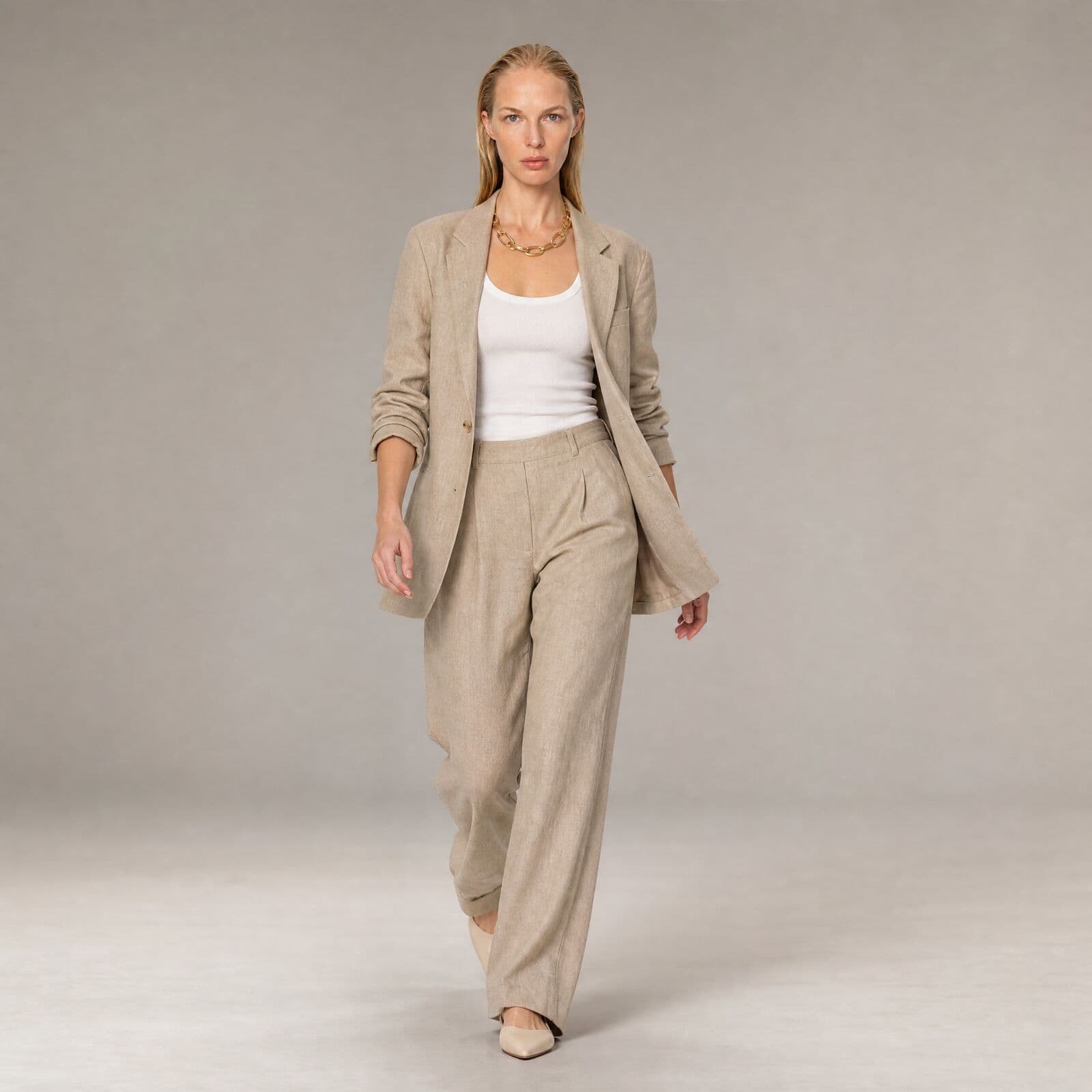
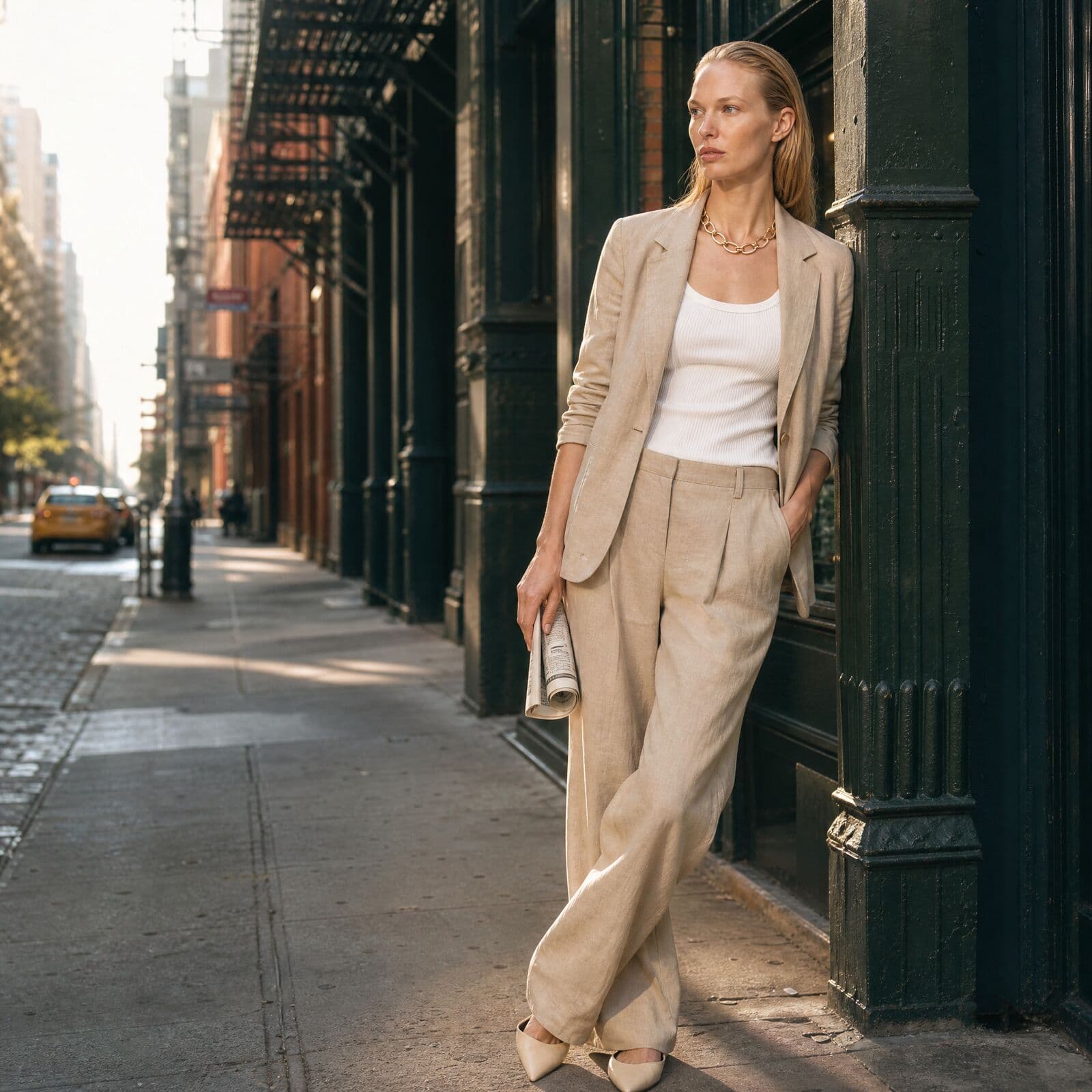
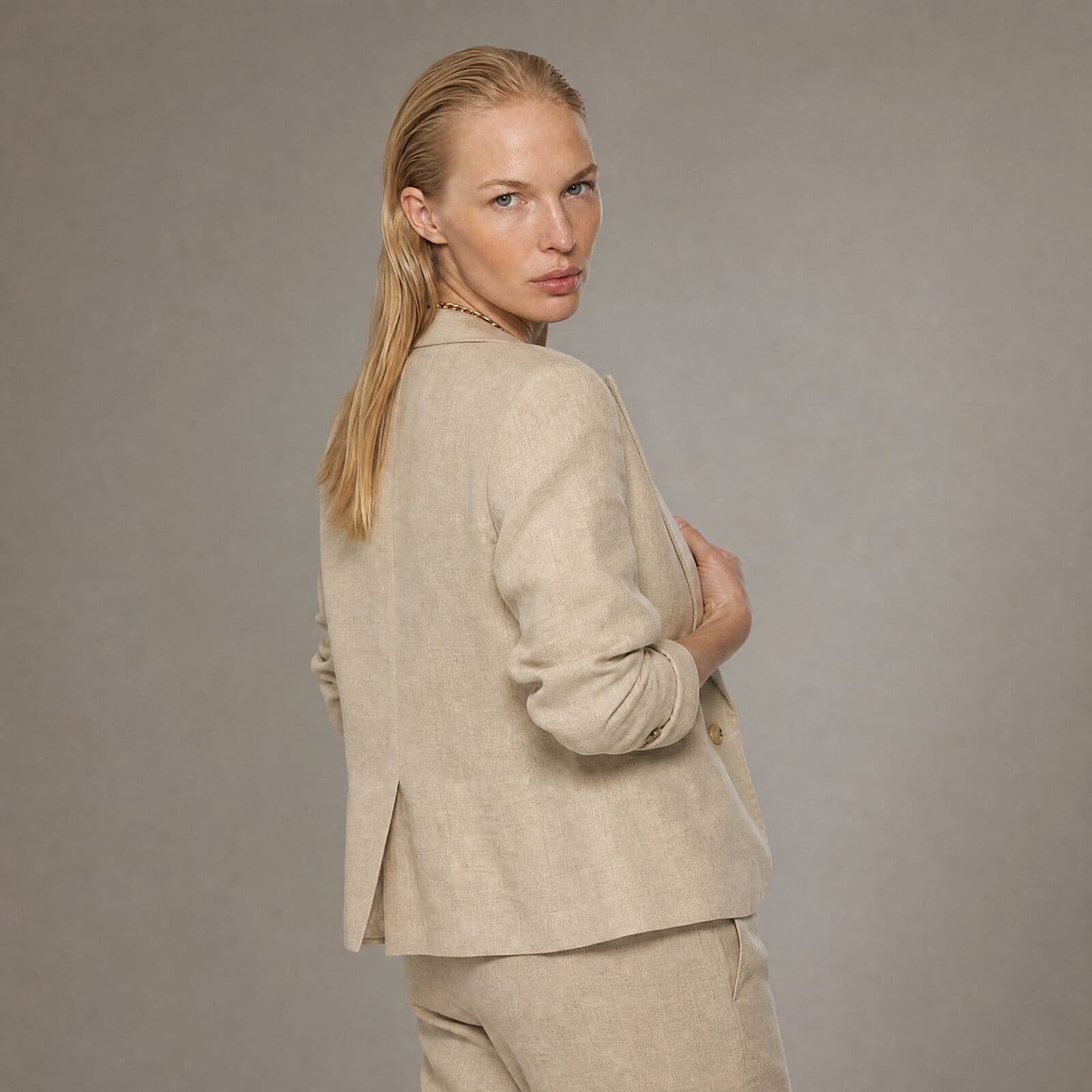
The frames a lookbook is made of
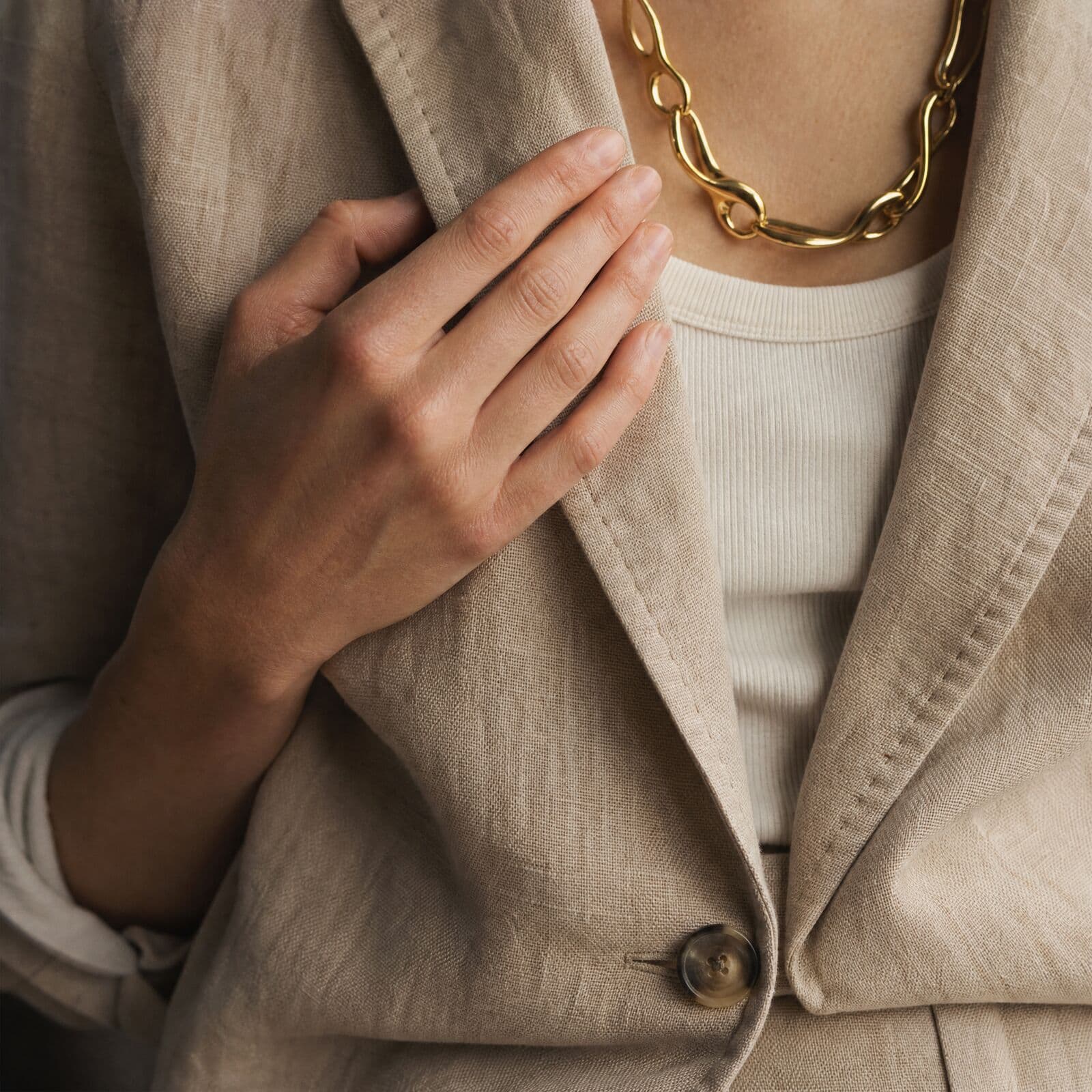
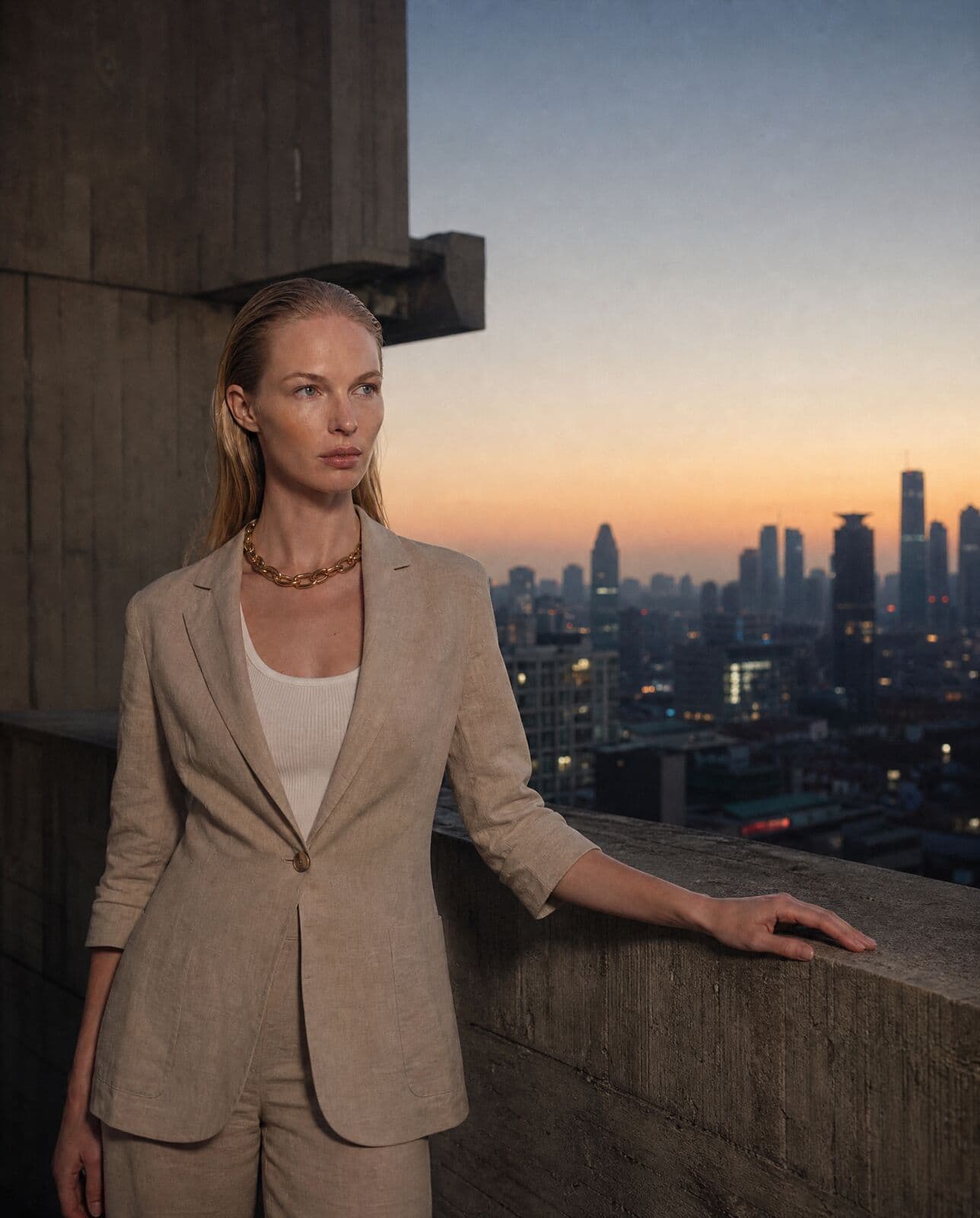
One linen suit on one face, in frames made in Misu: a full look, an exterior, the back, a detail and a mood frame.
09
Questions people ask
What is an AI lookbook generator?
A tool that produces a collection's lookbook images from product photos and assembles them into an ordered book. In Misu that is a Campaign with the Lookbook preset for the images, and a Lookbook board for the pages, credits and sharing.
Can I make a lookbook from product photos alone?
Yes. One photo per product is enough to start. The photo is used as the reference for that product in every shot it appears in. Clear, evenly lit photos give the most faithful results.
How many looks can a lookbook have?
The Lookbook preset plans twelve shots by default and allows up to twenty. Making a lookbook from a shoot turns up to twelve finished shots into looks. You can add more looks to the board by hand afterwards.
Will the same model appear in every look?
Yes, when you pick a model in the brief. Character Lock is on by default for a Campaign, so the same person fronts every shot. You can also brief a product-only lookbook with no model.
Can I export the lookbook as a PDF?
Yes. Open the book and print it. Each page is an A4 landscape sheet, and saving from your browser's print dialog gives you the PDF. There is no separate file export.
How do I share a lookbook with buyers or a client?
Use Share for review on the board. It creates a link that opens without an account and shows only the cover and the looks. Guests can comment, and you can revoke the link at any time.
How much does a lookbook cost to make?
You pay per image generated. At current pricing the estimate for twelve shots at two variants is about 720 tokens, shown before the run starts. Assembling, sharing and printing the book is free.
Can a look show a full outfit, not one product?
Yes. Build the outfit in Wardrobe, save it, and either take it to Generate with every garment as a reference or add its render to a look from the Library. Add a product card for each piece so the look credits them all.
Do I need to check the images before sending the book?
Yes. Product photos guide each render, but prints, logos and hardware can differ from the real garment. Compare each look with the piece it credits, and redo any shot that is not right.
Get started
Your product.
The same face in every shot.
Full commercial rights · Licensed models · Stockholm
Misu is in beta and open to brands, agencies, freelancers and designers. We review every request and email your invite once it's approved, and every new studio starts with welcome credits.
BETA · REVIEWED BY HAND · FOUNDING PRICING LOCKED